76 Chapter 5 Additional IMS procedures ENWW
Importing .mix files (including previous-version ink mix files)
A .mix file is an ink mix workspace.
To import .mix files made for an HP Indigo press based on series 1000 or 2000, do the
following steps:
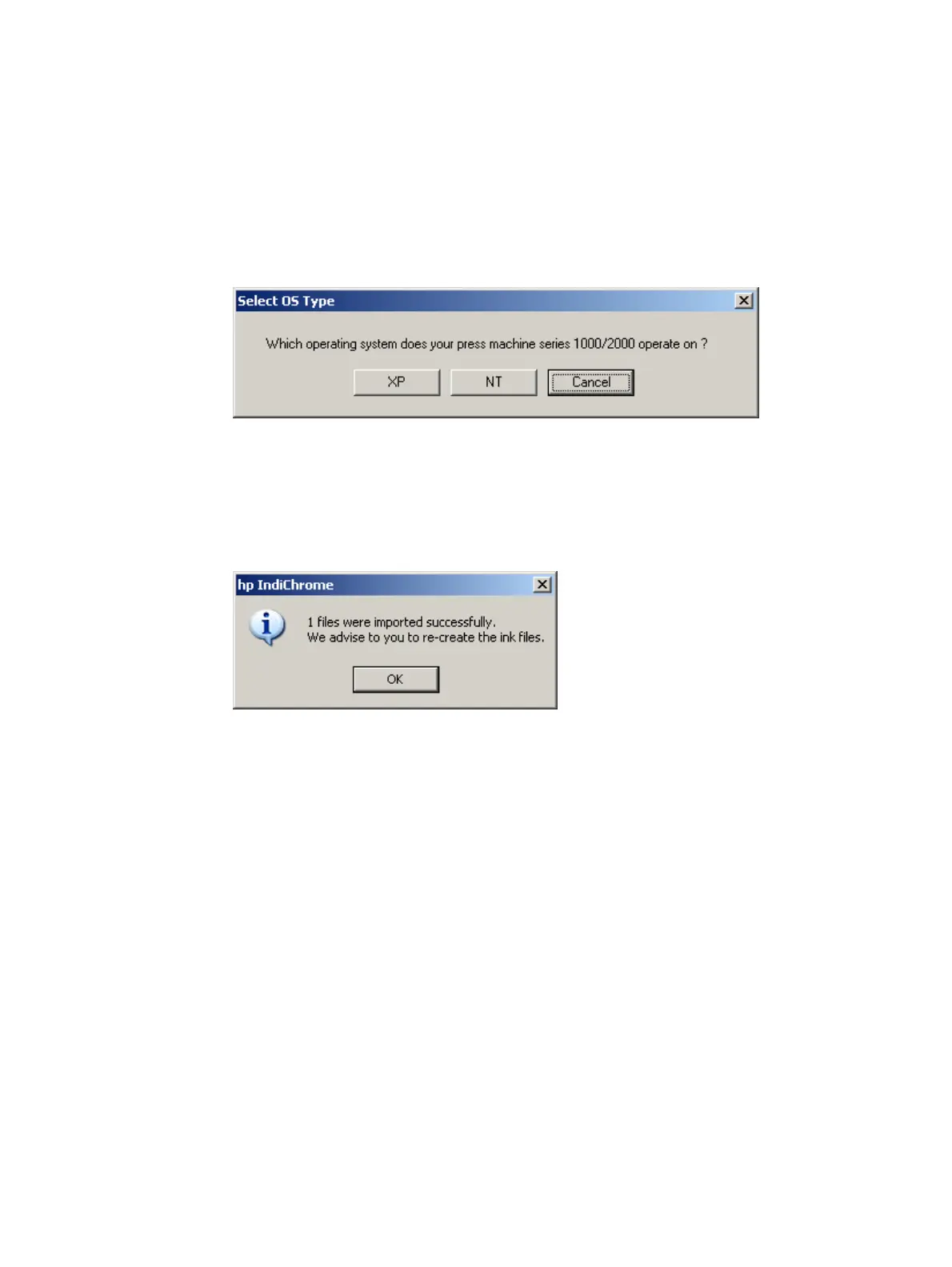
1 From the File menu, click Import > Import series 1000/2000 mix files. The Select
OS Type window appears.
Select OS Type window
2 Click XP or NT as applicable for the press.
3 Locate and select the .mix files to be imported and click Open. The message opens
reporting on the number of files successfully imported and advising that the ink
definition files should be re-created.
Imported successfully and recreate ink files message
4 Click OK.
To import .mix files made for a different HP Indigo press, do the following steps:
1 From the File menu, click Import > Import other press types mix files.
2 Locate and select the .mix files to be imported and click Open. The message opens
reporting on the number of files successfully imported and advising that the ink
definition files should be re-created.
3 Click OK.



 To Next Page