44 Chapter 4 General procedures ENWW
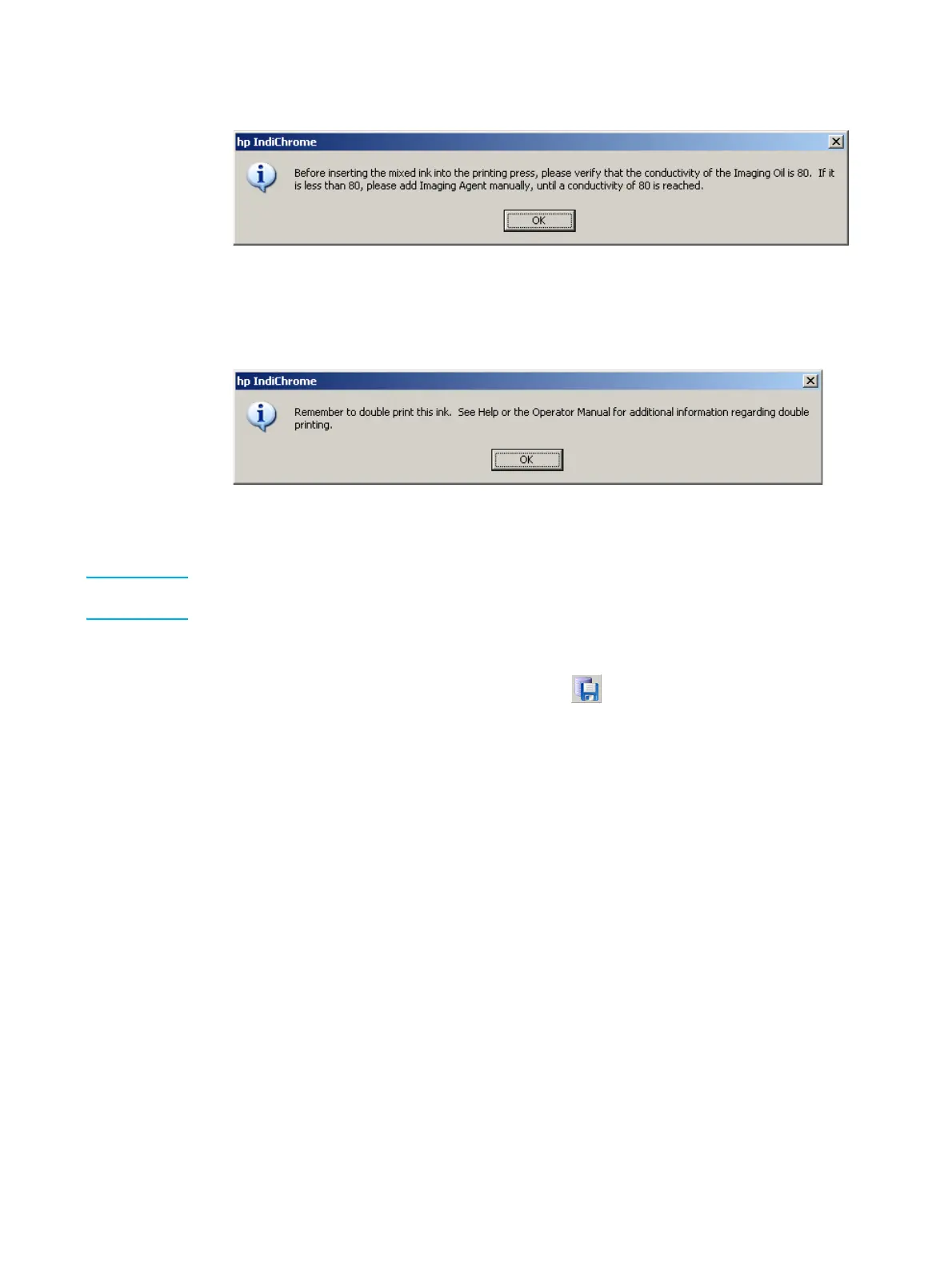
3 Click OK. The following message appears:
Check imaging oil conductivity message
4 Click OK.
If the color is to be double printed, the following message appears:
Remember to double print message
Click OK.
Note Saving the ink definition file changes the color’s workspace. Stopping work on this color at this
time will generate a message to save changes to the color.
Saving the color’s workspace
1 From the File menu, click Save; or click the button. The Save My Colors window
displays.



 To Next Page