ENWW HP IndiChrome window customization 85
HP IndiChrome window customization
Changing the ink mix details panel background color
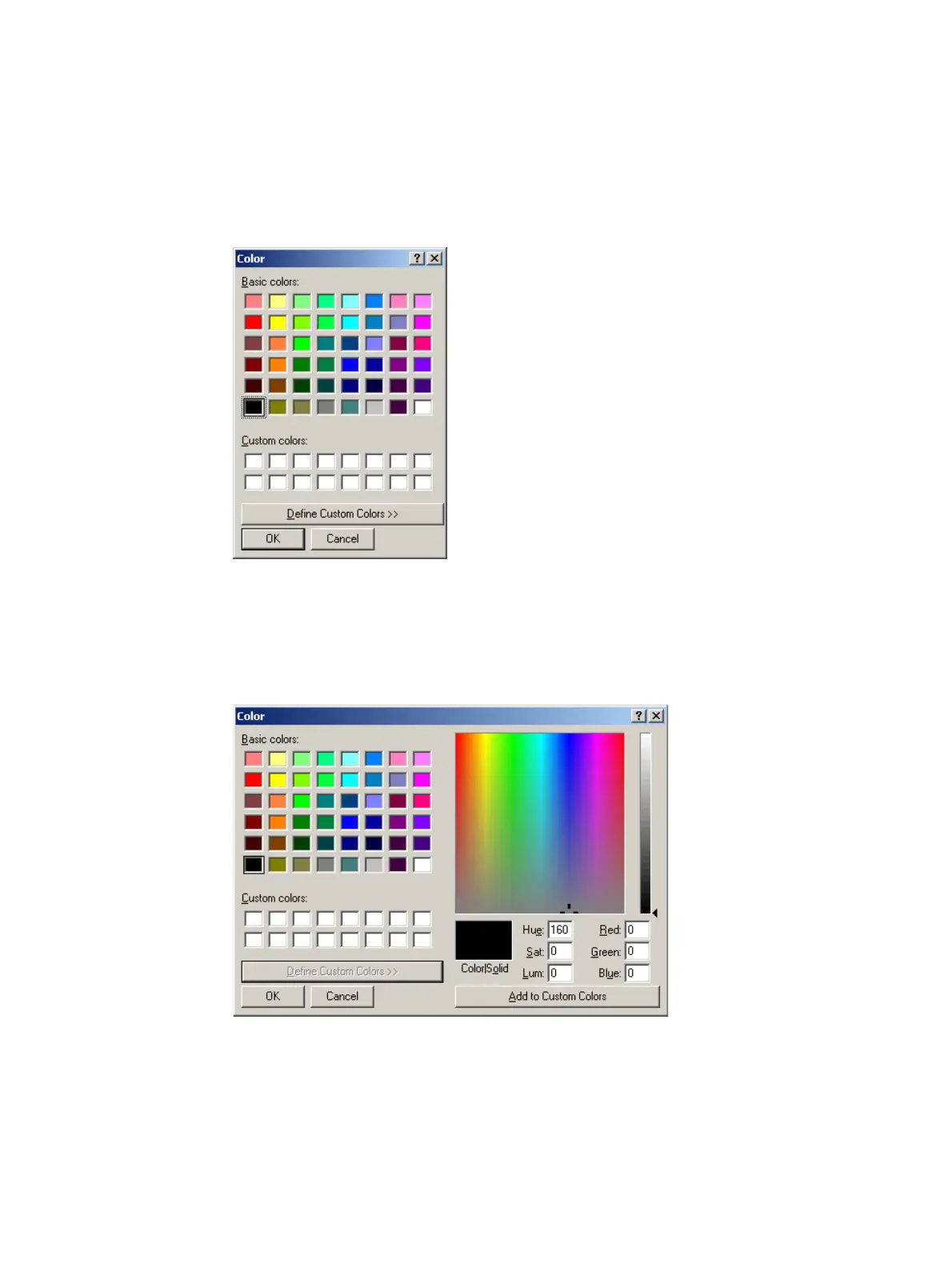
1 From the Configuration submenu of the View menu, select Change Framework
Background Color. The Color window appears.
Color window
2 Select one of the default colors and click OK.
Alternatively, click Define Custom Colors. The Color window expands to allow for
custom color selection.
Color window (expanded)
Click on the custom color or enter the HSL or RGB values. Click Add to Custom
Colors. The custom color appears in a Custom color rectangles. Select the required
rectangle and click OK.



 To Next Page