84 Chapter 6 Customizing the look of the HP IndiChrome window ENWW
Introduction
The submenu of the View menu’s Configuration menu option provides the means for
changing the look of the hp IndiChrome window.
Note The HP IndiChrome window always opens with the default look.
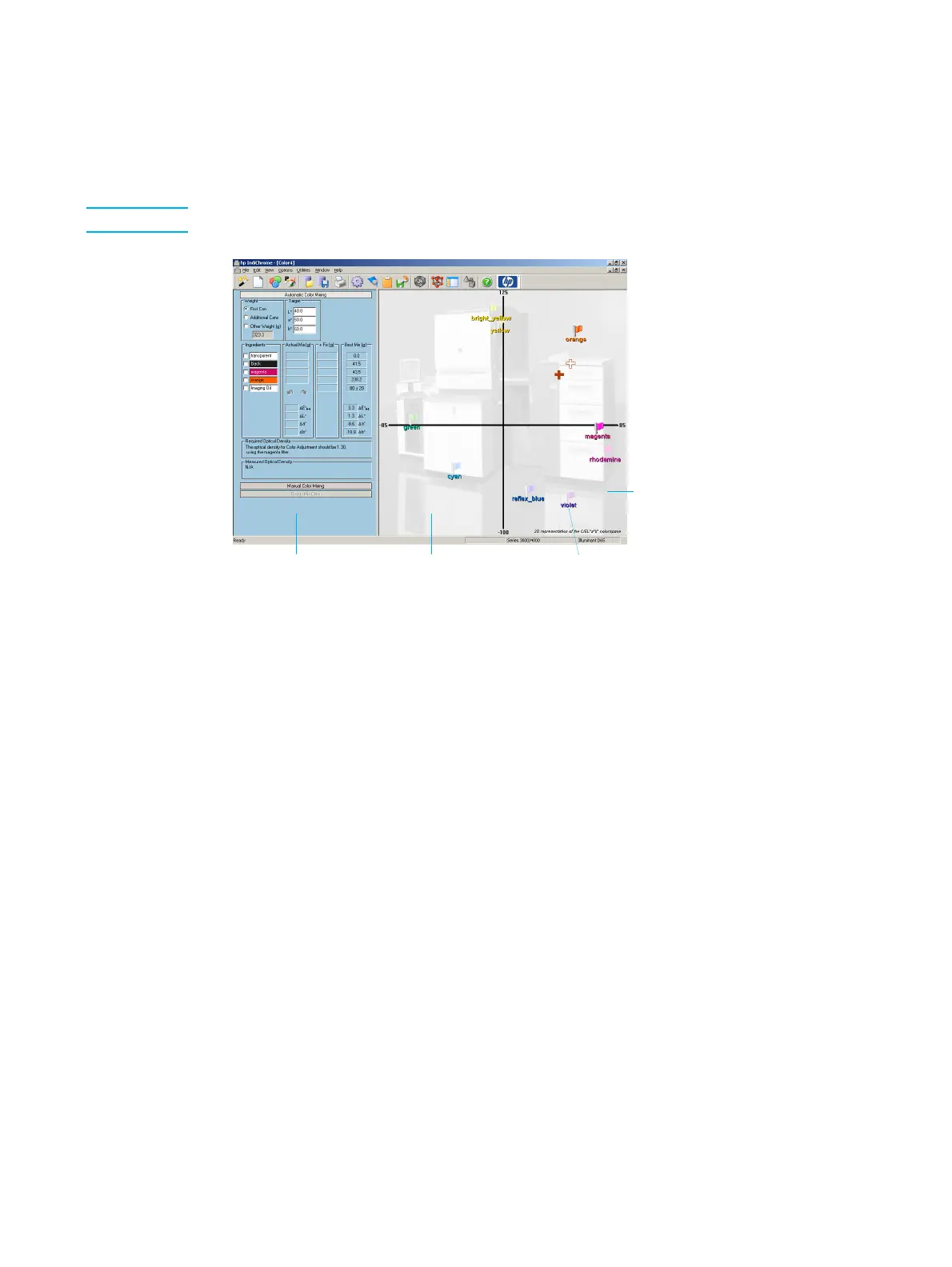
HP IndiChrome window (customizable elements)
The HP IndiChrome window has the following customizable elements:
z Ink mix details back ground color
z 2D color space background color (not specifically visible in the above figure)
z Color name font
z Visibility of the background bitmap
In addition, custimization sets can be saved and then loaded as preferred.
All these customization options are available from the Configuration submenu of the View
menu.
Ink mix details
background
2D color space
background
Color name
font
Bit map



 To Next Page