64 Chapter 5 Additional IMS procedures ENWW
Ready Mix colors
Ready Mix colors are a list of commonly required colors. The HP IndiChrome ink mixing
system provides the ink weights for these colors directly without the need for test prints
and remeasurement.
To use a Ready Mix color, prepare a first can for calibration on the press and as many
additional cans as required for print use.
Note The ink definition file for each Ready Mix color is located in the Ready Mix folder in
C:\Program Files\IMS
To obtain the ink weights for a Ready Mix color, perform the following steps:
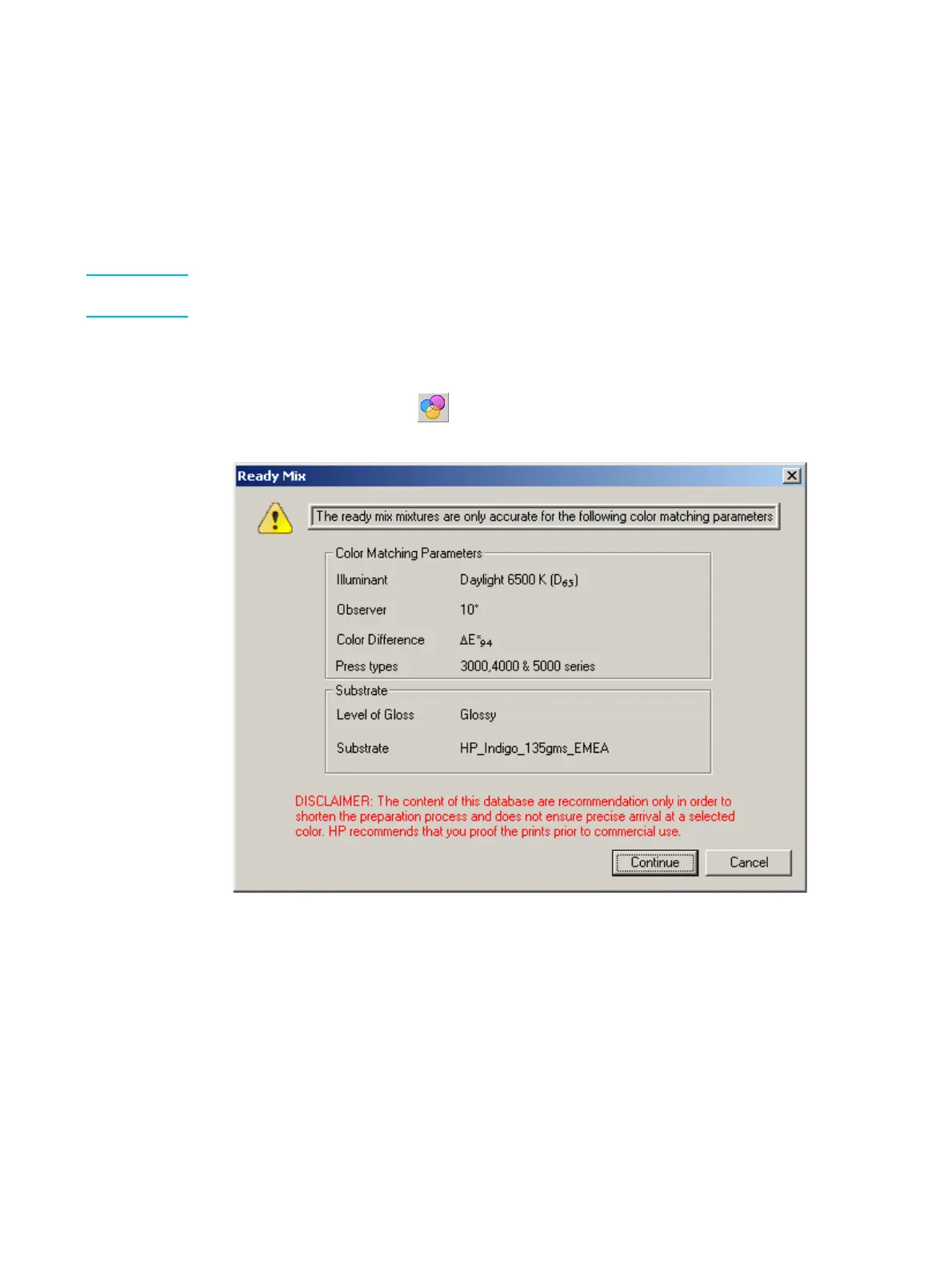
1 From the hp Indichrome Wizard window, select Ready Mix Colors and click Apply.
The Ready Mix window appears.
Alternatively, click the button.
Ready Mix window
Pay attention to the limitations and recommendations on this window.
2 Click Continue. The Load Ready Mix Colors window appears.



 To Next Page