ENWW Mixing a custom color 71
Mixing a custom color
The custom color option provides two methods for entering the target color information
when the PANTONE
®
color is unknown:
z Entering L*, a*, b* target values
z Measuring the color spectrum directly from a printed page.
Using L* a* b* target values
To obtain the ink weights for a custom color, perform the following steps:
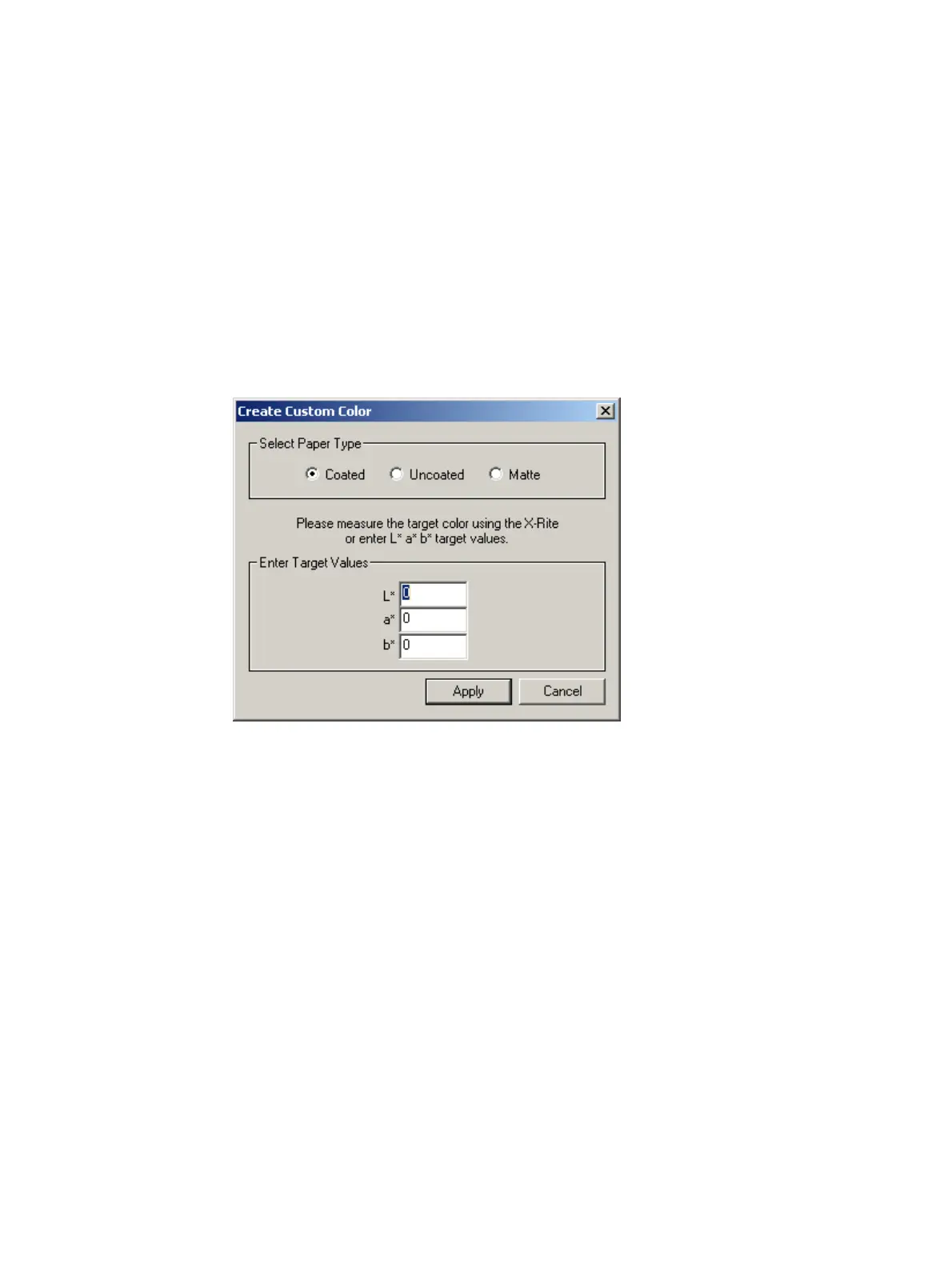
1 From the hp Indichrome Wizard window, select Custom Color and click Apply. The
Create Custom Color window appears.
Create Custom Color window
2 Select the paper type.
3 Enter the L* a* b* target values and click Apply. The Configure Color Matching
Parameters window appears.
4 Continue with Selecting a PANTONE
®
color (step 8) on page 40.



 To Next Page