40 Chapter 4 General procedures ENWW
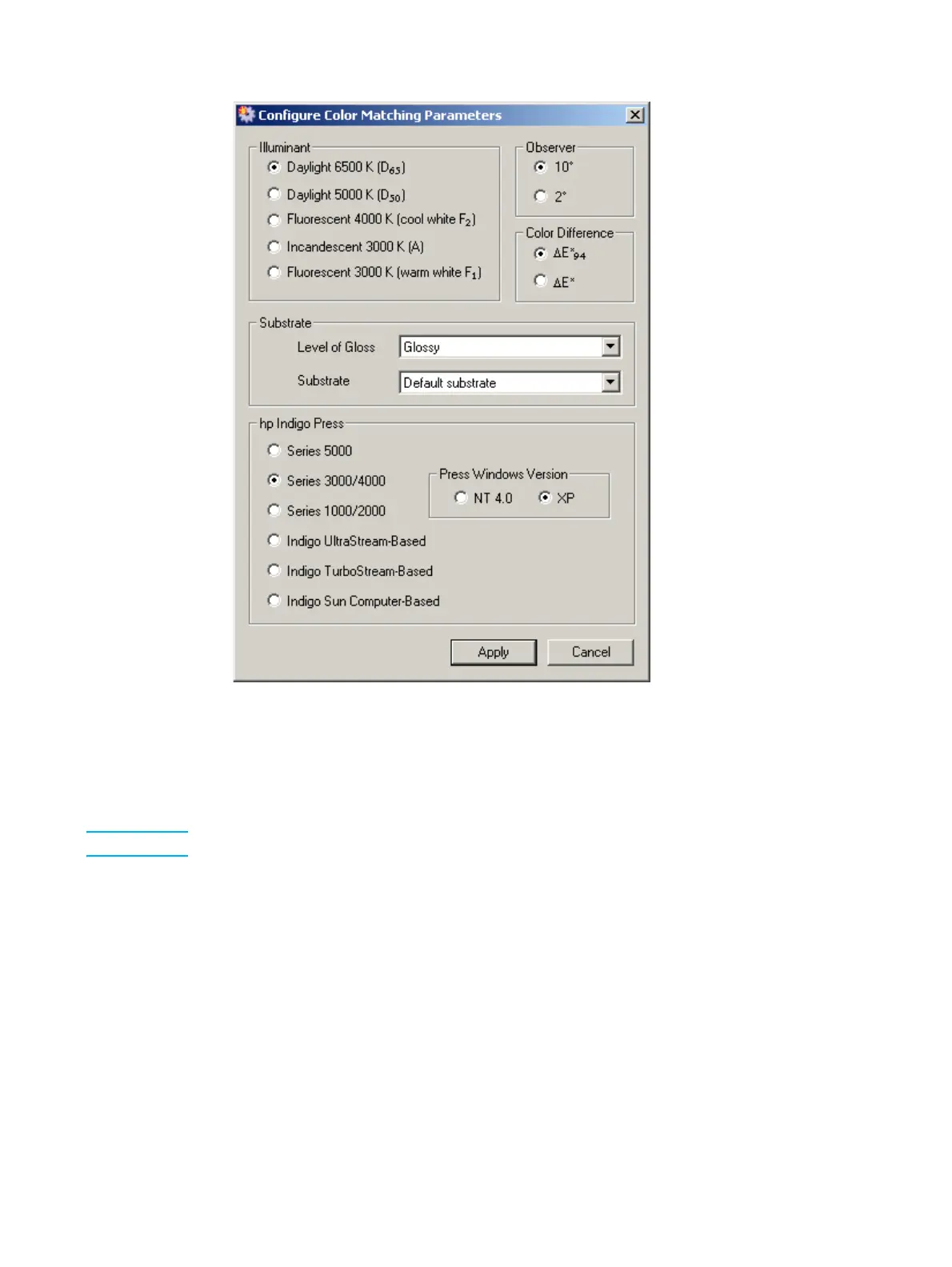
Configure Color Matching Parameters window
8 In the Illuminant section, select the type of lighting conditions that your customers use
to check their printed output.
9 In the Observer section, select the spectrophotometer's angle of measurement. The
default is 10°.
Note The practical difference between 10° and 2° is insignificant.
10 In the Color Difference section, select the parameter to be used to indicate the color
difference between the best or actual mix and the target color. See "∆E*
94
" on page
96 for an in-depth explanation of ∆E*
94
.
11 The Level of Gloss parameter contents matches the choice made in step 4. Select a
different value only if necessary.
12 Click the Substrates drop-down list. If the substrate is white, click Default substrate. If
the substrate is other than white, do one of the following:
• Select the substrate from the list that most closely matches your substrate.
• Add a new substrate (refer to "Adding a new substrate" on page 74).



 To Next Page