ENWW Selecting a PANTONE
®
color 41
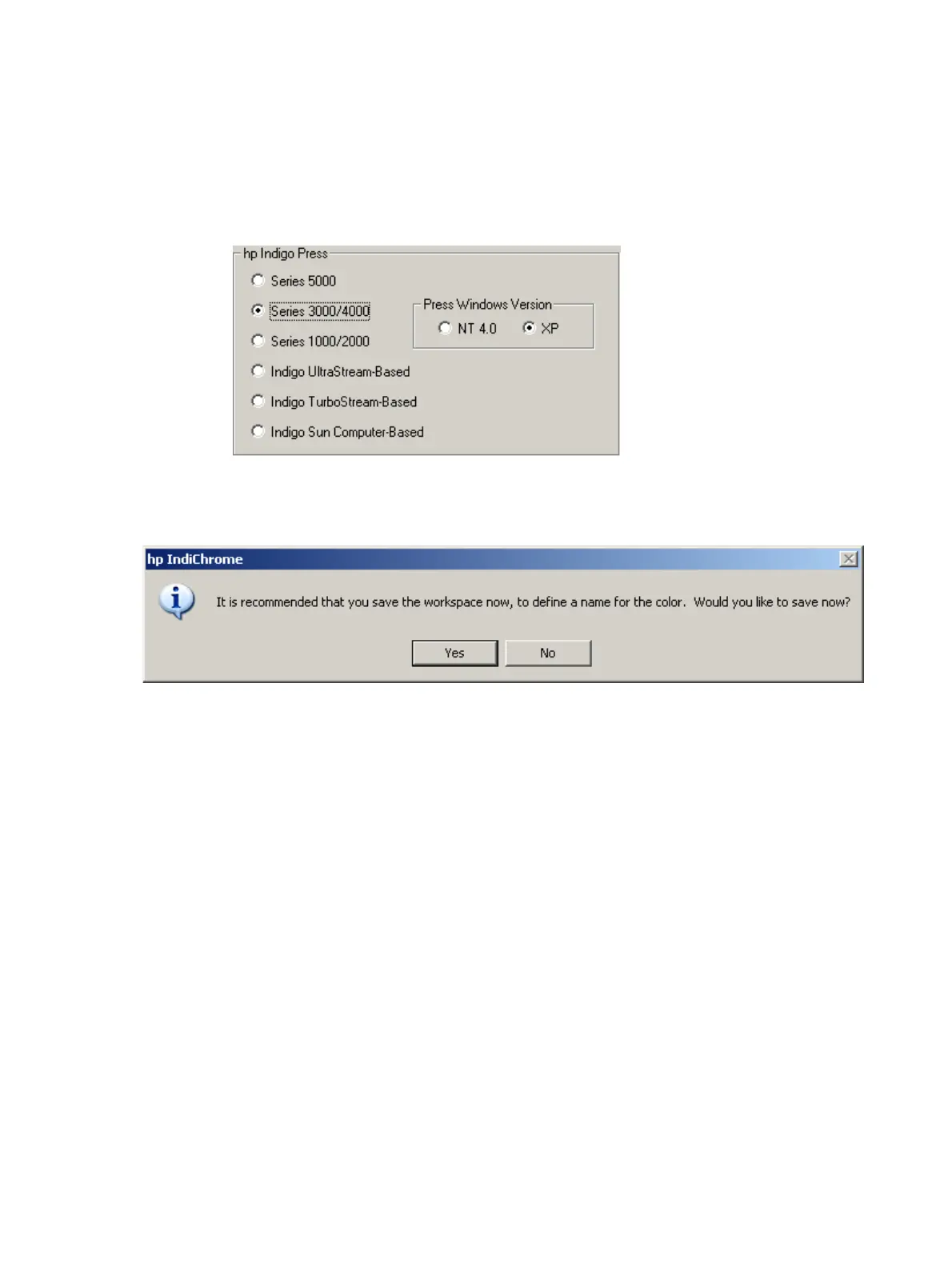
13 Select the type of press on which this color will be installed.
If the press is one of the following, select the operating system of the press:
• Series 3000/4000
• Series 1000/2000
• Indigo TurboStream-based
HP Indigo Press section with Press Windows Version displayed
14 Click Apply. The Save Workspace message displays.
Save workspace dialog box
15 Click Yes. The Save My Colors window displays.



 To Next Page