42 Chapter 4 General procedures ENWW
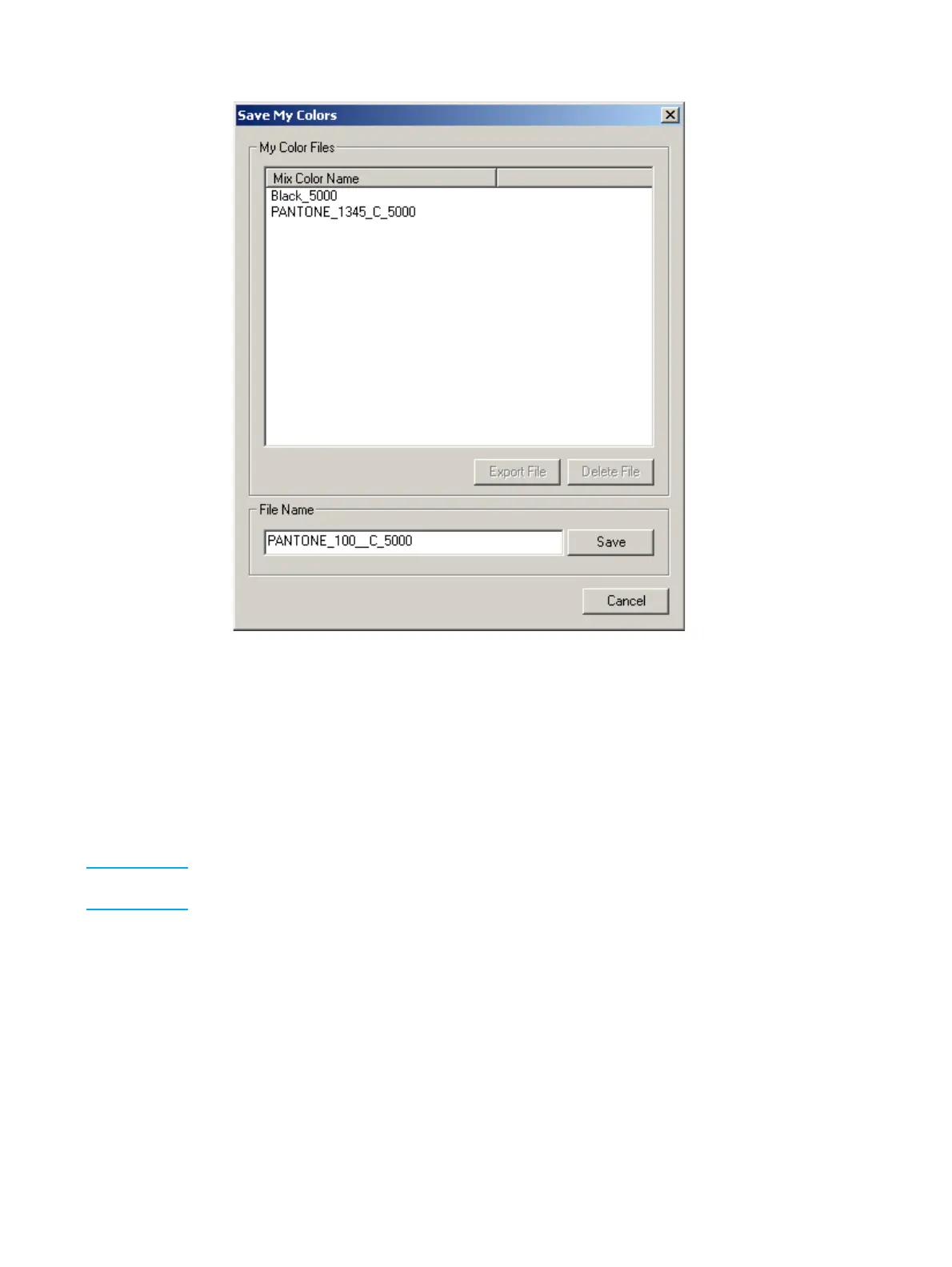
Save My Colors window
The Save My Colors window provides a file name for the workspace of the mix color.
This name is the combination of the PANTONE
®
color name, the coating of the
substrate, and the press type.
You can edit the default file name. For example, if the mix color is to be printed using a
double print, edit the file name to indicate this requirement. This will ensure that the
name of the ink file will indicate to the operator that a double print is required.
16 Click Save.
Note For details on the Export File and Delete File procedures available from the Save My Colors
window, see "Exporting and deleting ink workspace files" on page -77.



 To Next Page