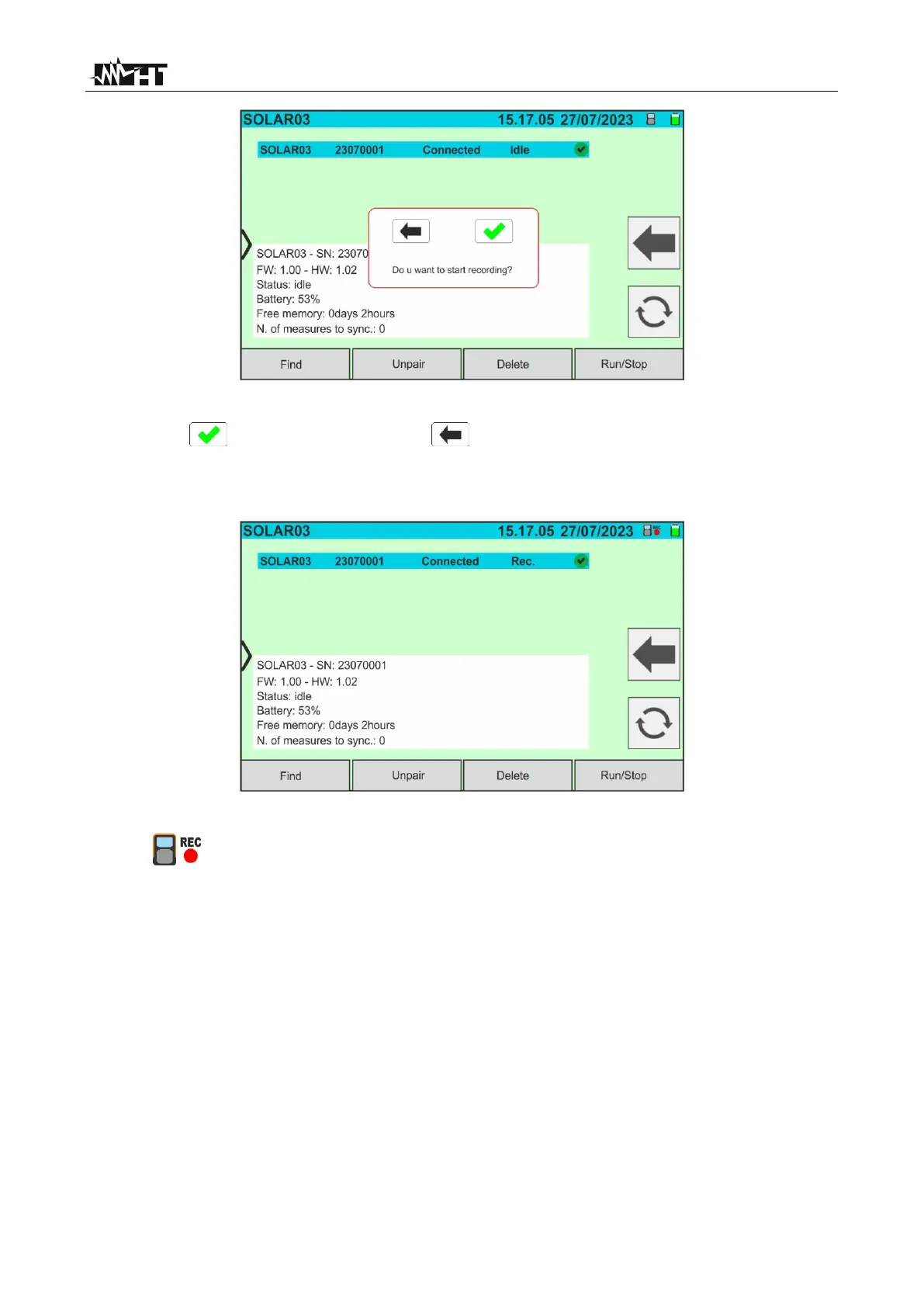
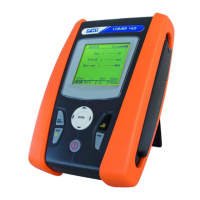
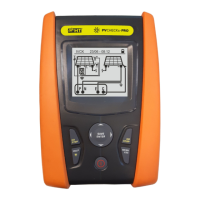
Fig. 56: Recording Activation on Remote Unit - Step 1
12. Tap on to confirm or tap on to exit without proceeding. Recording is
performed with a 1s non-editable scan and the message “REC” appears on the
remote unit display to indicate the operation in progress
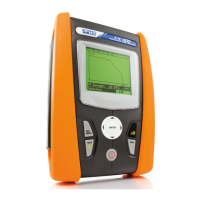
Fig. 57: Recording Activation on Remote Unit - Step 2
13. The icon and the message "Rec." are shown on the display and the message
"REC" is shown on the display of the remote unit
14. Bring the remote unit close to the modules and connect the irradiance/temperature
probes as shown in Fig. 52. As the recording has already been activated on the
SOLAR03 remote control unit, it is no longer necessary to maintain the Bluetooth
connection. Maintaining the connection will only allow to immediately obtain the
outcome of the test without waiting for the measuring campaign to be completed.
15. Check that the value set in the “Min. Irradiance” section (see § 5.2) is consistent with
the measurements to be taken. It is recommended to measure with a threshold of
700 W/m
2
in accordance with the IEC/EN60891 standard.



 To Next Page