NetCol5000-A(025, 035) In-row Air Cooled Smart
Cooling Product
User Manual (600 mm)
Copyright © Huawei Technologies Co., Ltd.
Procedure
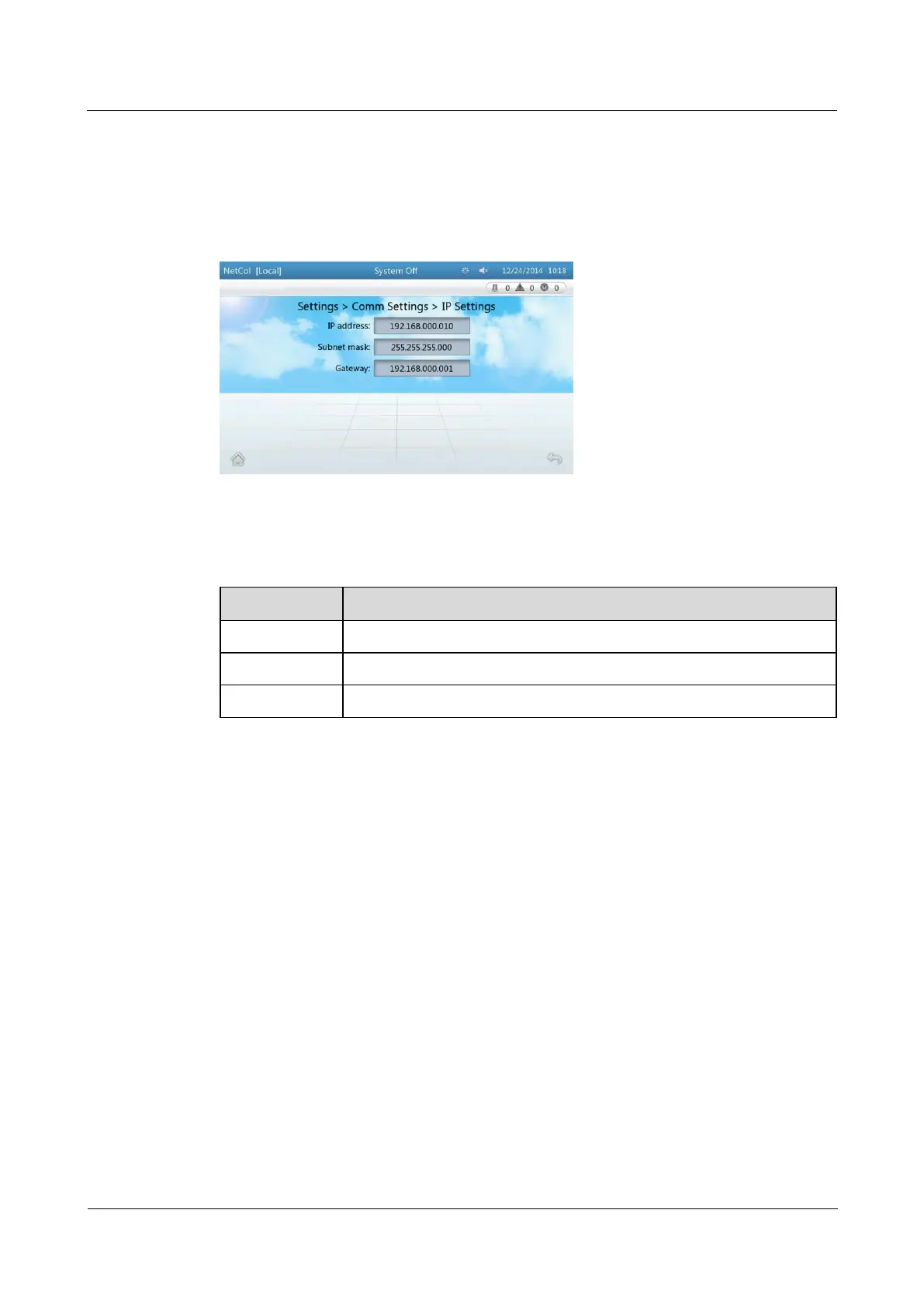
Step 1 On the home screen, choose Settings > Comm Settings > IP Settings. Figure 4-7 is
displayed.
Figure 4-7 Setting the IP address, subnet mask, and gateway address
Step 2 Set the parameters by referring to Table 4-3.
Table 4-3 IP address settings
Set according to the actual plan
Set according to the actual plan
Set according to the actual plan
----End
4.3.2.5 Setting Communications Parameters (ModBus Settings)
Context
When the smart cooling product monitoring system connects to the ECC800, you do not
manually set the Modbus and skip the operations in this section.
To set communications parameters, log in as the Admin or Engineer user.
If Connection mode is set to Server, one smart cooling product can be accessed by a
maximum of two element management system (EMS) clients at the same time. If
Connection mode is set to Client, a smart cooling product can be connected only to an
EMS with a specific ID address. If Connection mode is set to Server+client, one smart
cooling product can be accessed by a maximum of two EMS clients and connect to an
EMS with a specific ID address at the same time.
Procedure
Step 1 Choose Settings > Comm Settings > Modbus Settings on the home page. The page shown
in Figure 4-8 is displayed.



 To Next Page