Function description
Chapter 3 OPERATION MANUAL
V1.3.0en/06.07.15//14.06 Liability for errors and misprints excluded. CC®
3.8 Control instruments
To exit the “Categories Menu”, sub-categories, menu items, press the “Home” touch button
(house) or the arrow. After 2 minutes of inactivity, the category/ sub-category or the Favourites
menu is automatically closed and you return to the “Home” screen. Dialogs are not can-
celed/closed after 2 minutes of inactivity.
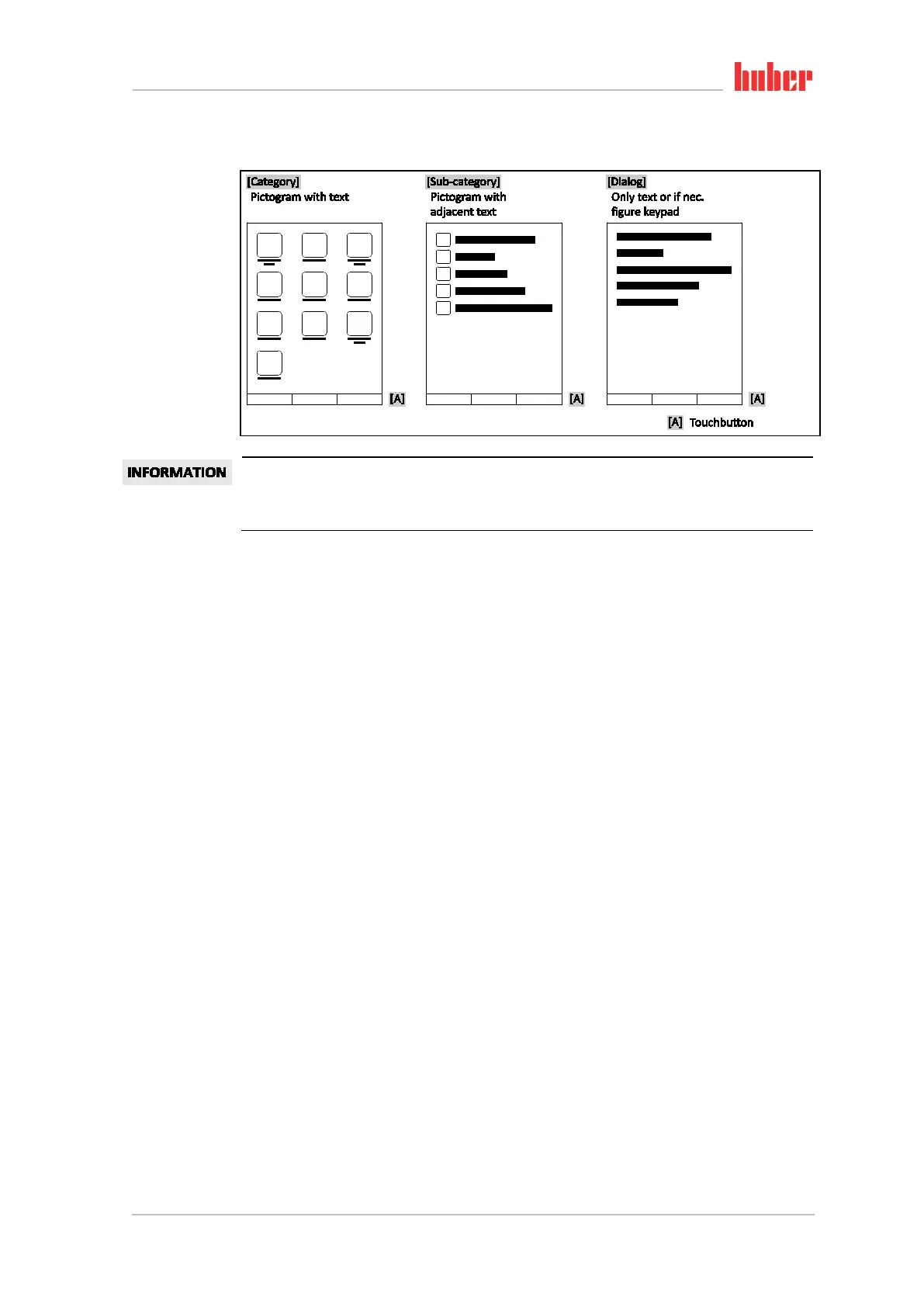
3.8.1 The touchbuttons
Depending on the situation, the touch buttons can be assigned different functions.
For example:
▪ Select the “Home” screen (house)
▪ Back (arrow to left)
▪ Favourites (star)
▪ Add to favorites (star with a plus sign)
▪ Select the “Categories menu” (menu)
▪ Confirm entry
▪ Start/stop
etc.
3.8.2 The categories
For clarity we have grouped the Operation and Setting of Pilot ONE in various categories. A category
is selected by tapping it.
3.8.3 The sub-categories
The sub-categories are parts of a category. This is where you will find the entries that we have
grouped together for you in the selected category. Not all the categories also contain sub-
categories. Tap on a sub-category to select it.
3.8.4 The dialogs
Tapping on a category or sub-category displays its dialogs. Dialogues may appear e.g. as text, a
numeric or a alphanumeric keyboard. Dialogs allow you for example to enter settings or start creat-
ed temperature control programs. Within a dialog, selection must always be confirmed with the
“OK” touch button. When cancelling a dialog with the “ESC” touch button it may be necessary to
confirm the cancellation again.
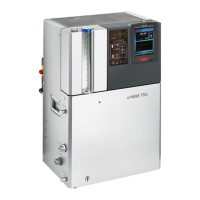
Example “Control
instruments”



 To Next Page