Service/maintenance
Chapter 7 OPERATION MANUAL
V1.3.0en/06.07.15//14.06 Liability for errors and misprints excluded. CC®
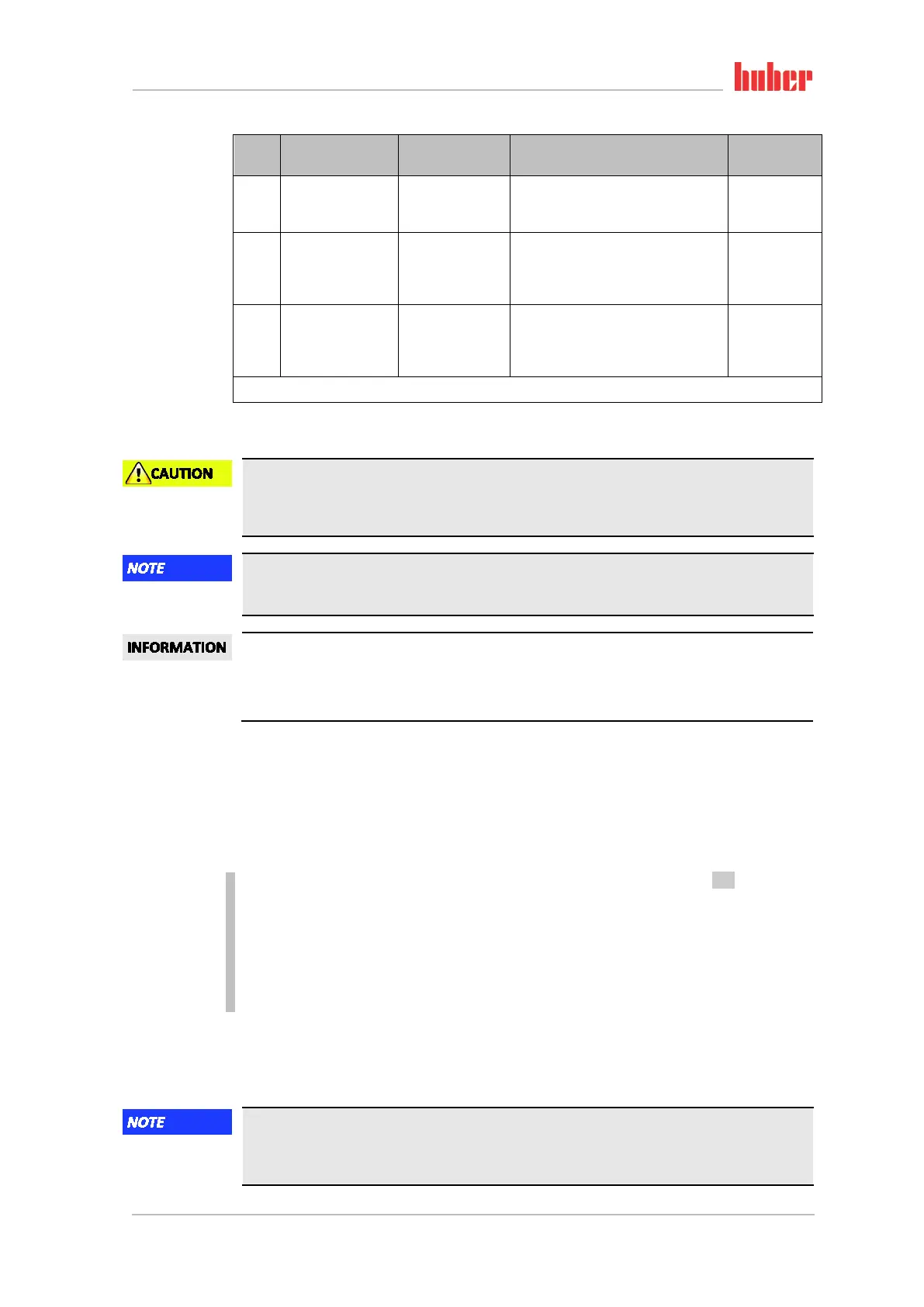
Cool-
ing*
Description
Maintenance
interval
Comment
Person re-
sponsible
L/W
Overtemperature
protection (OT) -
functional check
Every 3 months or
after changing the
thermal fluid
See page 52, section »Testing over-
temperature protection for functiona-
lity«
Responsible
body and/or
operators
L/W
Inspect tempera-
ture control unit for
damage and stabil-
ity
Every 12 months
or after a change
of location
Responsible
body and/or
operators
W
Inspect water
quality
Every 12 months
Descale the cooling water circuit as
required. Documentation on water
quality available at: www.huber-
online.com
Responsible
body and/or
operators
*L = Air cooling; W = Water cooling; U = Applicable only for Unistats
7.4.2 Clean liquefier fins (air-cooled temperature control unit)
Manual cleaning
RISK OF BEING CUT ON THE LIQUEFIER FINS
Wear suitable cut-resistant gloves for cleaning work.
Use cleaning equipment such as vacuum cleaners and/or a hand brush/brush.
Cleaning using pointed or sharp-edged tools
DAMAGE TO THE LIQUEFIER FINS
Clean the liquefier fins using suitable cleaning appliances.
Make sure there is adequate ventilation (removal of waste heat, fresh air supply) for the tempera-
ture control unit, in case of air cooling, maintain wall clearance (see page 20, section »Exemplary
illustrations of the cooling variants« and page 22, section »Ambient conditions«).
The liquefier fins must be cleaned (dust) from time to time as only then will the temperature con-
trol unit perform at its maximum cooling capacity.
Identify the position of the ventilation grille, usually located on the front. With some temperature
control units, the ventilation grilles on the side wall, rear or on the underside (table units) of the
temperature control unit.
PROCEDURE
Ventilation grille on the front/rear or on a side wall
Switch off the temperature control unit. Do this by turning the >Mains switch< [37] to the “0”
position!
Disconnect the temperature control unit from the current supply.
Remove the ventilation grille to create unhindered access to the liquefier fins.
Clean the liquefier fins using suitable cleaning appliances.
Make sure the liquefier fins are not damaged or deformed, as this will impair the air flow.
Re-mount the ventilation grille after cleaning work.
Connect the temperature control unit to the power supply.
Switch the temperature control unit on.
PROCEDURE
Ventilation grille on the underside (table-top units)
Cleaning of liquefier fins at the underside when the temperature control unit is filled
DAMAGE CAUSED BY THERMAL FLUID PENETRATING THE TEMPERATURE CONTROL UNIT
Empty the temperature control unit before cleaning the liquefier fins at the underside of the
temperature control unit.



 To Next Page