v 1.0 — August 2018 Altanium Neo5
Page 66
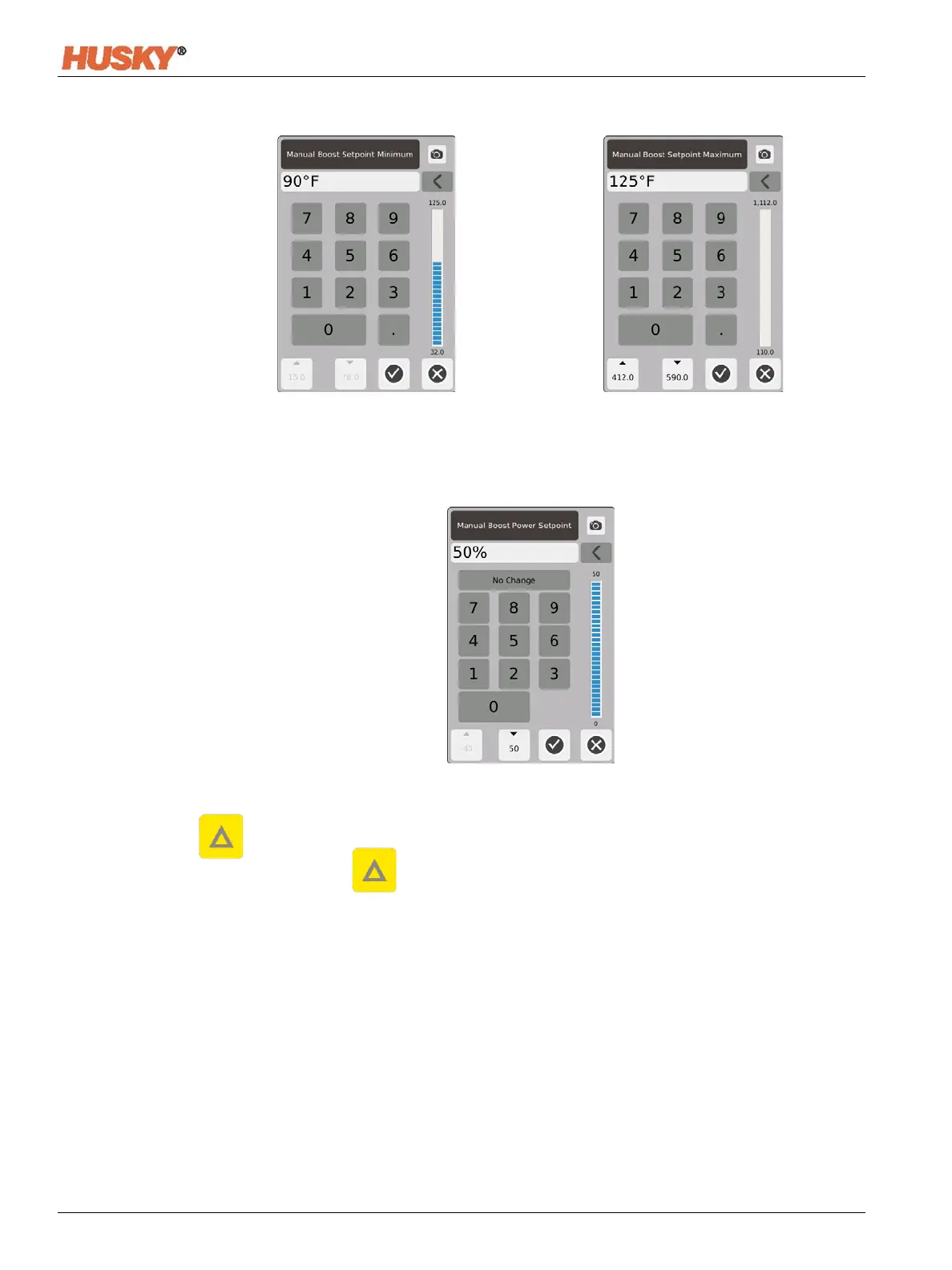
Manual Boost Temperature Range — Use the minimum and maximum dialog boxes to set
the manual boost temperature range.
Manual Boost Power Setpoint — The power level that all zones are set to when you select
. Manual Boost increases the power level of all the zones to the setpoint until the timer
expires or you touch again. The default value is 90%.


 To Next Page