Page 67
User Guide v 1.0 — August 2018 Altanium Neo5
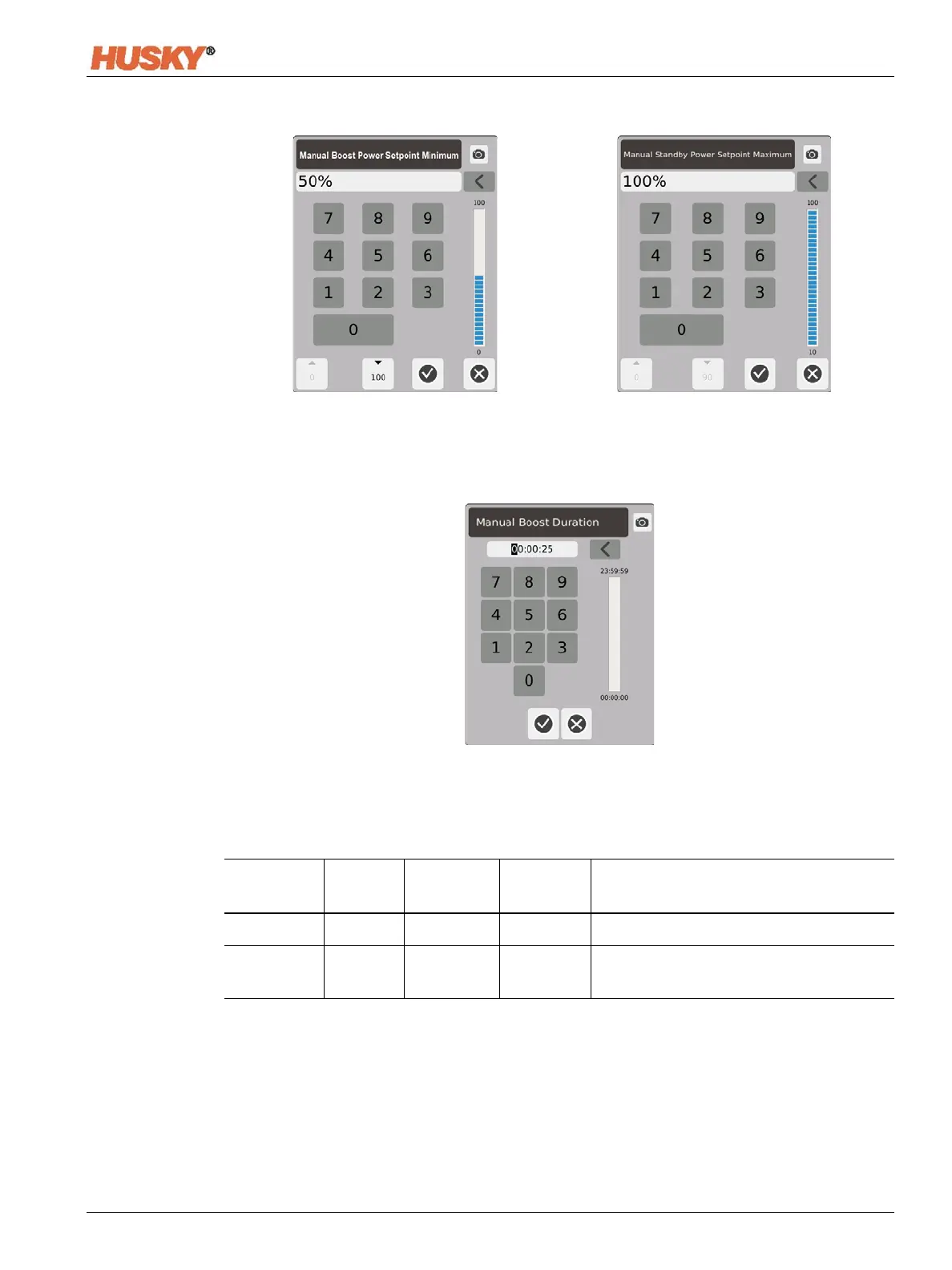
Manual Boost Power Range — In the dialog boxes, set the minimum and maximum manual
standby power range.
Manual Boost Duration Timer — In the dialog box, set the time that the zones will stay in the
manual boost mode.
Manual Boost can be cancelled at any time by touching the Start or Stop buttons.
Manual Boost Operational Description
Manual Time
Delay
Time
Remote
Time
Input Mode Operation - BOOST Button Select
0:00:00 ---- ---- ---- System enters Boost indefinitely.
X:XX:XX ---- ---- ---- System remains in Boost until the timer
expires.


 To Next Page