Page 73
User Guide v 1.0 — August 2018 Altanium Neo5
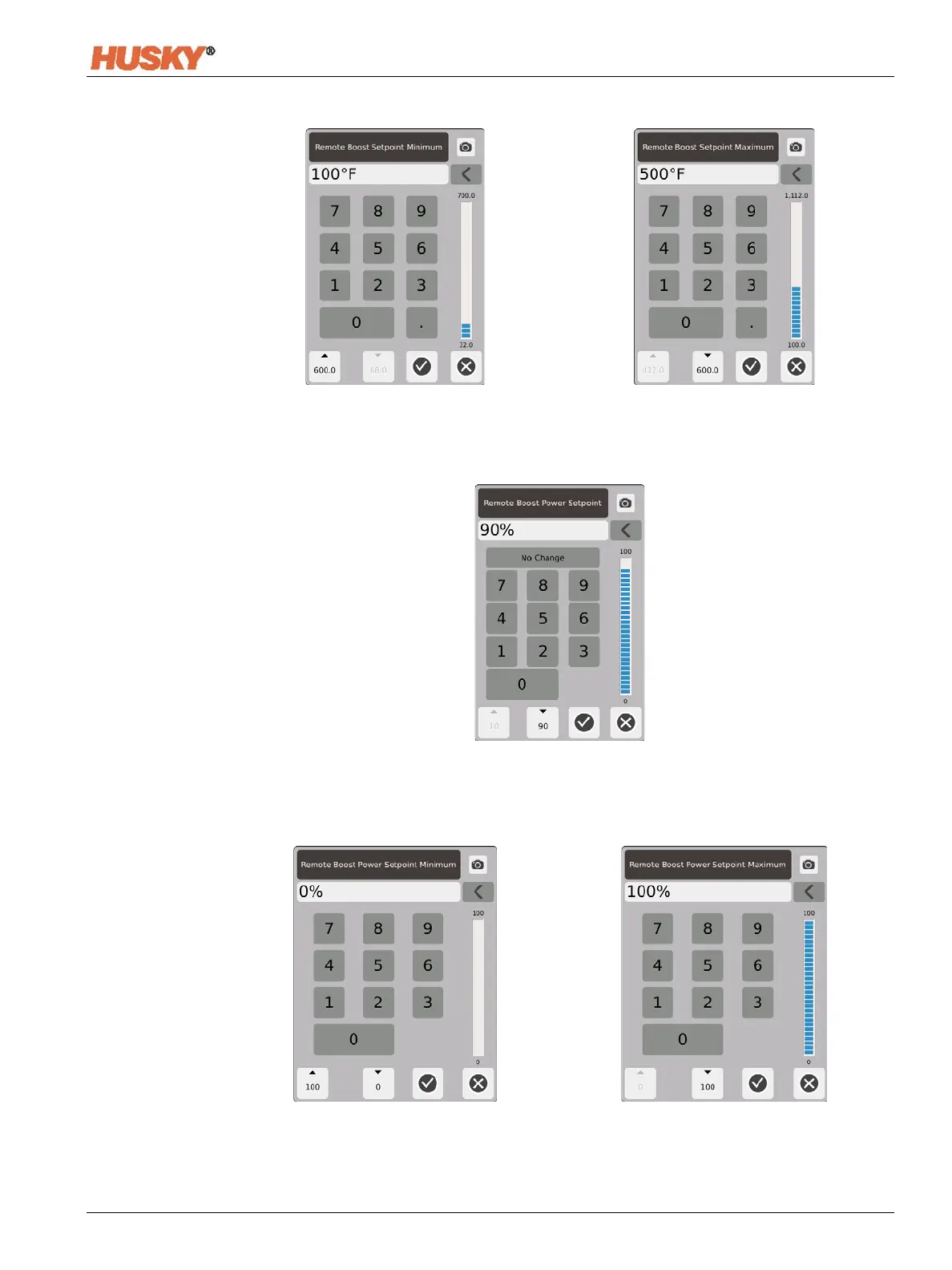
Remote Boost Temperature Range — Use the minimum and maximum dialog boxes to set
the remote boost temperature range.
Remote Boost Power Setpoint — The power level that all zones are set to when a remote
boost signal is received. Remote boost increases the power level of all the zones to the
setpoint until the timer expires or the remote boost signal is removed.
Remote Boost Power Range — Use the minimum and maximum dialog boxes to set the
remote boost power range.


 To Next Page