37
4
RECEIVE AND TRANSMIT
DD
Memory keyer set mode
This set mode is used to set the memory keyer repeat
time and indication type of the messages.
• Setting contents
q Select CW mode with [MODE].
w Enter the memory keyer menu.
•Push
[MODE] for 1 sec. to enter the memory keyer
send menu.
•Push
[DISPLAY] momentarily to enter the memory
keyer menu.
e Push [
(F-3)
SET] to enter the memory keyer set
mode.
r Push [MENU] to select the desired set item.
• [M-CH] or [Y]/[Z] can also be used.
t Set the desired condition using the main dial.
y Push [DISPLAY] twice to return to the memory
keyer send menu.
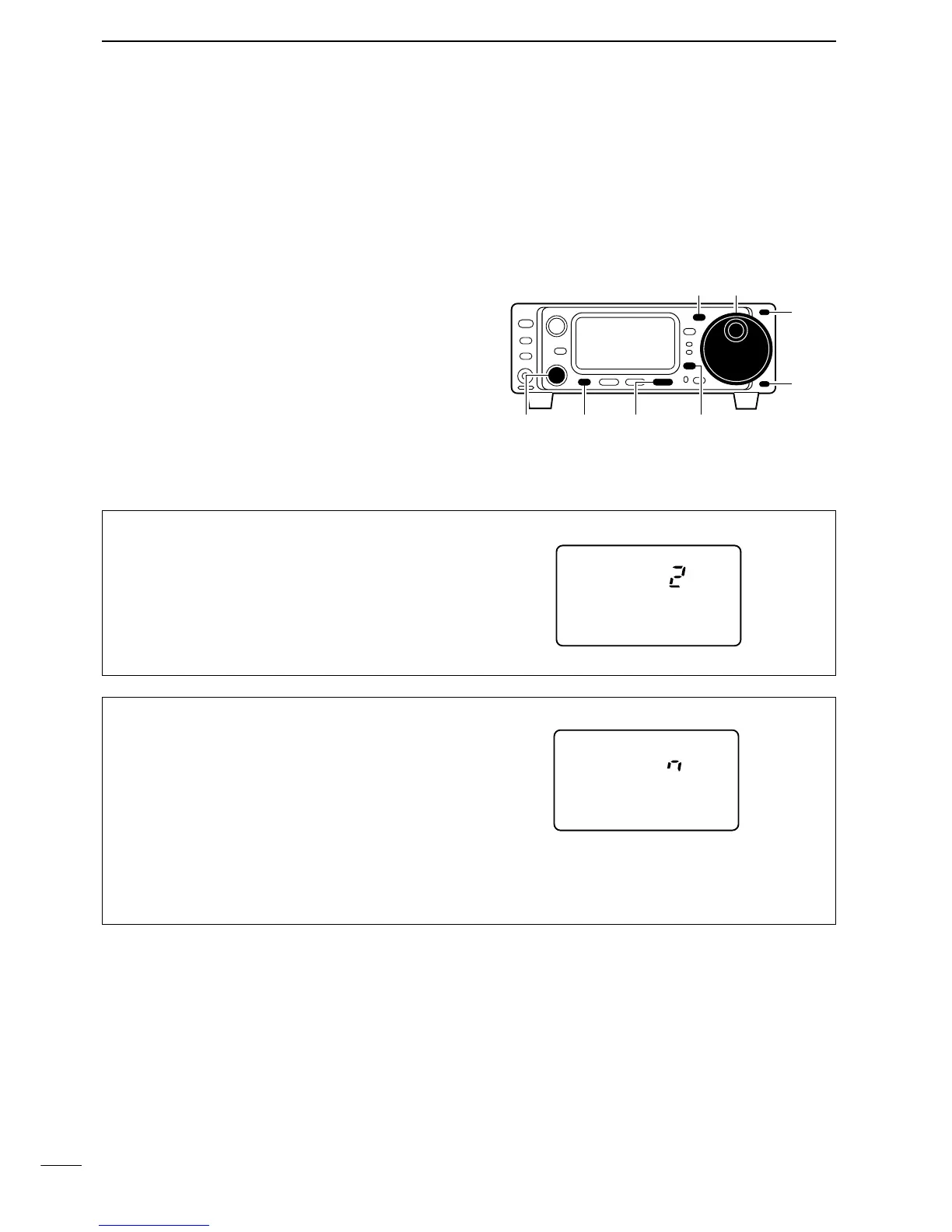
[MENU] [DISPLAY][M-CH] [F-3]
[MODE] Main dial
[Y]
[Z]
01 REPEAT TIME (Repeat time)
When sending CW using the repeat timer, this item
sets the time between transmission.
• 1 to 60 sec. in 1 sec. steps can be selected.
02 MSG DISPLAY (Message display)
This item sets the indication type of the messages
(pre-set characters).
n : Normal indication (default)
[(F-1)MK1], [(F-2)MK2], [(F-3)MK3]
3 : First three characters of the massages are in-
dicated.
e.g. [(F-1)CQ ], [(F-2)UR ], [(F-3)CFM]
3.cn : First three characters of the massages and
contest number are indicated.
e.g. [(F-1)CQ ], [(F-2)001], [(F-3)CFM]



 To Next Page