WindO/I-NV4 User’s Manual 15-7
1 Overview
15
Operation Log Function
1.5 Using the Data
The saved data can be used in the following ways.
*1 SD memory card for HG5G/4G/3G/2G-V, HG4G/3G and HG2G-5F, USB flash drive for HG2G-5T and HG1G/1P
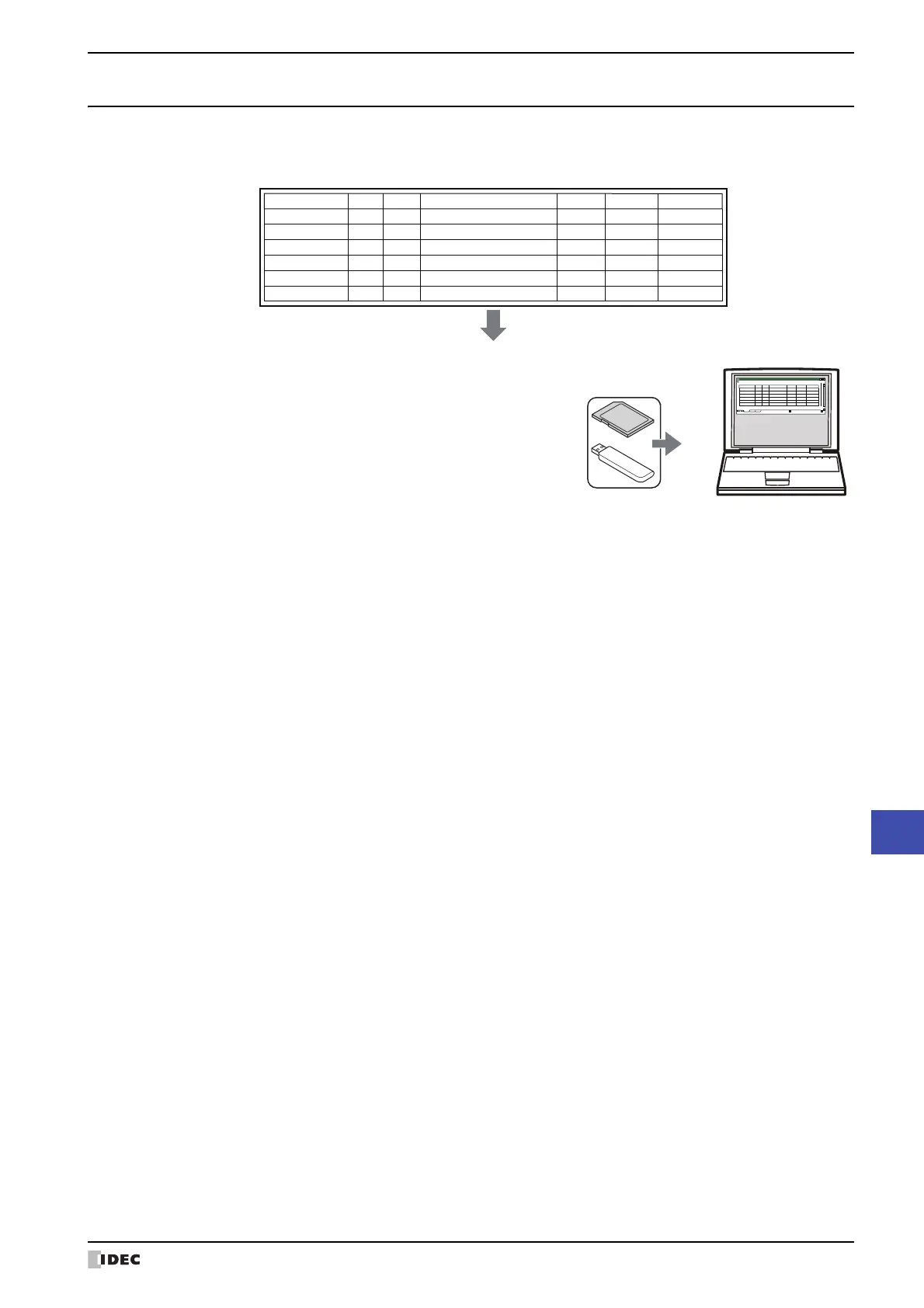
• Save to and read from an external memory device
*1
Output data from the MICRO/I to the external memory device as
a CSV file and use it on a computer.
For details, refer to “4.1 Saving the Data as a CSV File” on page
15-21.
Operation Log data
Sampling Time User
Screen No.
Event Name Part Name Details Changed to
12/01/2011 12:00:10 - Base1 Power ON - - -
12/01/2011 12:01:23 User1 Base1 Switch to Base Screen - - Base2
12/01/2011 12:02:45 User1 Base2 Change Users - - User2
12/01/2011 12:03:06 User2 Base2
Change Operation Modes
--System Mode
12/01/2011 12:04:11 User2 Base2 Press buttons BitSwitch - -
12/01/2011 12:04:11 User2 Base2 Write Data to any Device Addresses - LDR0 55
Operation Log data
(CSV)
Book1
Sheet1
Sheet2
Sheet3
Sampling Time User
Screen No.
Event Name Part Name Details Changed to
12/01/2011 12:00:10 - Base1 Power ON - - -
12/01/2011 12:01:23 User1 Base1 Switch to Base Screen - - Base2
12/01/2011 12:02:45 User1 Base2 Change Users - - User2
12/01/2011 12:03:06 User2 Base2
Change Operation Modes
--System Mode
12/01/2011 12:04:11 User2 Base2 Press buttons BitSwitch - -
12/01/2011 12:04:11 User2 Base2
Write Data to any Devices
-LDR0 55



 To Next Page
 Loading...