WindO/I-NV4 User’s Manual 18-15
4 Creating and Deleting Data for Recipes
18
Recipe Function
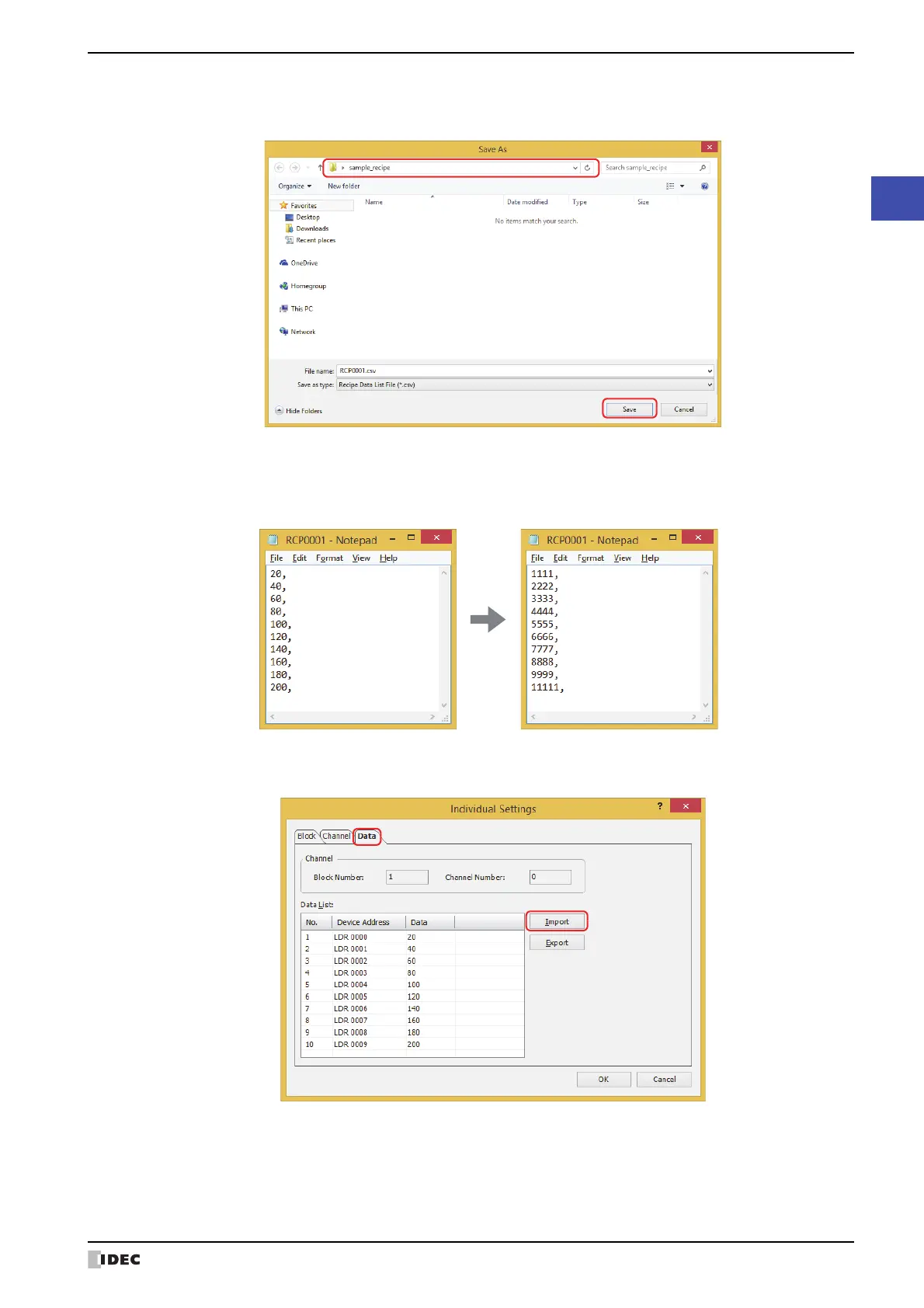
4 Specify the save location and click Save.
The file name specified on the Block tab in the Individual Settings dialog box is entered in File name.
5 Open the exported recipe data file.
Use Notepad, a commercially available text editor, or spreadsheet software.
6 Edit the values and save the file.
7 Return to the Data tab in the Individual Settings dialog box and click Import.
The Open dialog box is displayed.



 To Next Page
 Loading...