WindO/I-NV4 User’s Manual 23-53
5 Editing User Accounts on the MICRO/I
23
User Accounts and the Security Function
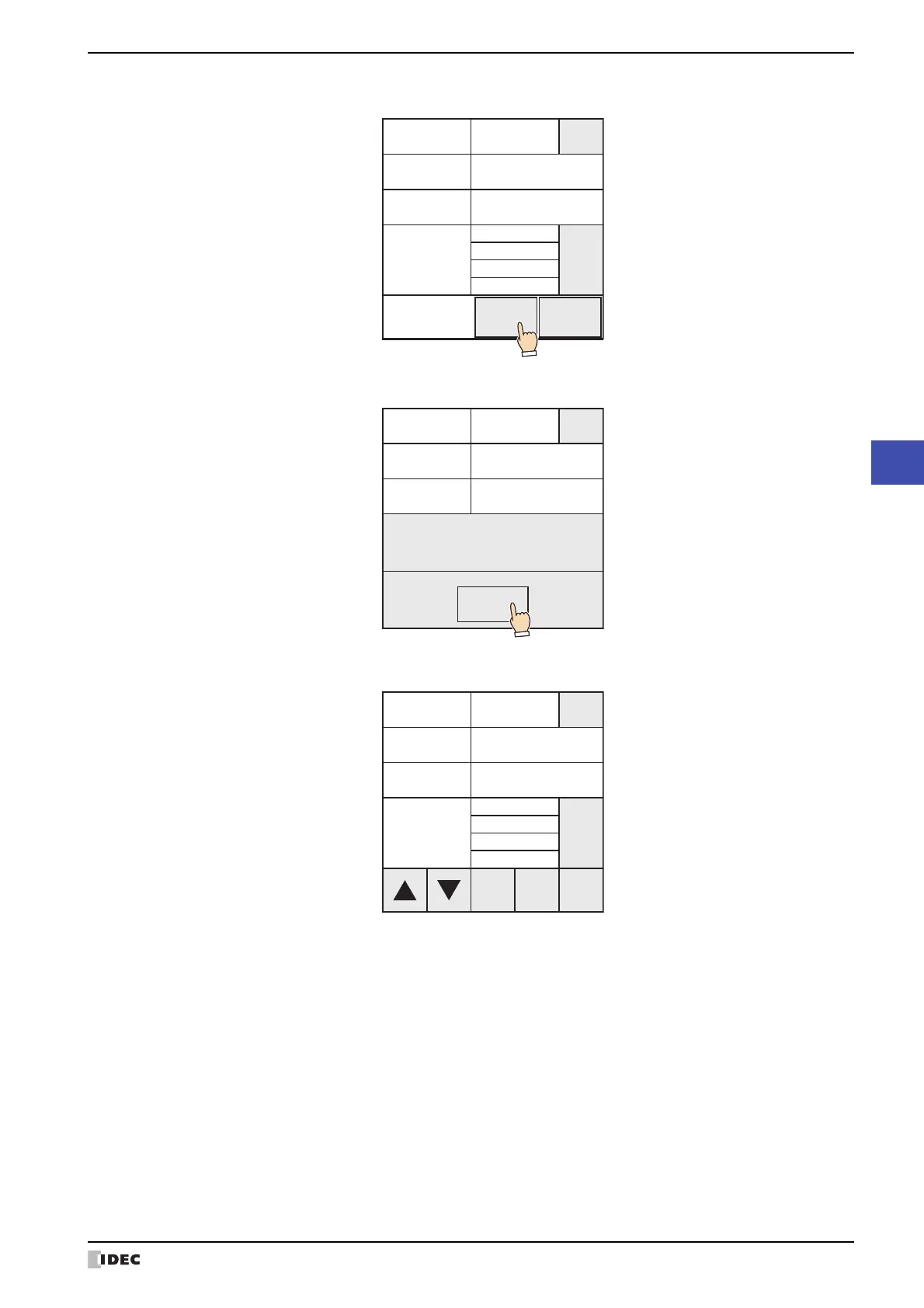
7 Press OK.
8 Press OK.
The user name, password, and security group assignments will be changed.
This concludes editing a user account.
編集 追加 削除
X
GroupA
Admin
Password02
Test02
2
Change
Security
Group
Password
User Name
User ID
CANCELOK
Edit
User.
編集 追加 削除
X
変更
GroupA
Admin
セキュリティ
グループ
Password02
Test02
2
Password
User Name
User ID
OK
Succeed
X
GroupA
Admin
**********
Test02
2
Edit Add Delete
Detail
Security
Group
Password
User Name
User ID



 To Next Page
 Loading...