3 Uploading
24-24 WindO/I-NV4 User’s Manual
Uploadable data is as follows.
• Screenshots
• Alarm Log Files
•Data Log Files
•Operation Log Files
• Recipe Files
•Picture Files
• Sound Files
*1
• Movie File List
*2
• Movie Files
*2
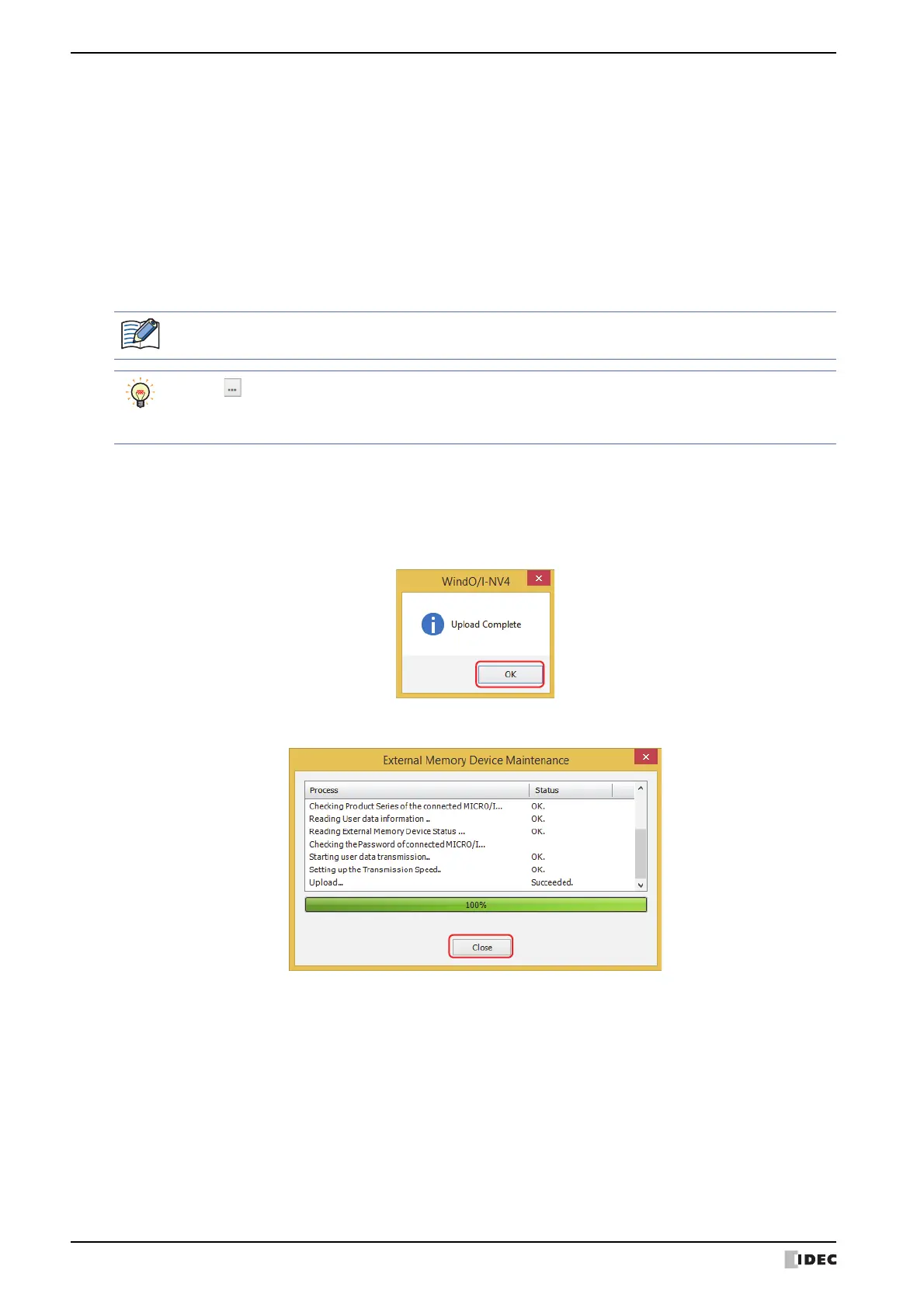
6 Click OK.
The External Memory Device Maintenance dialog box appears and the data upload begins.
A message box appears when the data upload is complete.
7 Click OK.
8 Click Close on the External Memory Device Maintenance dialog box.
*1 This is applicable for models with an audio interface only.
*2 This is applicable for models with a video interface only.
If security is enabled for the project on MICRO/I, a dialog appears for you to enter a user name and
password. For details, refer to Chapter 23 “User Accounts and the Security Function” on page 23-1.
• Click to call up the Select a Folder dialog box and specify the destination folder for uploading.
• After starting WindO/I-NV4, screen shots, alarm log data, data log data, and recipe files can be uploaded
from an External Memory Device folder without opening project data.



 To Next Page
 Loading...