1 Project Transfer Function
29-6 WindO/I-NV4 User’s Manual
1.4 Using Key Buttons, Multi-Buttons, or Multi-Commands to Transfer Project Data
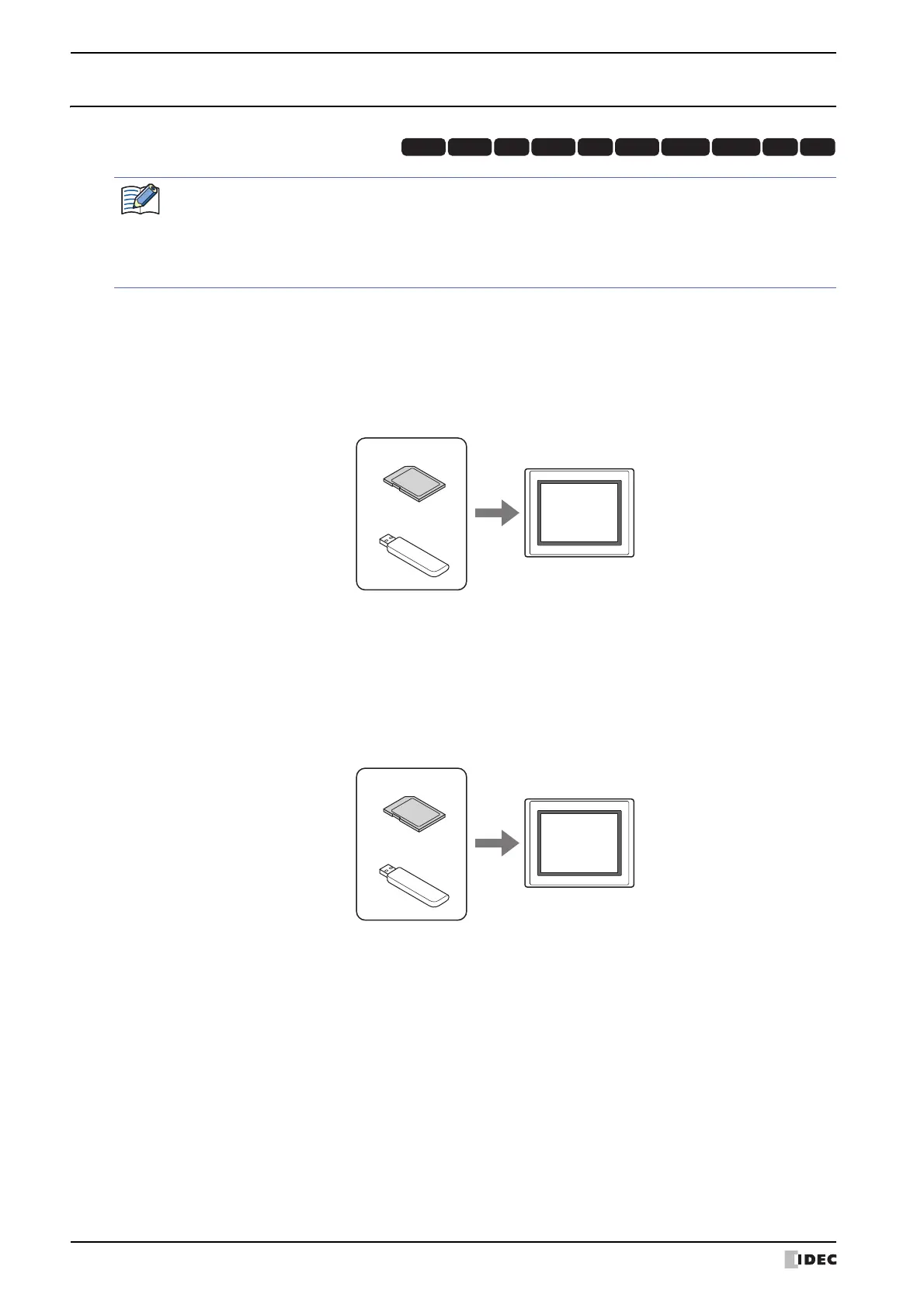
● Download
1 Create a project (ZNV Project File) for project transfer and save it on an external memory device
*1
.
For details, refer to “1.3 Converting Project for Transfer” on page 29-3.
2 Insert an external memory device
*1
in the MICRO/I.
3 Press the Key Button or Multi-Button or execute the Multi-Command configured with Download Project under Data
Transfer on the Key Browser dialog box.
● Upload
1 Insert an external memory device
*1
in the MICRO/I.
2 Press the Key Button or Multi-Button or execute the Multi-Command configured with Upload Project under Data
Transfer on the Key Browser dialog box.
*1 Only USB flash drive for HG2G-5T and HG1G/1P
HG3G
HG2G-5FHG5G-V HG4G-V HG3G-V HG2G-V HG2G-5T
HG4G HG1G HG1P
Allocate a Key Button, Multi-Button, or Multi-Command configured with the project transfer function to the
MICRO/I.
For details, refer to Chapter 8 “5 Key Button” on page 8-72.
For details, refer to Chapter 8 “6 Multi-Button” on page 8-108.
For details, refer to Chapter 12 “6 Multi-Command” on page 12-38.
MICRO/I
USB flash drive
SD memory card
External Memory Device
MICRO/I
USB flash drive
SD memory card
External Memory Device



 To Next Page
 Loading...