4 HG1P
35-74 WindO/I-NV4 User’s Manual
● Adjusting the Brightness
The brightness of the HG1P display can be adjusted on the Adjust Brightness Screen.
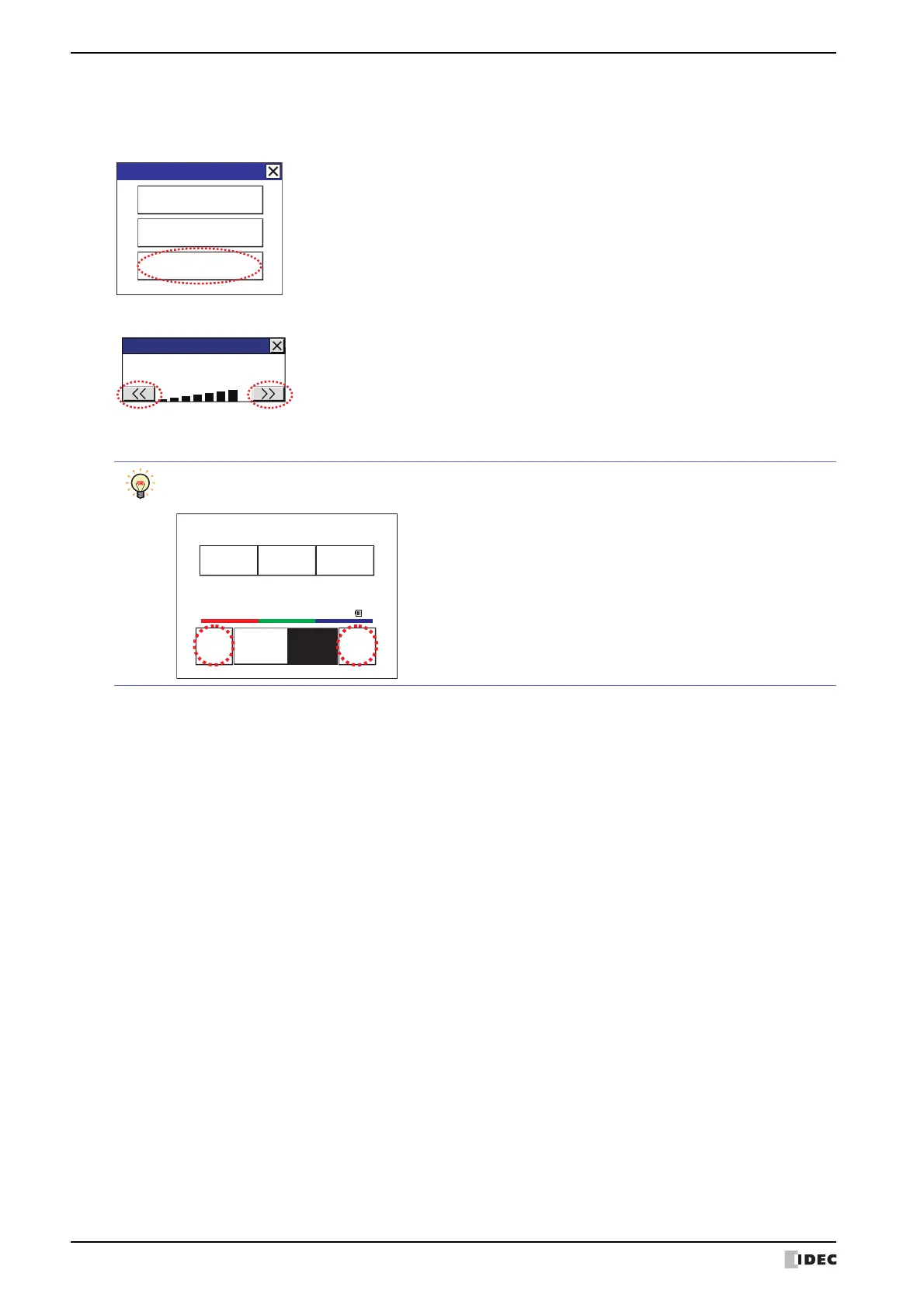
1 Press the [Adjust Brightness] at the bottom of the Maintenance Screen. The Adjust Brightness Screen appears.
2 Press the [<<] and [>>] at the bottom the Adjust Brightness Screen to adjust the brightness to the optimal setting.
3 Press the [X] to close the Adjust Brightness Screen.
Maintenance
System Mode
Device Monitor
Adjust Brightness
Maintenance
Adjust Brightness
To adjust the brightness in the System Mode, use the [<<] and [>>] buttons located at the bottom of the
Top Page.
Run Offline MainMenu
<< >>
SYSTEMMODETOPPAGE
2010/OCT/14/THU14:56:44
IPAddress192.168.0.1(DHCP)
BRIGHTNESS16BRIGHTNESS16



 To Next Page
 Loading...