WindO/I-NV4 User’s Manual 35-75
4 HG1P
35
MICRO/I Specifications
● Adjusting the Touch Panel
A gap may be caused in the operation accuracy of the touch panel by the secular distortion, etc. Adjust the touch
panel according to the following procedure when there is a gap in the operation of the touch panel.
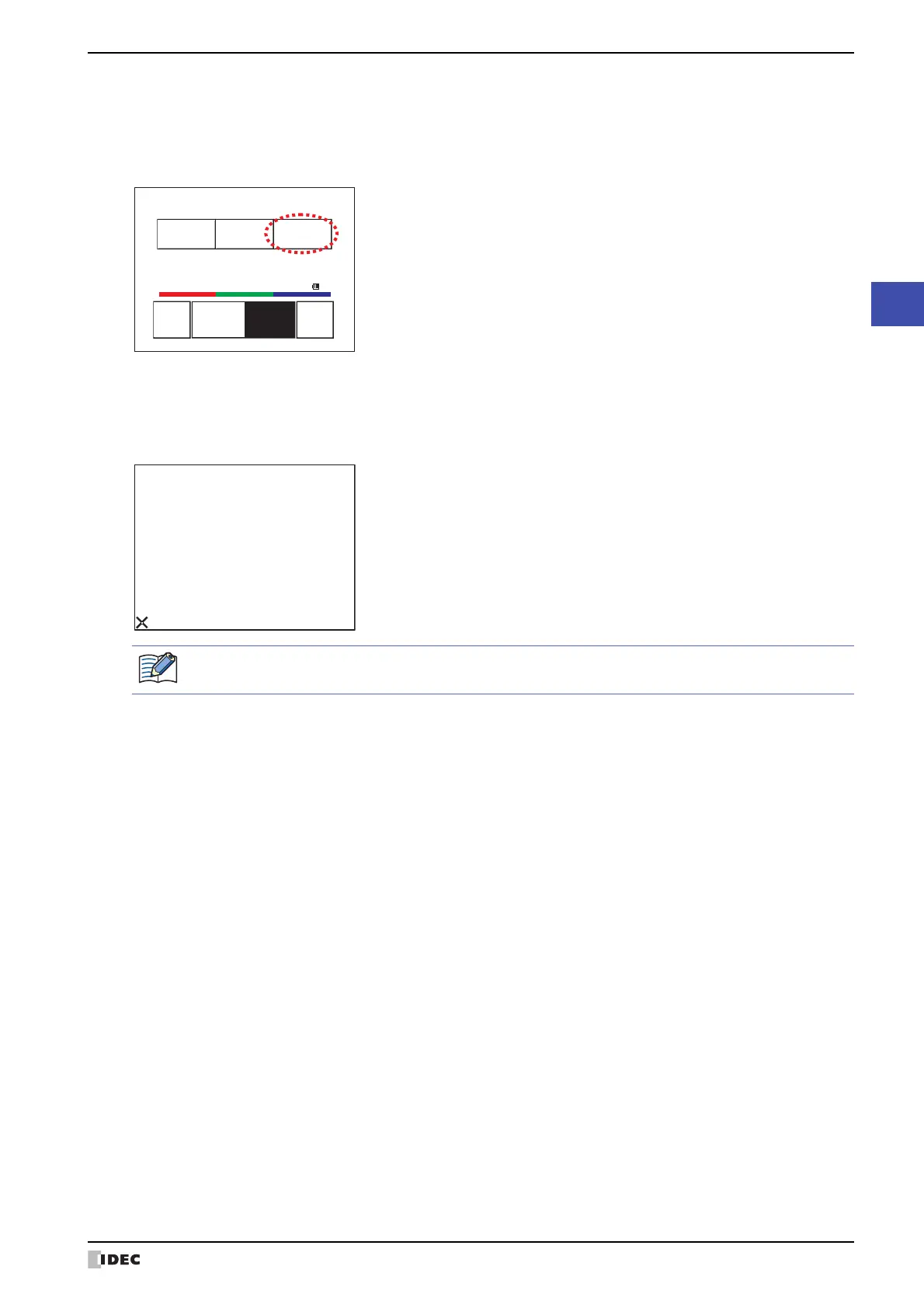
1 Press the [Main Menu] on the Top Page in System Mode. The Main Menu Screen appears.
2 Press in order of Initial Setting, Initialize, TP Adjust. The confirmation screen appears and asks “Adjust Touch
Panel setting?”. Press Yes, then the Touch Panel Adjust screen appears.
3 Press the center of the X mark, then the position of the mark changes one after another. Press five marks
sequentially.
4 When recognized, confirmation screen 2
is restored.
At procedure
3, when pressing a point away from the center the X mark, a recognition error will result. Then the X
mark returns to the initial position, then repeat the procedure of
3 again.
Run Offline MainMenu
<< >>
SYSTEMMODETOPPAGE
2010/OCT/14/THU14:56:44
IPAddress192.168.0.1(DHCP)
BRIGHTNESS16BRIGHTNESS16
Pressthecenterofthesymbol.
Press the center of the X mark.
This will ensure the accuracy of the touch panel operation.



 To Next Page
 Loading...