6 Sub Host Communication
3-90 WindO/I-NV4 User’s Manual
4 Configure the Interface Settings.
■ HG5G/4G/3G/2G-V, HG4G/3G, HG2G-5F
For details, refer to Chapter 4 “When COM1, COM2, COM2(RS232C), or COM2(RS422/485) is selected under Interface
Configuration” on page 4-38.
■ HG2G-5T, HG1G/1P
*1
For details, refer to Chapter 4 “When SERIAL1(RS232C), SERIAL1(RS422/485), COM(RS232C), or COM(RS422/485) is
selected under Interface Configuration” on page 4-39.
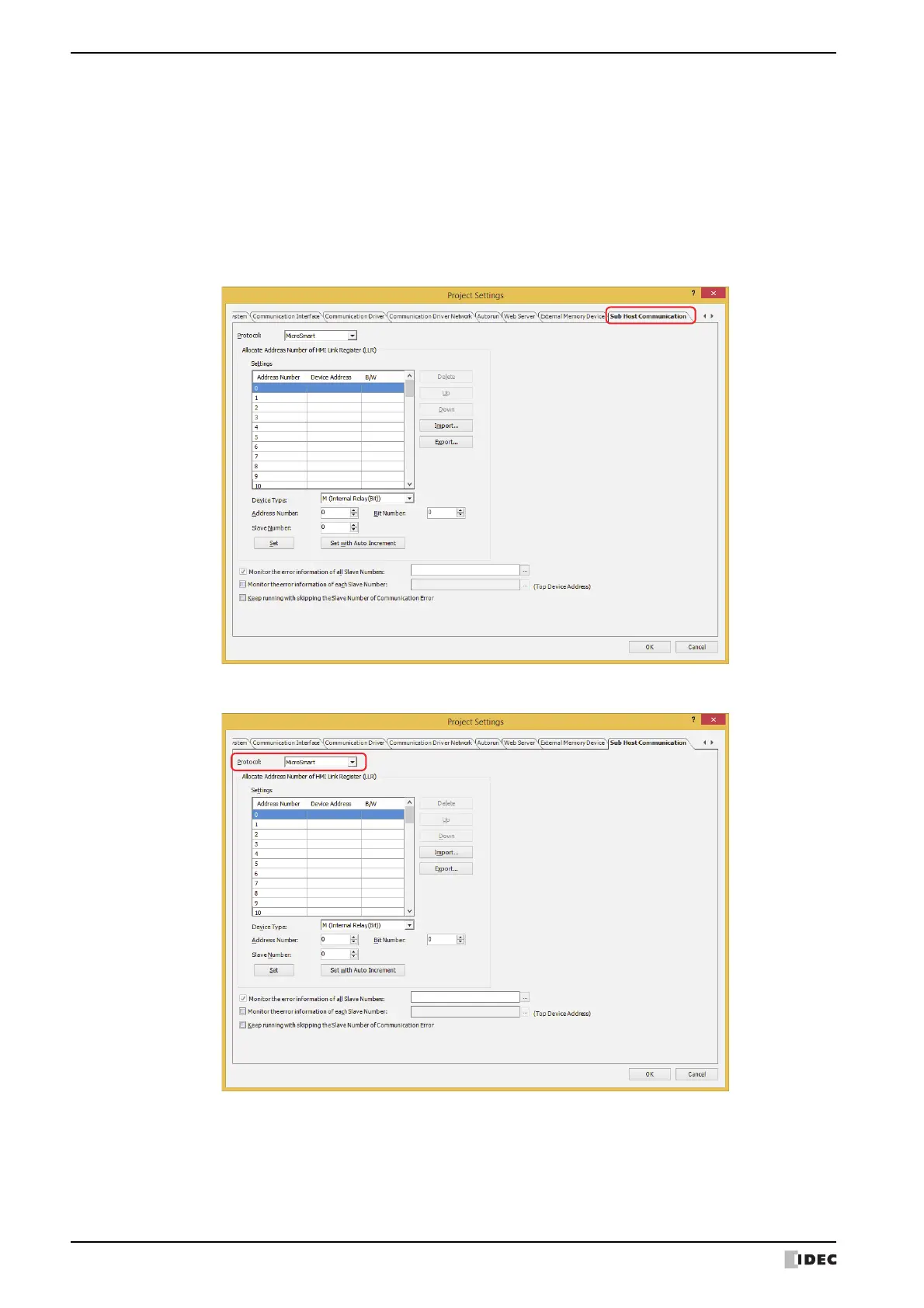
5 Click the Sub Host Communication tab.
6 Selects the protocol as MICROSmart or Modbus RTU Master in the Protocol.
*1 This is applicable for models with a serial interface (RS422/485) only.



 To Next Page
 Loading...