5 Key Button
8-102 WindO/I-NV4 User’s Manual
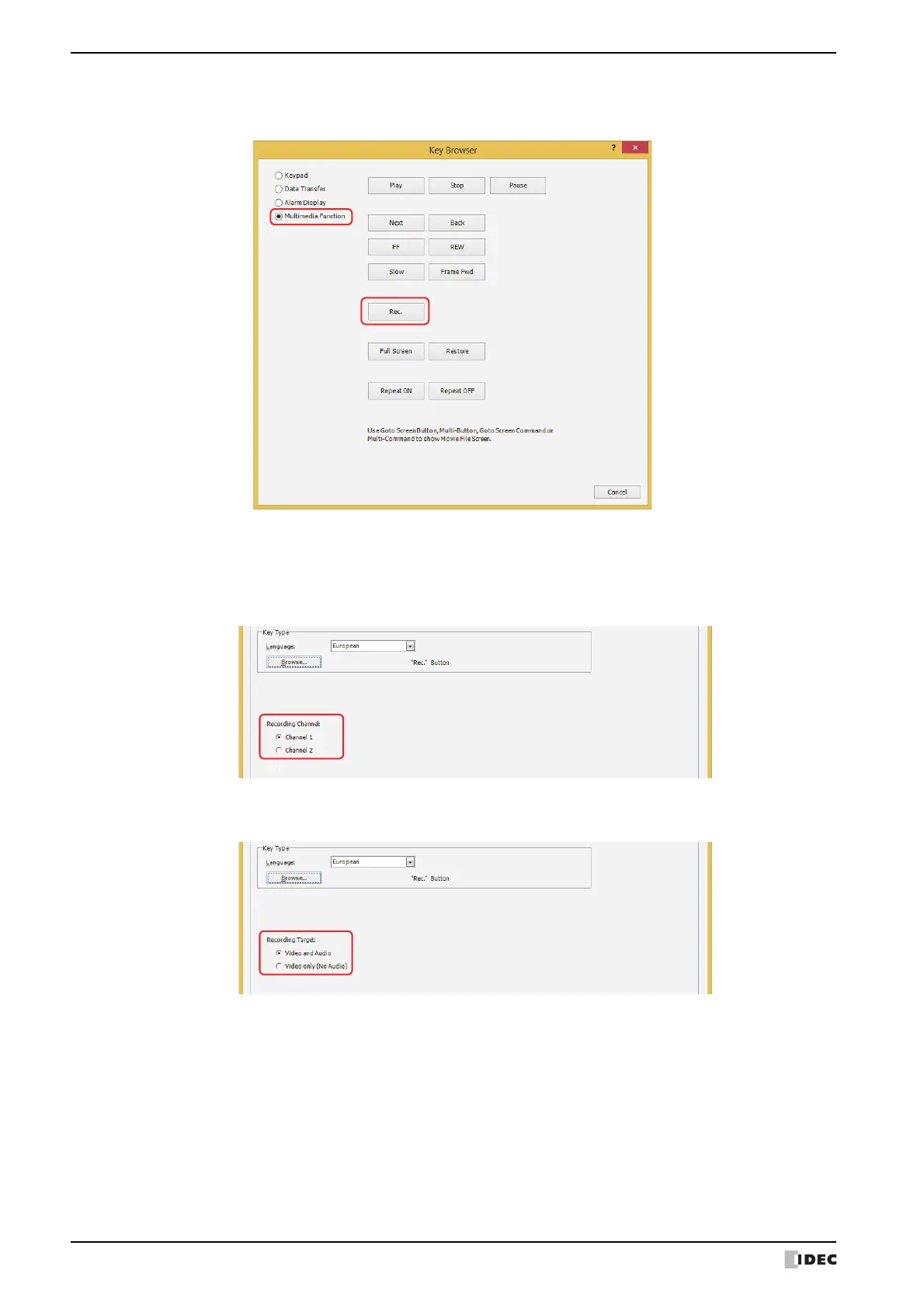
5 Select Multimedia Function and click Rec.
You are returned to the Properties of Key Button dialog box.
6 Select a recording channel
*2
or a recording target
*3
.
■ Recording Channel
*2
Selects Channel 1 or Channel 2 to record a video only (no audio) out of the signals input from the device. This
setting is enabled only if Rec. was selected using the Key Browser.
■ Recording Target
*3
In the signals input from the device, select Video and Audio or Video only (No Audio) as the recording target.
7 Click OK.
Close the Properties of Key Button dialog box.
8 Repeat steps 1 through 4.
*2 HG5G/4G/3G-V only
*3 This is applicable for HG4G/3G with a video interface only.



 To Next Page
 Loading...