WindO/I-NV4 User’s Manual 11-35
2 Line Chart
11
Charts
● Y-Axis Tab
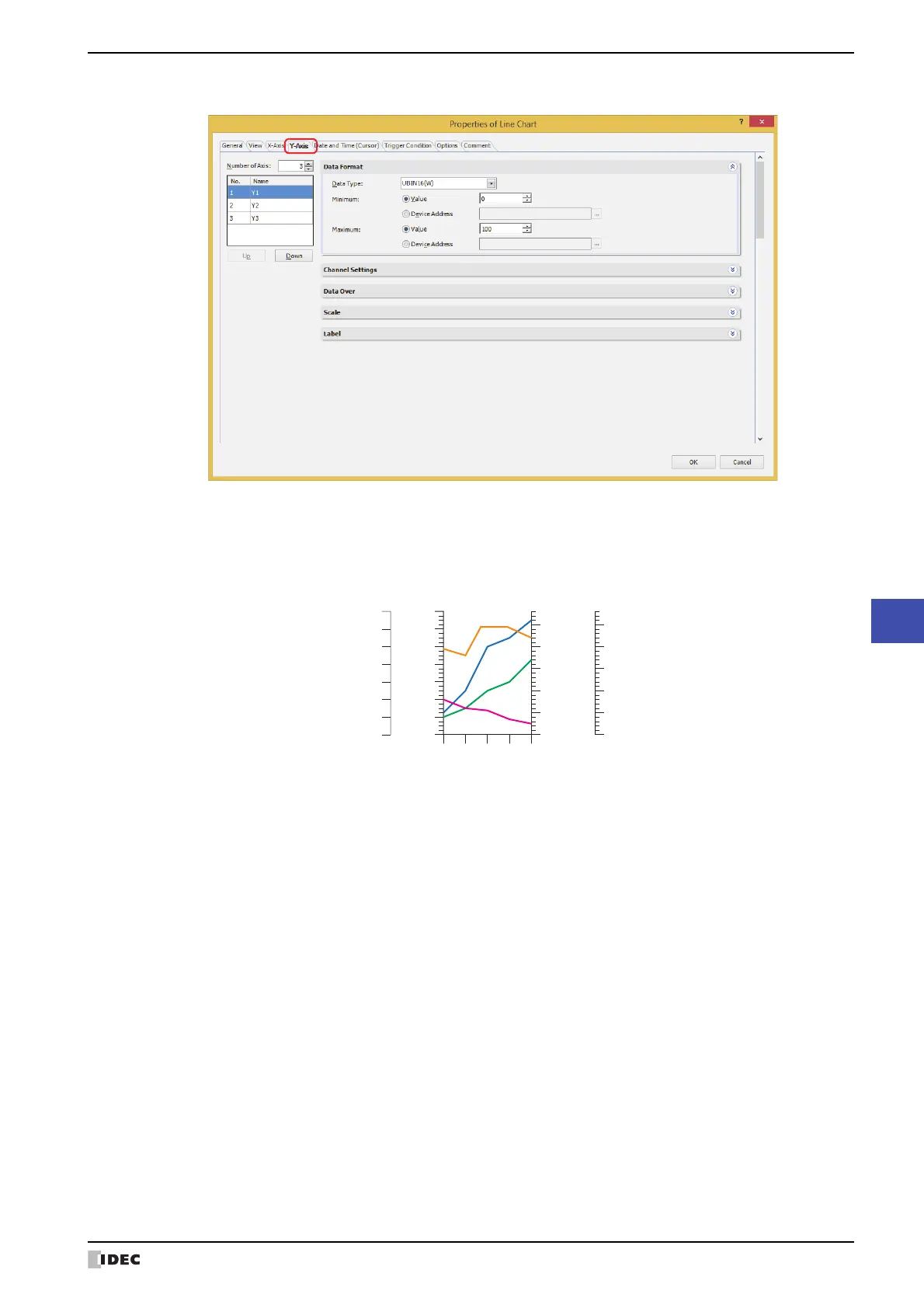
■ Number of Axes
Specifies the number of Y-axis (1 to 4
*1
).
Example: Display sample when Number of Axes is configured to 4
■ (Y-Axis)
The number of Y-axis specified by Number of Axes is displayed. Configures the graph displayed on the selected Y-
axis with Data Format, Channel Settings
*2
, Data
*3
, Data Over, Scale, Label.
*1 When Chart Type is configured to Device Address Display on the General tab, 1 is configured.
*2 This option can only be configured when Log Trend (Normal) or Log Trend (Pen Recorder) is selected from Chart
Type on the General tab.
*3 This option can only be configured when Device Address Display is selected from Chart Type on the General tab.
0
20
40
60
80
100
-20
120
Label for Y-axis (No. 1)
10000
20000
30000
40000
50000
0
Label for Y-axis (No. 2)
10
20
30
40
50
60
0
70
Label for Y-axis (No. 3)
40
45
50
55
30
35
Label for Y-axis (No. 4)
Y-axis
(No. 1)
Y-axis
(No. 3)
Y-axis
(No. 4)
Y-axis
(No. 2)
No.:
Displays the number of Y-axis (1 to 4
*1
).
Name: Enter the name of Y-axis. The maximum number is 40 characters.
Up: Shifts the selected Y-axis upward in the list.
Down: Shifts the selected Y-axis downward in the list.



 To Next Page
 Loading...