3 Alarm Log Settings Dialog Box
13-20 WindO/I-NV4 User’s Manual
● External Memory Device Tab
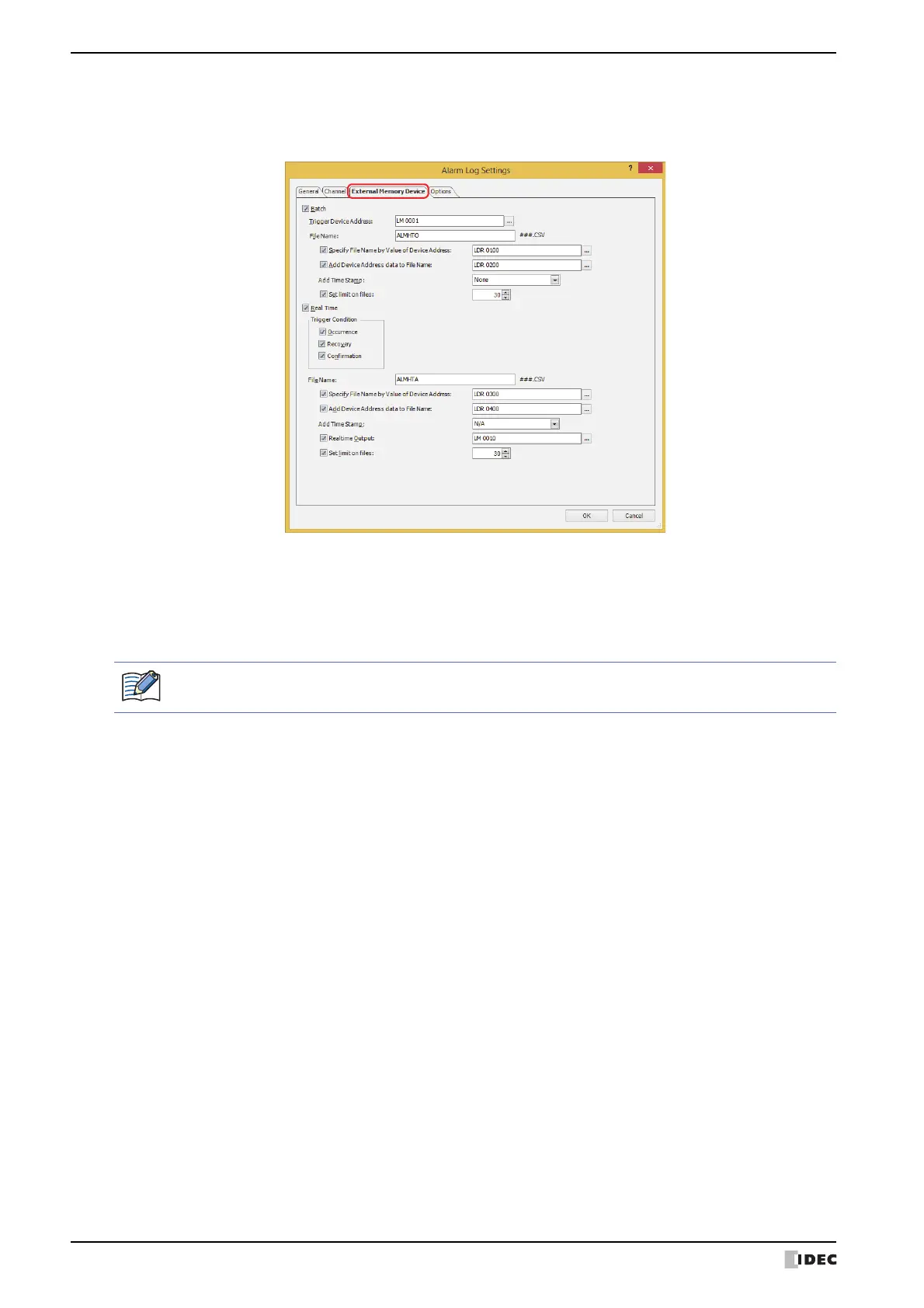
The External Memory Device tab is used to configure whether or not to output saved data to the external memory
device
*1
.
The output data is stored in the following folder on the external memory device
*1
.
The default External Memory Device folder name is “HGDATA01”. For details, refer to Chapter 31 “1.6 Setting the
External Memory Device Folder” on page 31-15.
*1 SD memory card for HG5G/4G/3G/2G-V, HG4G/3G and HG2G-5F, USB flash drive for HG2G-5T and HG1G/1P
\External Memory Device folder\ALARMLOG
Sampled data after starting output to the external memory device is not included in the output data.



 To Next Page
 Loading...