>
Description
43312
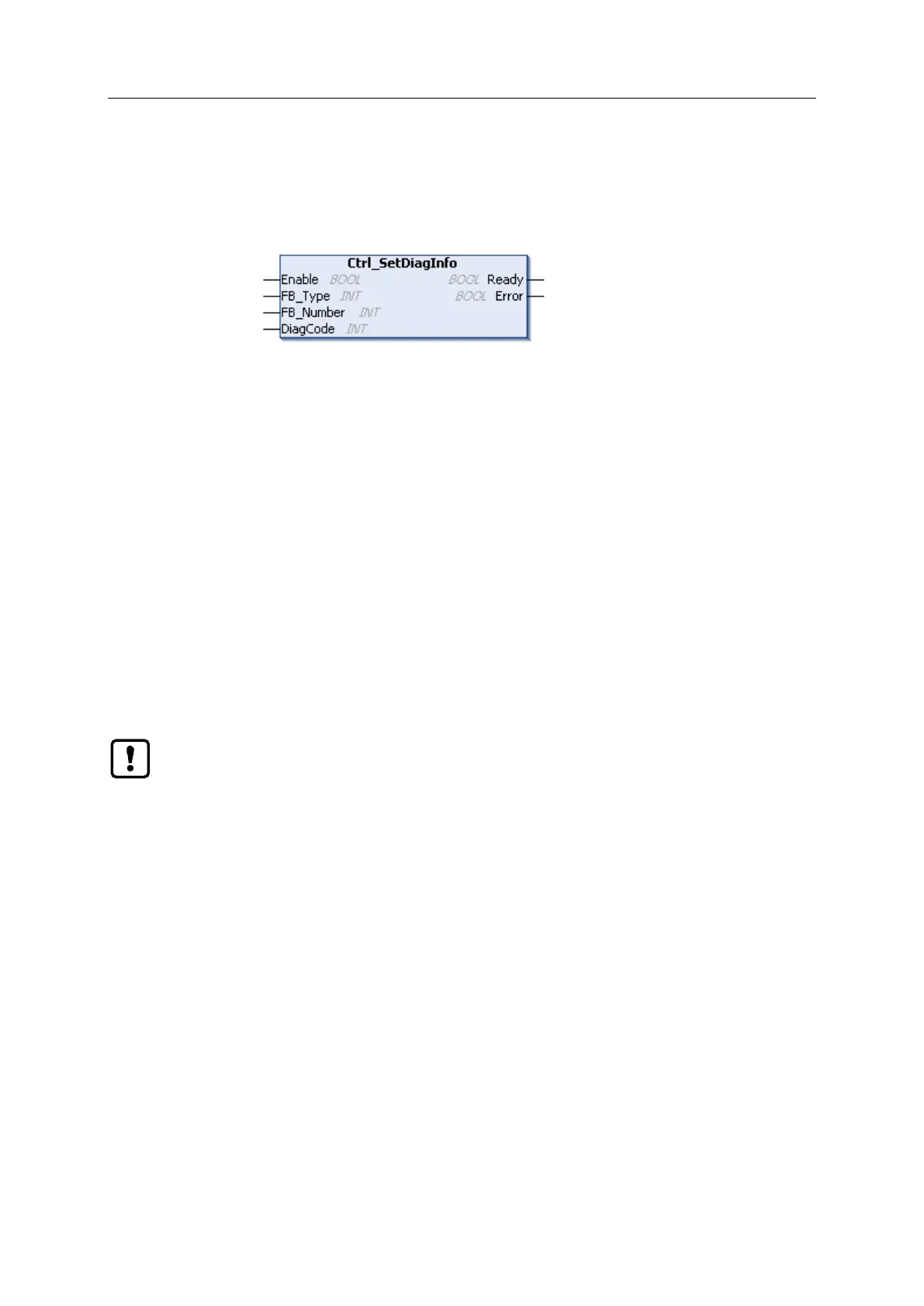
Function block (FB) for processing the diagnostic information of a PLCopen function block.
The programmer can carry out the following actions via Ctrl_SetDiagInfo:
Read diagnostic code (code) of a function block of the safety PLCopen library and transmit it to
the online support centre (OSC) of the AC4S user interface.
The created error message is structured as follows:
Error PLCopen-FB (FB_Type), instance no. (FB_Number): DC=%s1, DC-1=%s2
FB_Type = ID of the function block
FB_Number = instance number of the function block
DC = current diagnostic code (as hexadecimal value)
DC-1 = last diagnostic code (as hexadecimal value)
The FB provides the following state and diagnostic information:
State of the FB processing (ready)
Display of an error during FB processing (Error)
The FB generates a separate message for each change of state in the online support centre
(OSC). The ring memory of the OSC therefore reaches its capacity limits within a short time.
► Use FB Ctrl_SetDiagInfo only for debugging.



 To Next Page