>
5.5 Configure programming interface
43271
To transfer the created project to AC4S a valid communication path has to be configured between the
programming system CODESYS and AC4S.
Standard PLC and fail-safe PLC of AC4S use a separate hardware. Therefore it is necessary to set
the communication paths for both controllers separately.
>
5.5.1 Set communication path of Standard PLC
43042
The following interfaces can be configured as programming interface:
Ethernet configuration interface 1 (X3)
Ethernet configuration interface 2 (X8)
To configure the connection between CODESYS programming software and Standard PLC of the
AC4S:
1 Preparations
► Connect CODESYS PC/laptop and configuration interface 1 (X3) or 2 (X8) of the device.
► Optional: Adjust IP settings of the Ethernet interfaces.
2 Select communication settings
► In the device tree: Double click on the [ifm_SmartPLC_SafeLine] symbol
► In the editor window: Click on [Communication Settings].
> The editor window shows the communication settings of the PLC.
3 Select gateway
► Select the requested gateway in the [Gateway] list.
> List shows selected gateway.
4 Set communication path
► Click on [Scan Network...]
> Window [Select Device] appears.
► Select the gateway node and click on [Scan network] to start the scan process.
> CODESYS scans network for devices.
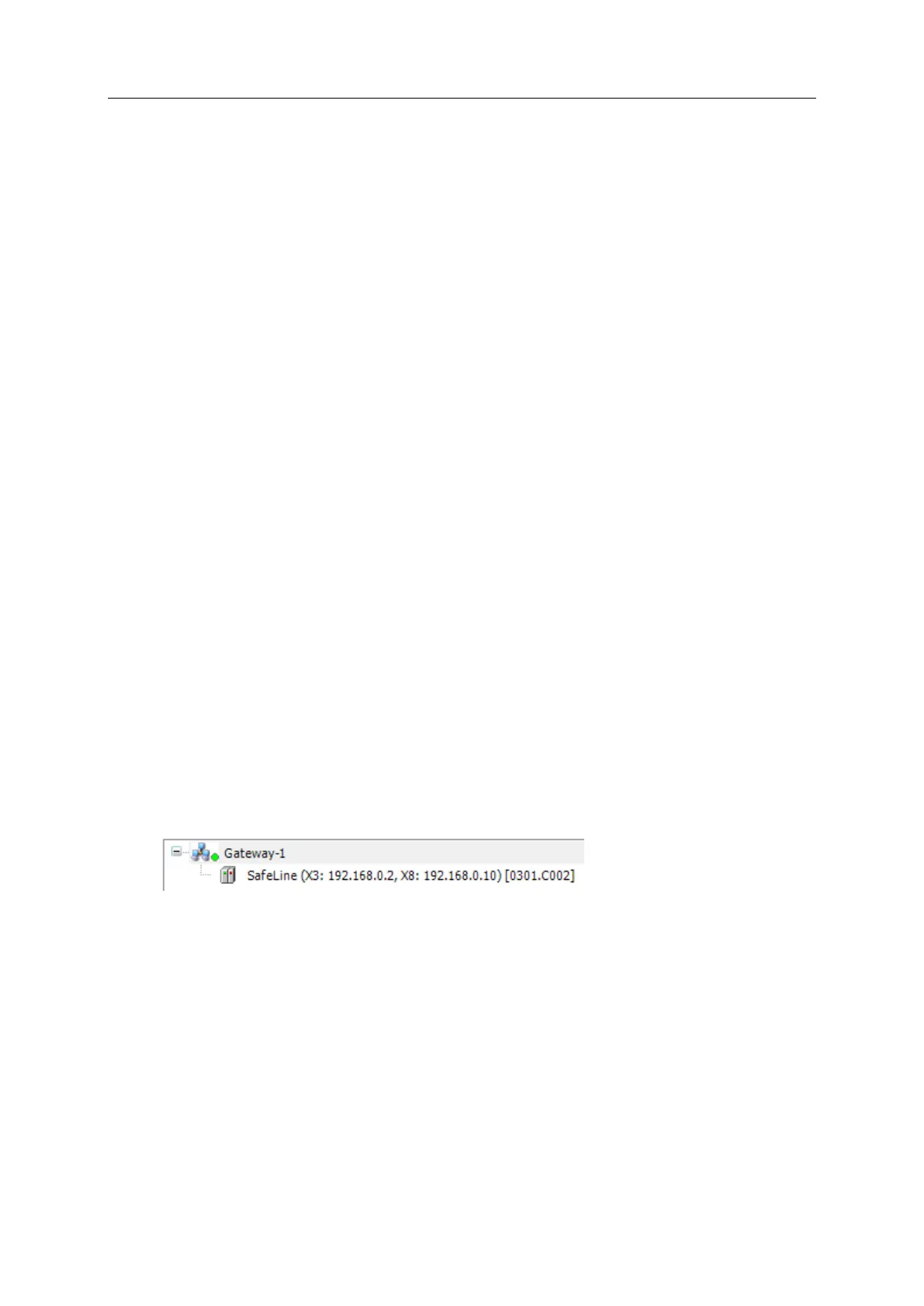
> Window shows network path and detected devices.
► Select node of the AC4S.
> Information field shows detailed information about selected node.
► Click on [OK] to set the communication path to Standard PLC.
> CODESYS can transfer data to the Standard PLC of the AC4S.



 To Next Page