SmartPLC SafeLine AC4S with fieldbus interfaces
>
6.2 Configure fail-safe PLC
43275
► Familiarise yourself with the following CODESYS functions!
Editor of the safety controller
→ Online help > Add-Ons > CODESYS Safety > Editors > Editor of the safety
controller
The fail-safe PLC of AC4S is configured via the "device editor of the safety controller" of the
CODESYS programming system. The programmer can access the device editor of the fail-safe PLC
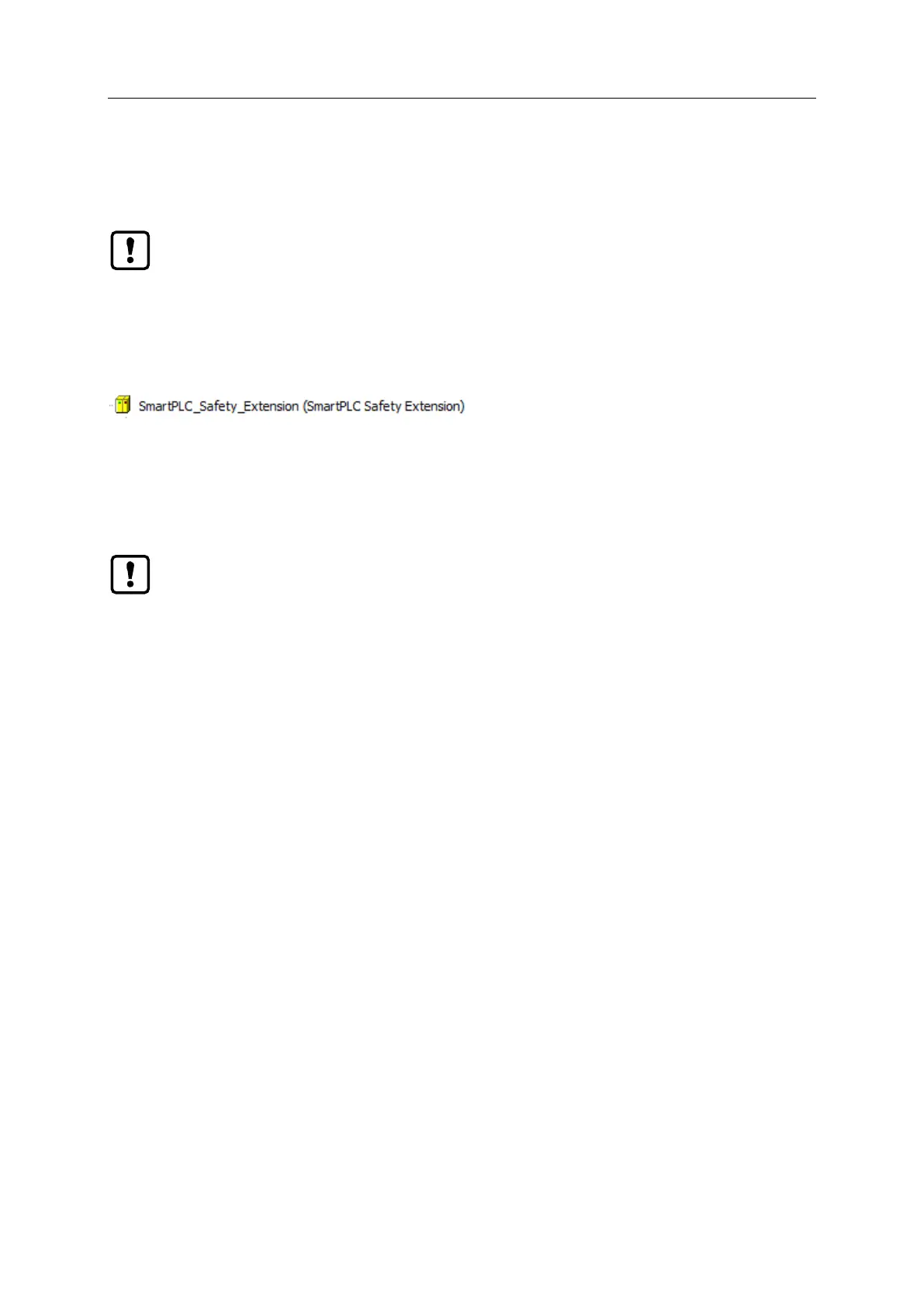
via the following node in the device tree:
To configure the fail-safe PLC of AC4S:
► In the device tree: Double click on [SmartPLC_Safety_Extension (SmartPLC Safety Extension)]
> The editor window shows the device editor of the fail-safe PLC of AC4S.
► Configure fail-safe PLC as required.
The button [Firmware Update] in the tab [Sicherheitssteuerung] does not have any
functionality in connection with the AC4S.
► Do not activate the button.
An update of the firmware of the AC4S must only be made by an authorised employee of ifm
electronic gmbh.
► Contact your AS-i specialist for more information.
► After a firmware update the user must re-evaluate and compile the boot application and
load it to the device for safety reasons.



 To Next Page