SmartPLC SafeLine AC4S with fieldbus interfaces
>
8.5.2 Use the factory-set replacement variables
43028
When an AC4S project is created by means of an AC4S template, CODESYS automatically creates
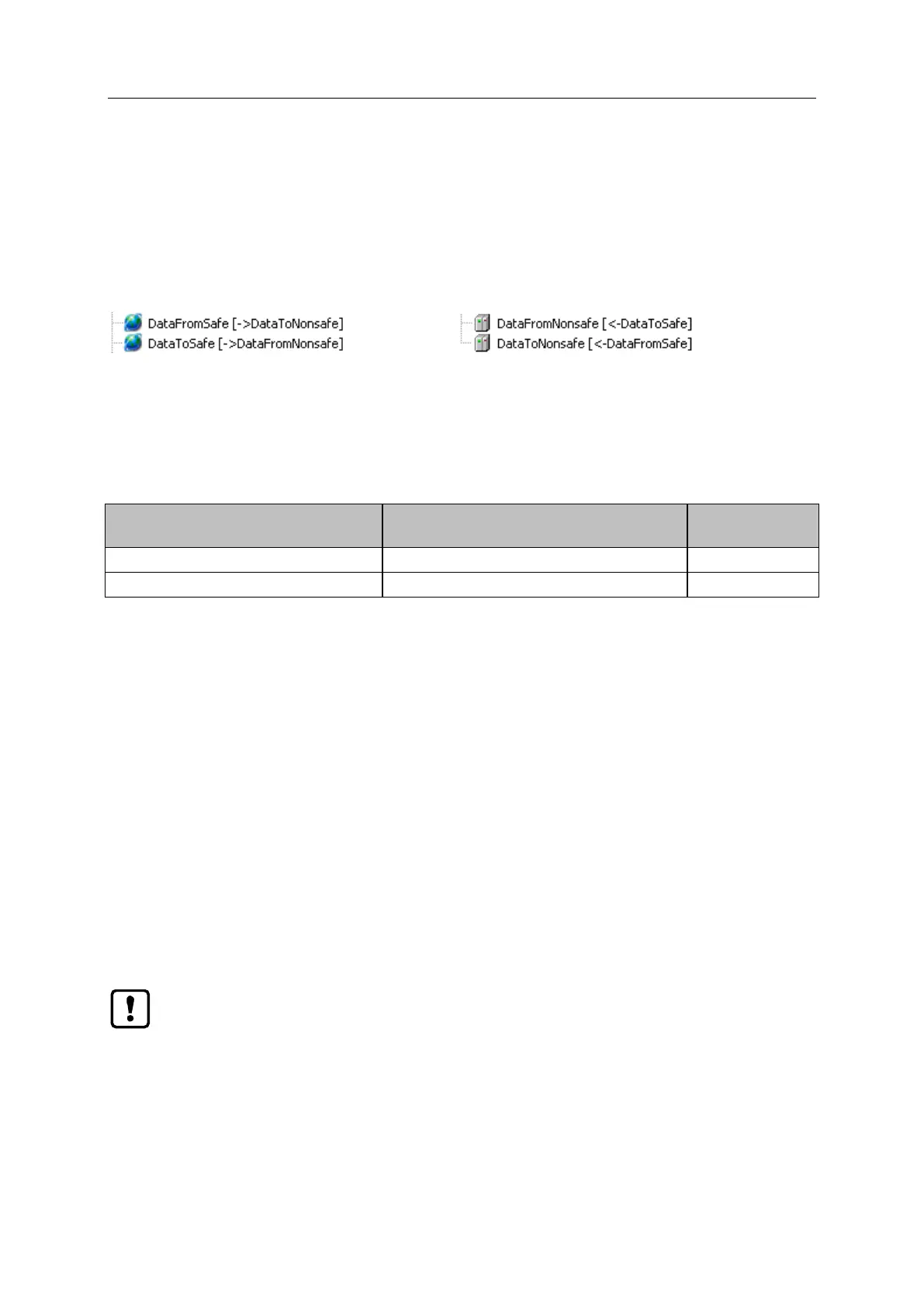
objects for the data exchange between Standard PLC and the fail-safe PLC. For each transfer
direction a coupled pair of global variable list (GVL) and logical exchange device each is generated.
GVL in the standard area:
Logical exchange devices in the safety area:
With these exchange objects of data type BYTE it is possible to transfer 8 bundled Boolean values in
each direction.
To exclude access conflicts only one PLC has the write access to the logical exchange device for each
exchange direction.
Following table shows the relations:
Global variable list
(in standard area of device tree)
Logical exchange device
(in the safety extension area of the device tree)
>
Data transfer standard area >>> safety area
43252
To transfer data from the standard area of the device to the safety area of the device:
1 Declare exchange variables in the safety area
► In the safety extension area of the device tree:
Double click on [DataFromNonsafe]
> Editor window shows table for declaration of the exchange variables.
► Enter the designations for the exchange variables of data type BOOL in the column [Variable].
2 Map replacement variables with the standard area
► In standard area of device tree:
Double click on [DataToSafe]
> Editor window shows declaration part of the global variable list.
► Click on [Update].
> CODESYS applies the declared exchange variable from [DataFromNonsafe] (step 1).
> Declaration part shows the declared exchange variables.
The logical exchange devices must only be defined in the safety area. A change in the
standard area is not permitted.
If variables are added or changed in the logical exchange device, it is mandatory for the
developer to update the respective variable list (step 2).



 To Next Page