Multitron - Operating Manual
Operation
20 August 2020 Page 99 of 158
7.5.2 Programming the Timer - Single Change
Programming the timer for a single change consists of the following
steps:
a) Entering the time for the first phase.
b) Entering the setpoint values for the first phase and switching
on the parameters.
c) Making sure that the timer for the second phase (
Time 2
) is
switched off.
d) Entering the setpoint values for the second phase and switch-
ing on the parameters.
e) Starting the timer.
Entering the time for the first phase
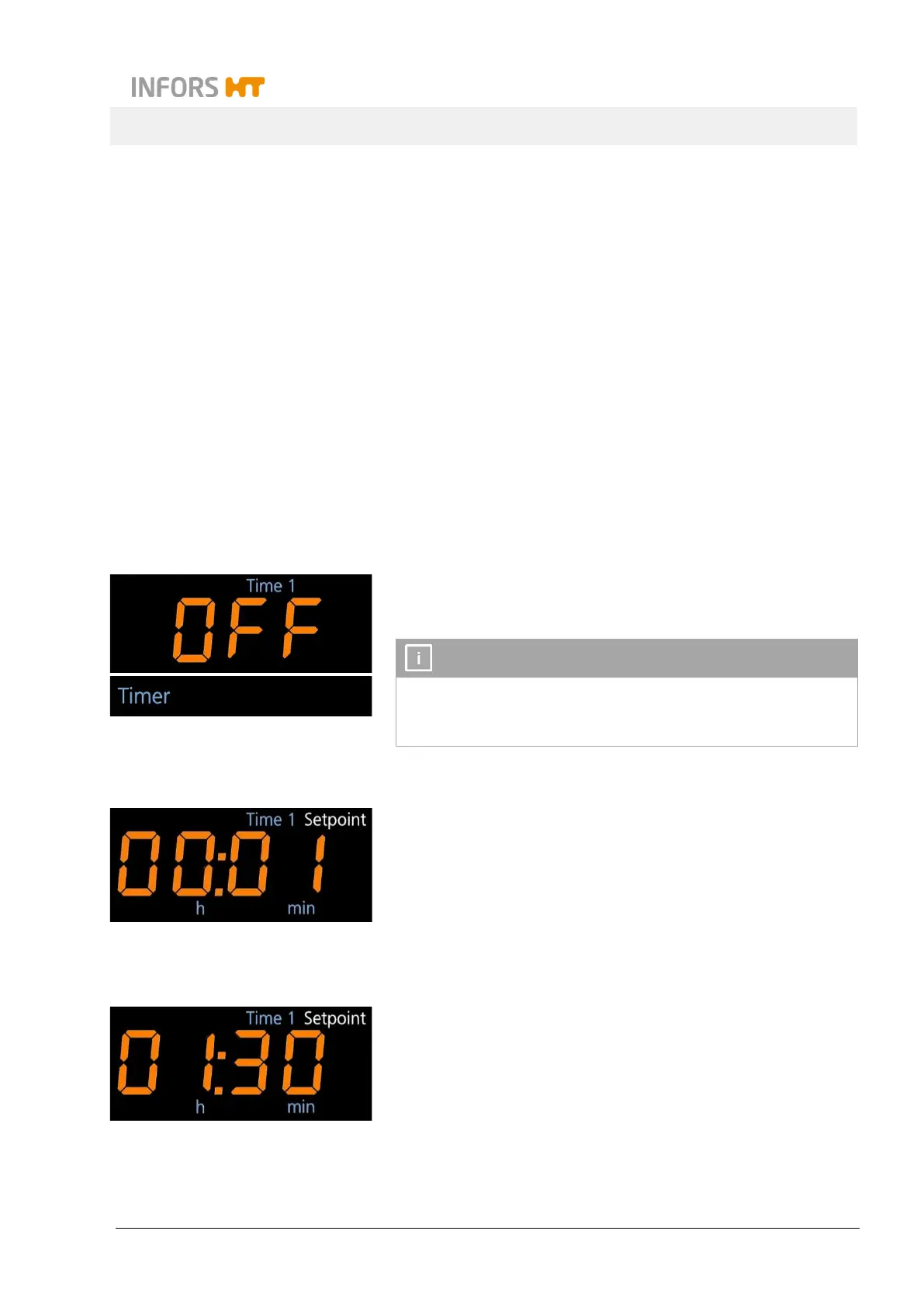
Procedure 1. Tap the TIMER key to start the timer function.
On the upper alphanumeric display the sign
Time 1
and the
message
OFF
appear. Additionally the sign
Timer
is lit up.
INFORMATION
Possibly the message
OFF
for the second timer (
Time 2
) appears on
the lower alphanumeric display. Then the TIMER key needs to be
tapped again to get to the first timer (
Time 1
).
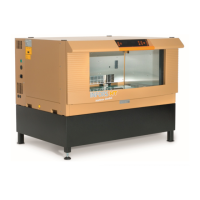
2. To set the time, tap the SET key in the upper setting key area.
The sign
Setpoint
indicates, that the time can be entered.
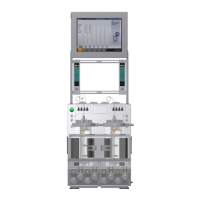
3. Use the Plus or the Minus key in the upper setting key area to
set the time for the first phase (
Time 1
).
The time set is shown either in hours (
h
) and minutes (
min
) or in
days (
days
) and hours (
h
).


 To Next Page