Terminal User Guide Your Terminal
15
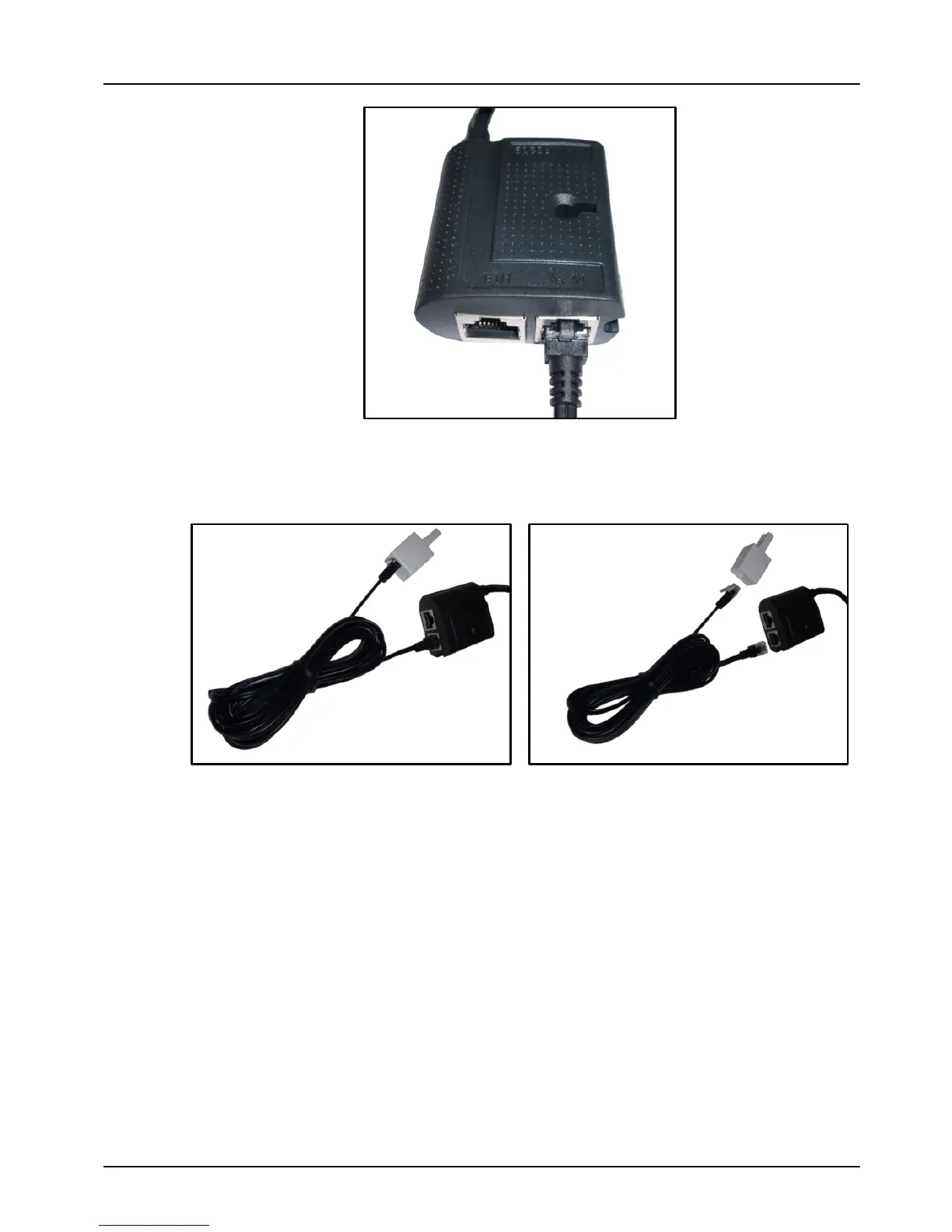
Connect one end of the Telephone Line Lead (3) to the socket
marked TEL IN on the “Magic Cable” Unit (2), and connect the
second end to the socket on the BT Converter (4).
Lastly connect the UK Power Lead (6) into the Power Supply
Unit (5), and plug this into the power socket on the “Magic
Cable” Unit (2).



 To Next Page
 Loading...













