Terminal User Guide Your Terminal
19
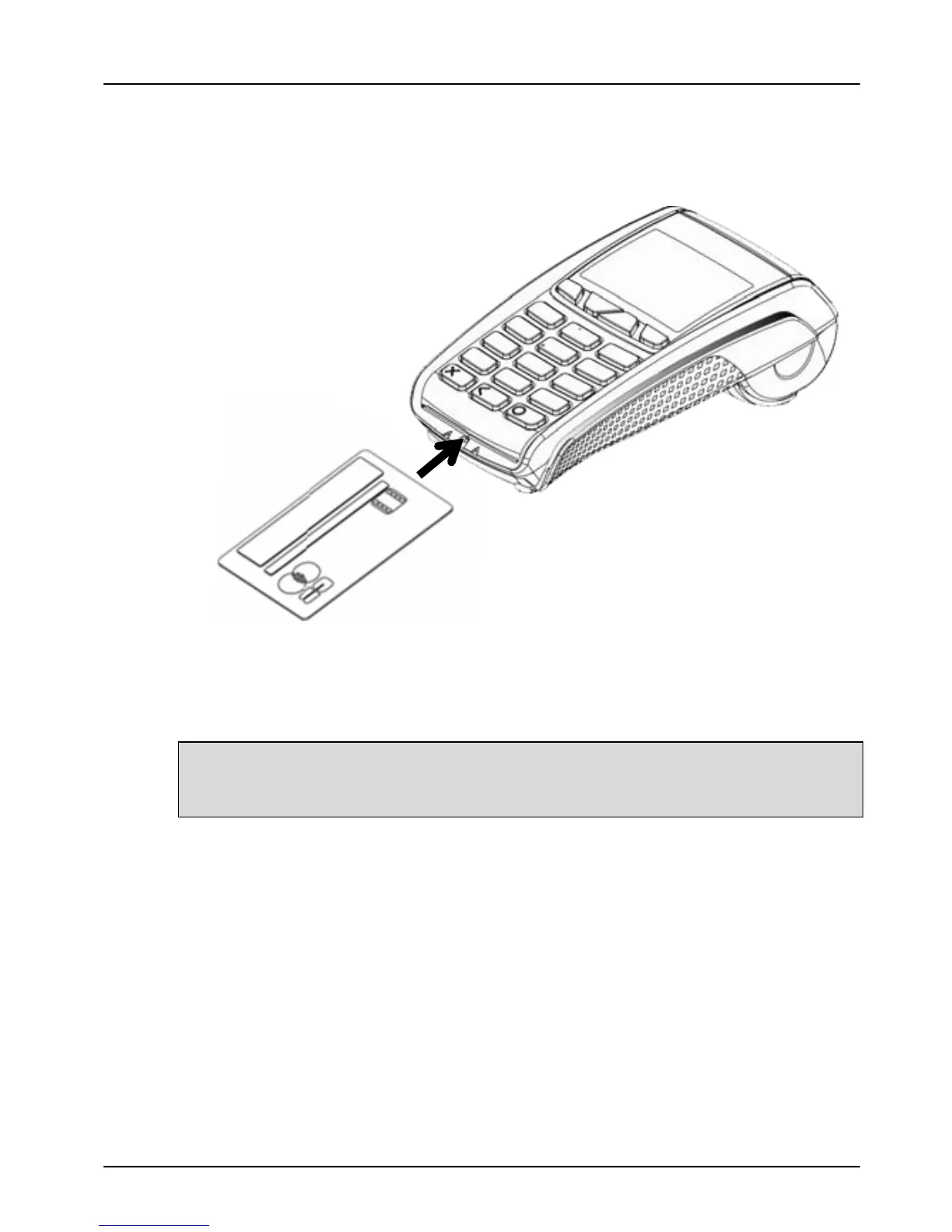
Inserting a Chip Card
Chip Cards should be inserted firmly into your terminal as
illustrated with the chip facing up and into the card reader.
If you see the prompt BAD READ, check the orientation of the
card and try again. If the card cannot be read on the third
attempt, your terminal will prompt you to swipe the card.
The card MUST remain inserted until your terminal
prompts you to remove the card. If the card is removed
prematurely, the transaction will be cancelled.



 To Next Page
 Loading...













