EasyManua.ls Logo

Innovative Technology BV20 - 5.5 MDB

Innovative Technology BV20
61 pages
Print Icon
To Next Page IconTo Next Page
To Previous Page IconTo Previous Page
Loading...
GA02118 User Manual BV20
<< Back to Contents
Copyright © Innovative Technology Ltd 2018 Doc: GA02118/1 User Manual BV20
Version: 1.0
Page 27 of 60
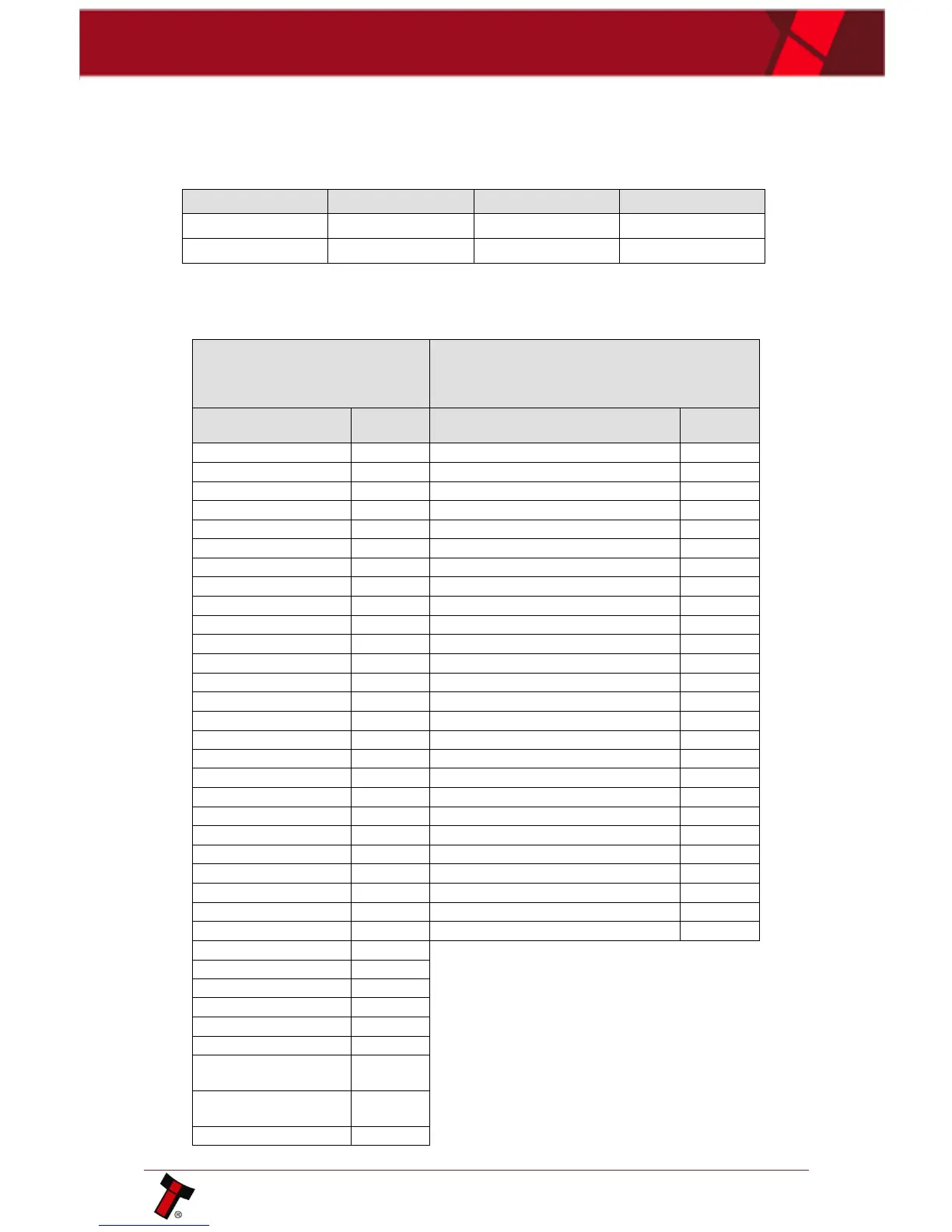
The Baud rate of communications can be set at either 300 or 9600 using the
Validator Manager Software. The data format according to the Baud rate used is
shown in below table
Baud Rate
Start Bits
Data Bits
Stop Bits
300
1
8
2
9600
1
8
1
BV20 will receive and transmit the following event codes.
Recognised
Receive Codes to
BV20
Transmitted Codes from BV20
MESSAGE
DECIMAL
VALUE
MESSAGE
DECIMAL
VALUE
Inhibit C1
131
Note Accept on C1
1
Inhibit C2
132
Note Accept on C2
2
Inhibit C3
133
Note Accept on C3
3
Inhibit C4
134
Note Accept on C4
4
Inhibit C5
135
Note Accept on C5
5
Inhibit C6
136
Note Accept on C6
6
Inhibit C7
137
Note Accept on C7
7
Inhibit C8
138
Note Accept on C8
8
Inhibit C9
139
Note Accept on C9
9
Inhibit C10
140
Note Accept on C10
10
Inhibit C11
141
Note Accept on C11
11
Inhibit C12
142
Note Accept on C12
12
Inhibit C13
143
Note Accept on C13
13
Inhibit C14
144
Note Accept on C14
14
Inhibit C15
145
Note Accept on C15
15
Inhibit C16
146
Note Accept on C16
16
Un-inhibit C1
151
Note Not Recognised
20
Un-inhibit C2
152
Mechanism running slow
30
Un-inhibit C3
153
Strimming attempted
40
Un-inhibit C4
154
Note Rejected (fraud channel)
50
Un-inhibit C5
155
STACKER Full or Jammed
60
Un-inhibit C6
156
Abort During Escrow
70
Un-inhibit C7
157
Note may have been taken to clear jam
80
Un-inhibit C8
158
Validator Busy
120
Un-inhibit C9
159
Validator Not Busy
121
Un-inhibit C10
160
Command Error
255
Un-inhibit C11
161
Un-inhibit C12
162
Un-inhibit C13
163
Un-inhibit C14
164
Un-inhibit C15
165
Un-inhibit C16
166
Enable serial
escrow mode
170
Disable serial
escrow mode
171
Accept escrow
172

Table of Contents

Related product manuals