44
Ioline FlexJet Service Manual
Print quality problems
Line quality
In most cases, poor line quality is caused by one of several things:
n The ink cartridge is empty, dirty, damaged or dried up.
n The Motion Factor or Carriage Calibration needs adjustment.
n The platen is not level
If line quality is uneven, try the following:
1. Press Start/Stop then the Clean keys
on the keypad to automatically clean
the cartridges.
2. Inspect the ink level window on car-
tridge. If it is black, then the cartridge
is empty. Replace it with a new one.
3. Remove the cartridge(s) and manu-
ally clean the print head with a (de-
ionized) water-moistened, lint-free
cloth. (See Cartridge Maintenance and
Handling in the FlexJet User Guide.)
4. Plot on higher quality or undamaged
(free of wrinkles and bubbles) paper.
5. Use genuine HP 45 cartridges as
recommended by Ioline.
6. Recalibrate cartridges as described below.
7. Level the platen as outlined in the FlexJet Quick Start Guide.
8. Contact an Ioline distributor or Ioline Customer Service if you
need further help.
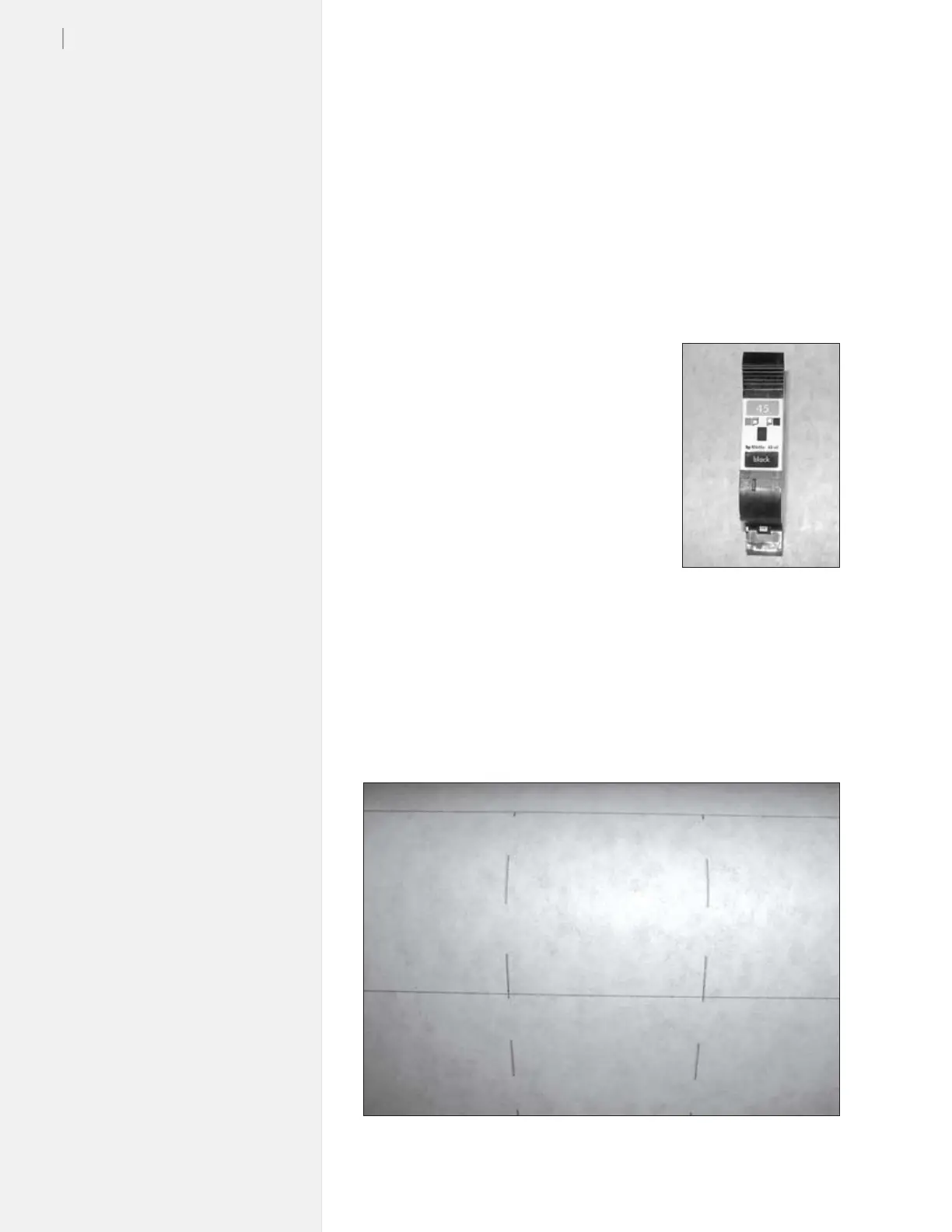
Figure 23. The ink cartridge is dirty, dry, or empty.
Figure 22. HP cartridges
have an ink level indicator.



 To Next Page