47
Chapter 3: Troubleshooting & Testing
Adjusting the cartridge
alignment value
To align the cartridges on a two-
head FlexJet, run the plot le
70x8.plt for 72-in wide paper, or
40x8.plt for 63-in wide paper.
Compare the plot to Figures
29 & 30. Adjust the alignment
values for the second cartridge,
as indicated, in the Calibration
Alignment window to bring the
two lines into alignment.
It is not necessary to adjust
cartridge #1.
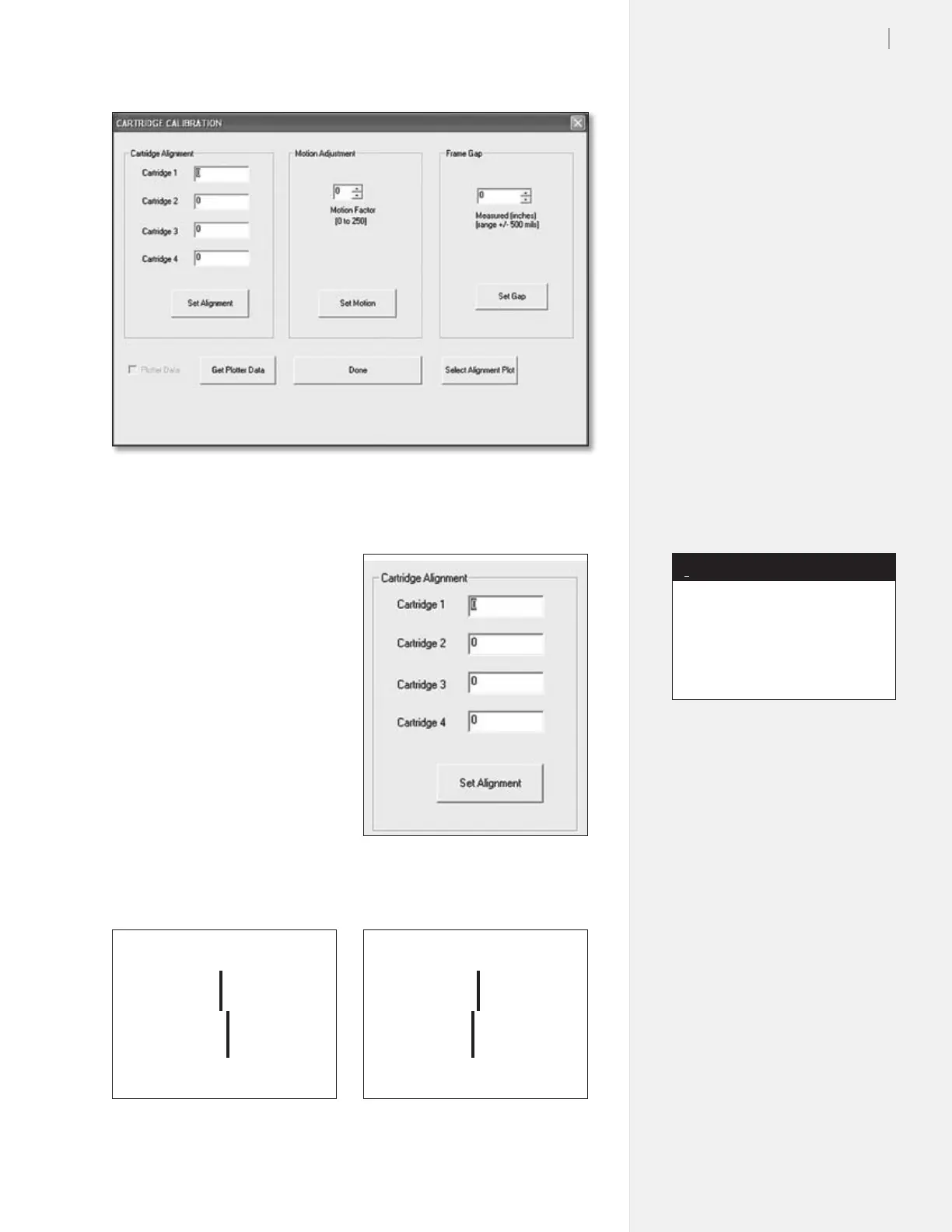
Figure 27. The Cartridge Calibration window in the Control Center.
Figure 29. Increase the alignment value
for cartridge #2 to improve line quality.
Figure 30. Decrease the alignment value
for cartridge #2 to improve line quality.
Figure 28. The Cartridge Alignment
dialog box.
Start with a frame gap of -30, and
all cartridges set to zero so you
can see a separation between the
heads. This will make it easier to
line the heads up with each other.
Note
i



 To Next Page