71
Chapter 4: Repair Procedures
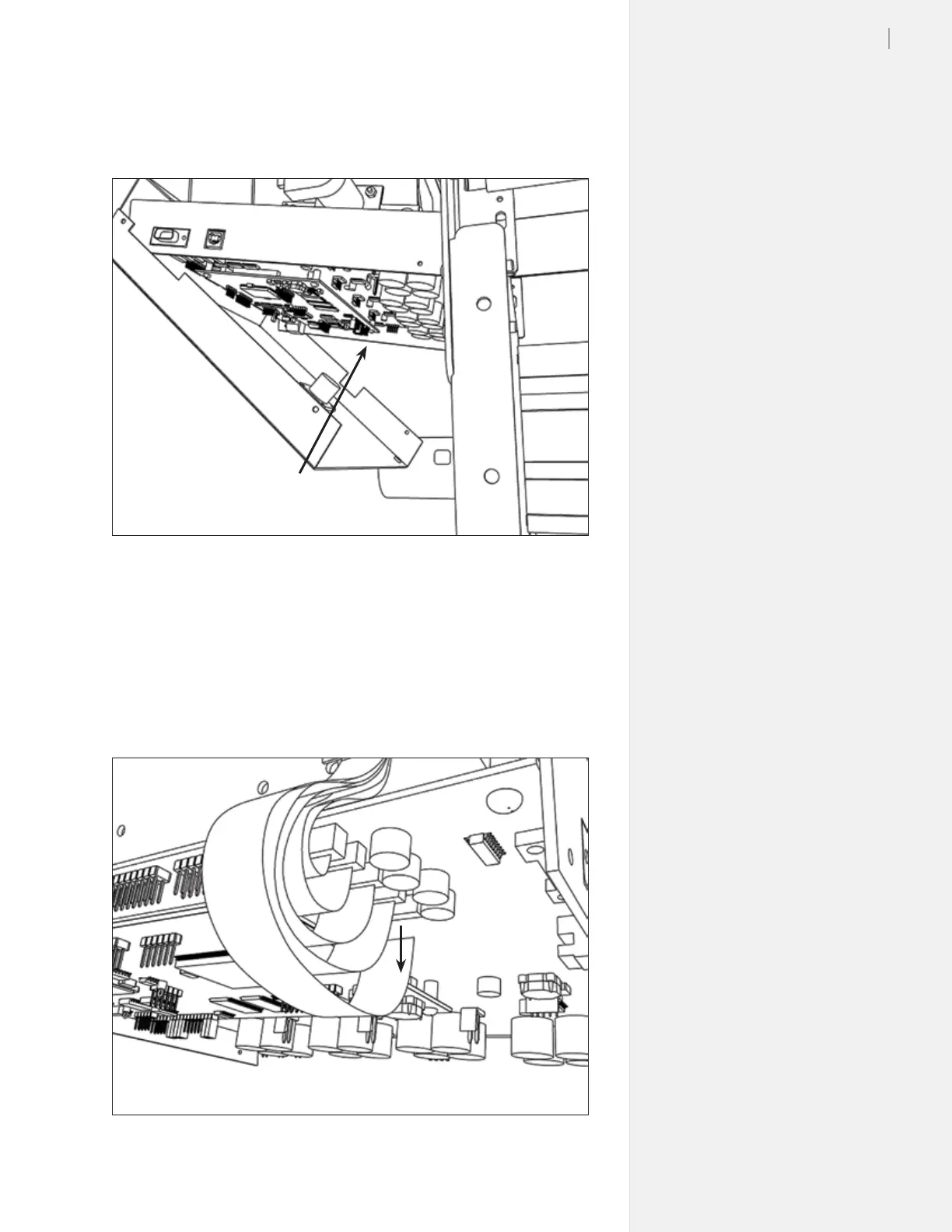
3. Unplug the roll feed motor power and encoder cables from the
logic board. Set the logic board cover aside. (Figure 57.)
4. Find the white ex cable connections. Gently pull the locking
clips on the connector shrouds down to unlock the ex cable
connectors.
5. Remove all white ex cables from connectors. (Figure 58.)
Figure 57. Unplug the feed motor and encoder cables from the logic board.
Unplug take-up wires
from the logic board
Figure 58. Unplug the ribbon cables.
Unplug ribbon
cables



 To Next Page