82
Ioline FlexJet Service Manual
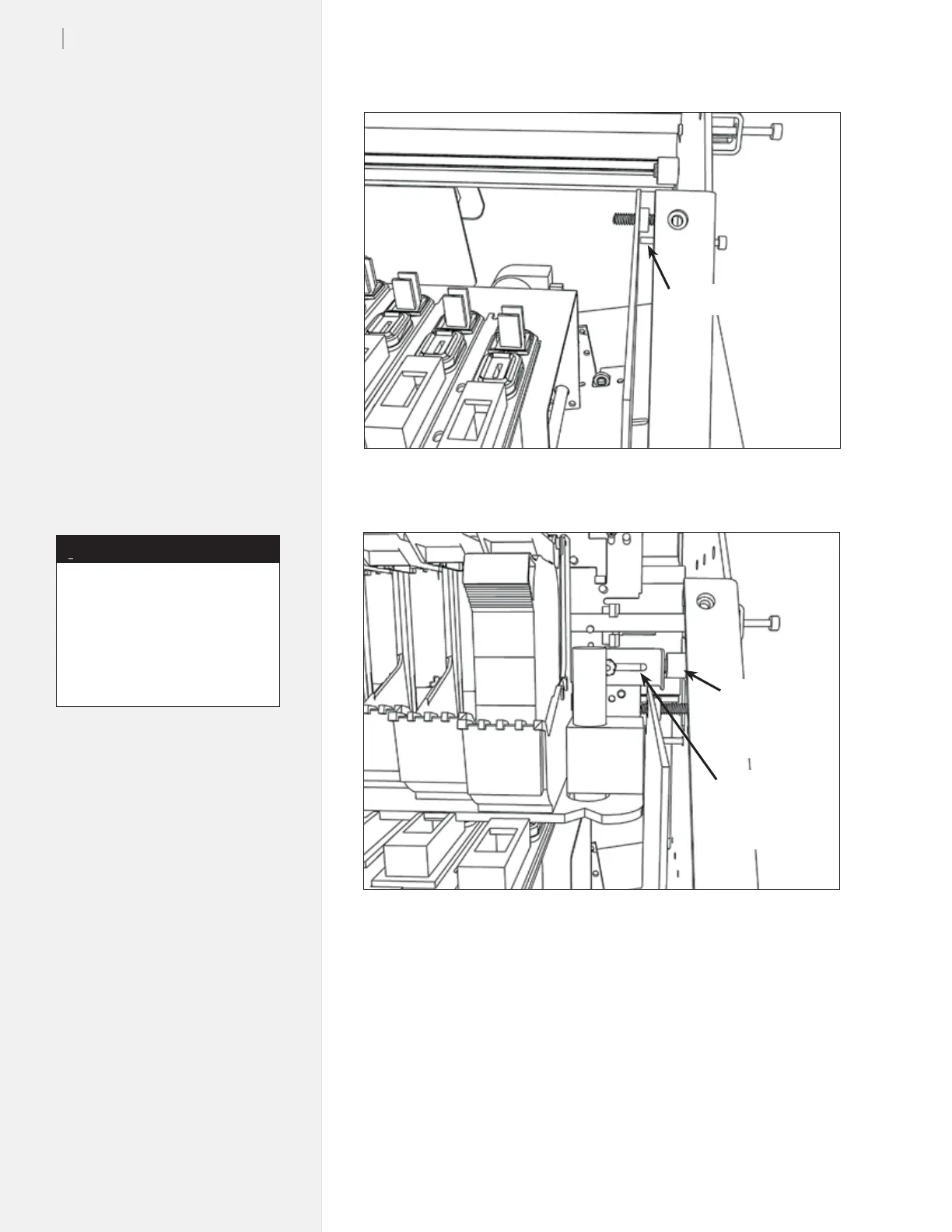
Figure 78. Tighten the nut to hold the stop bracket.
Figure 77. You should see a small gap between the screw and the Service Station.
4. If you are happy with the adjustments, turn FlexJet power off.
5. Let the machine sit for 5 seconds, then turn the power back on.
6. When the carriage initializes into the service station check all the
gaps and stop brackets to make sure the adjustments are still right.
7. Re-install the keypad. Run a test plot to the machine before put-
ting the covers back on.
8. If problems arise contact Ioline Customer Service.
Very small gap
Magnet w/
rubber
bumpers
Carriage
catch
bracket
In Step 3, it’s best to use a nut
driver that can reach the nut
while the carriage is in the service
station. Otherwise tighten the
nut enough to hold the bracket
and move the carriage out of the
service station to ???
Note
i



 To Next Page