49
Chapter 3: Troubleshooting & Testing
Unexplained frame gaps
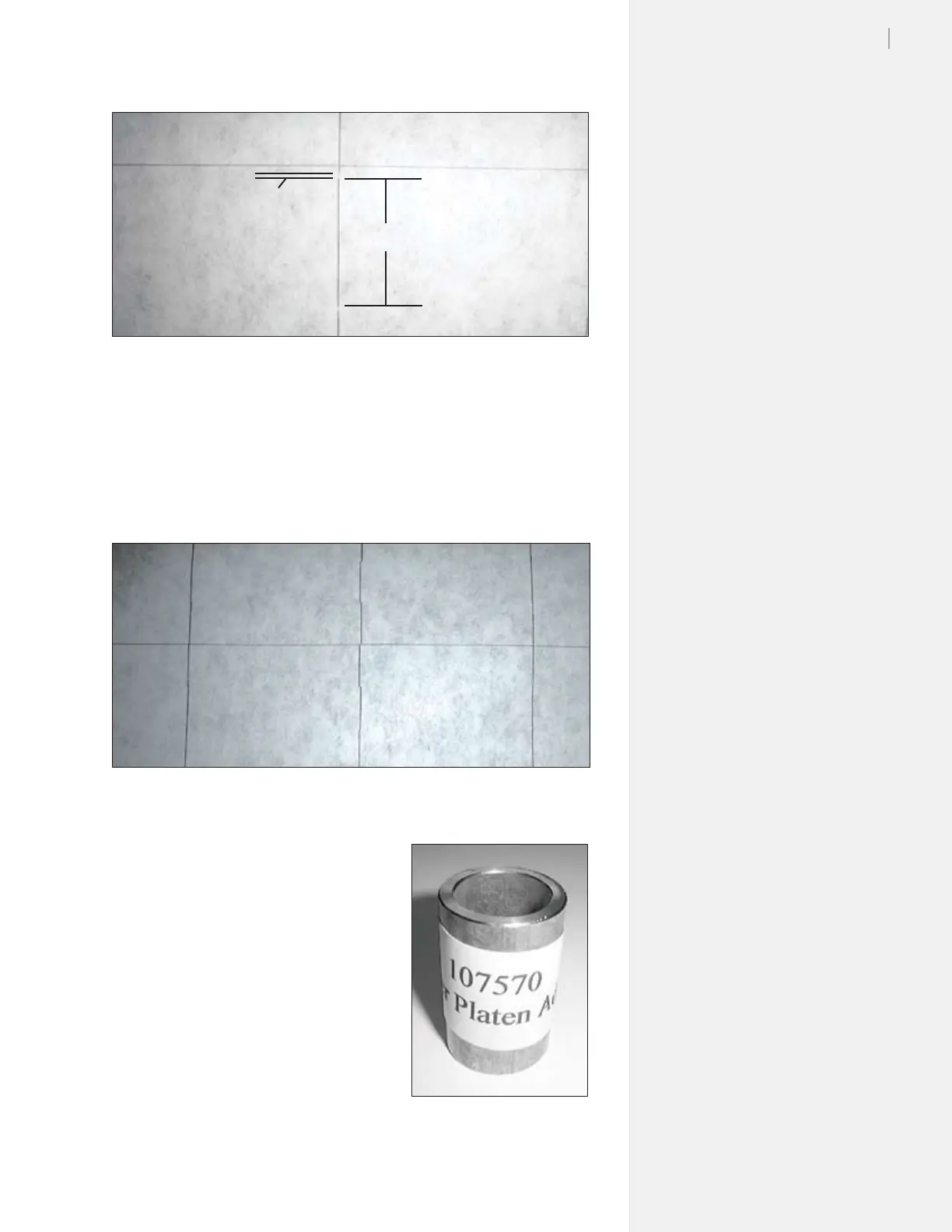
If your plots exhibit occasional frame gaps, like Figure 35 for in-
stance, may indicate that the FlexJet body is not be level. Notice how
the right and left lines are right on, but the middle line mis-aligned.
Figure 34. Frame gaps on the plot.
One Scan
Frame
Gap
Try releveling the FlexJet to see if
this corrects the problem. The FlexJet
Quick Start Guide provides detailed
instructions. You’ll need to locate the
height-adjusting spacer in the Acces-
sory Kit for this task.
If the leveling procedure does not cor-
rect the problem, see Ink cartridge stall
problems later in this chapter.
Figure 35. Occasional frame gaps may indicate that the FlexJet platen or stand is not level.
Figure 36. The height-adjusting
spacer.



 To Next Page