80
Ioline FlexJet Service Manual
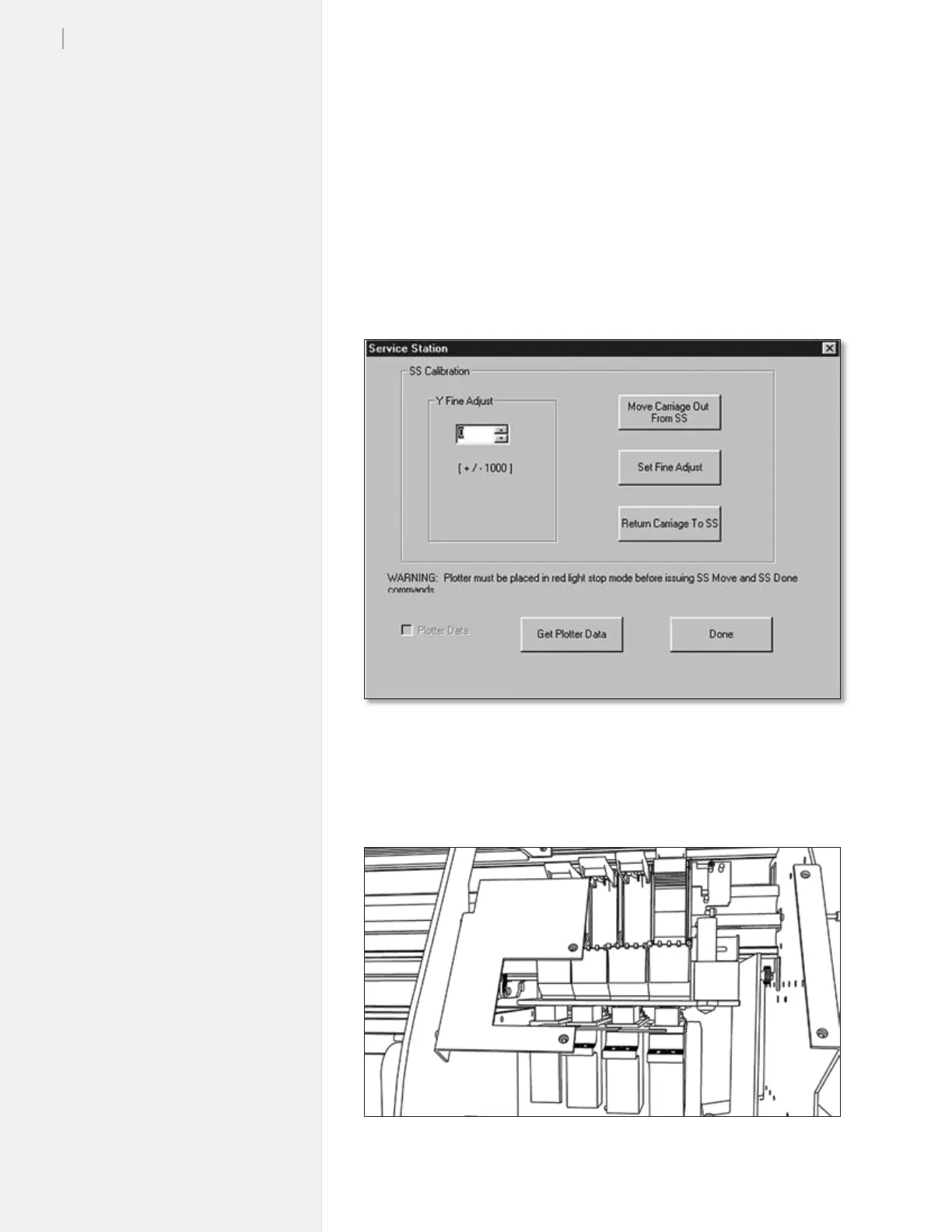
Step 2: Y Fine adjustment
The purpose of the Y Fine axis adjustment is to get the bottom of the
carriage as close as possible to the ink wells without pressing too
hard or leaving a gap. Also, proper adjustment assures the inkjet
heads will be capped so they don’t dry out.
1. Turn on the FlexJet and let it initialize.
2. Open the FlexJet
Control Center software.
3. When the window opens press
Ctrl-Alt-B. You should see the
following window.
4. Look at the gap between the bottom of the carriage and the
Service Station. With the Y Fine Adjust set, there will be a large
gap between the top of the grey ink wells and the bottom of the
carriage.
Figure 74. Y Fine adjustment is performed within the Control Center.
Figure 75. Watch the gap between the carriage and Service Station.



 To Next Page