45
Chapter 3: Troubleshooting & Testing
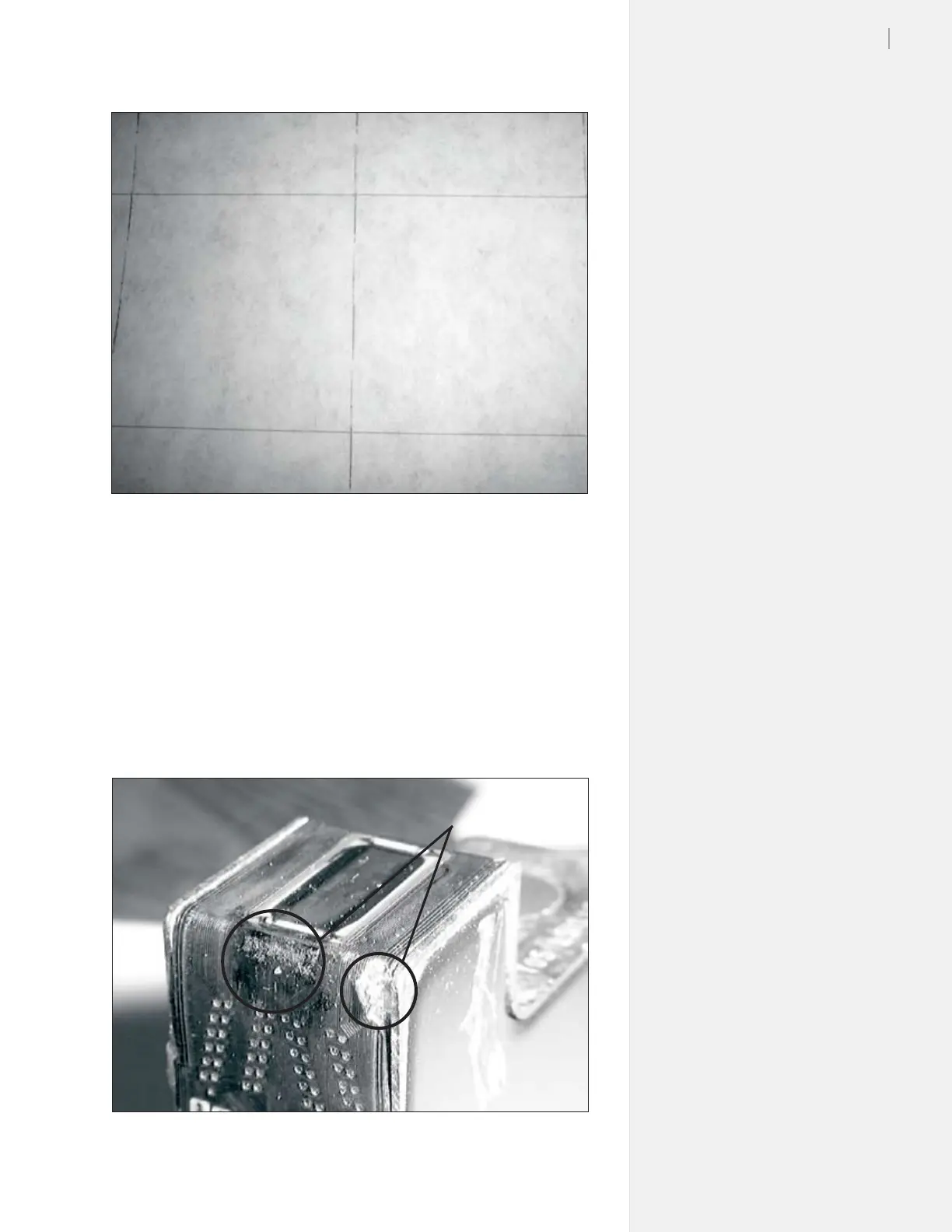
Figure 24. The ink cartridge requires cleaning.
Figure 25. Damaged and dirty print cartridge.
Dirty or damaged cartridge
Sometimes a cartridge will go bad for no apparent reason. The
cartridge may look perfect and be full of ink, but it will not plot. If
this occurs rst try pressing the Clean button on the keypad. Install a
new cartridge and the tests to see if this xes the problem.
If this has no effect remove, clean, inspect for damage, then test. If
the cartridge fails again replace it.
Broken circuit
from mishandling



 To Next Page