84
Ioline FlexJet Service Manual
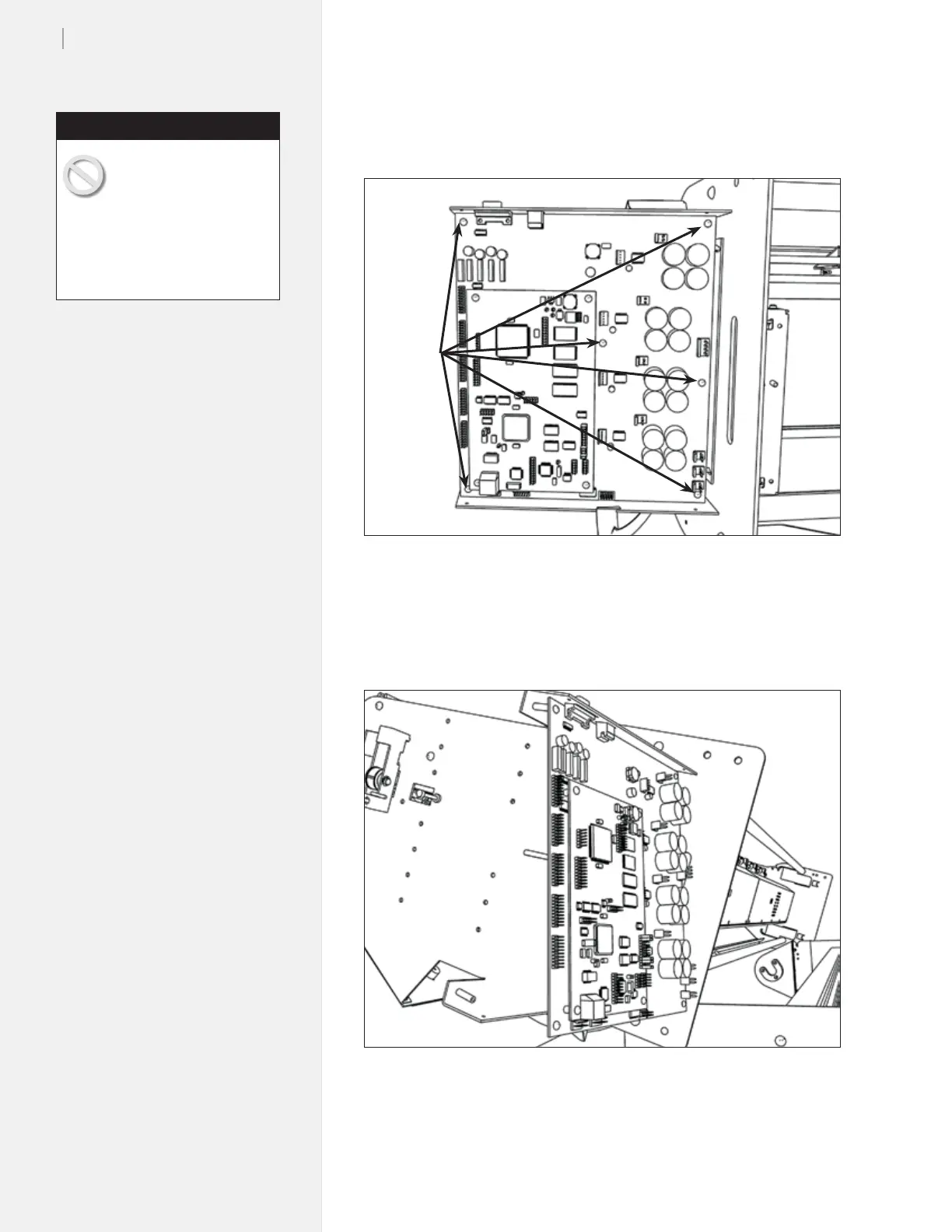
Support the logic board hand when removing the last screw to
prevent it from falling onto the oor. (Figure 83.)
Figure 84. Carefully remove the logic board.
6. Pull the edge opposite the serial port out rst. (Do NOT force
it.) Then pull the PCB away from the rear so the serial port con-
nection is not damaged.
Figure 83. Carefully unplug connections to the board.
Logic
board
screws
7. Remove the new logic board from it’s packaging.
When removing the new
logic board from the
packaging make sure you
have the static grounding strap
on correctly. If there is a static
discharge to the new board it may
not function properly. The strap is
included in the replacement kit.
Caution



 To Next Page