iPECS UCM
Installation Manual Issue 1.1
18
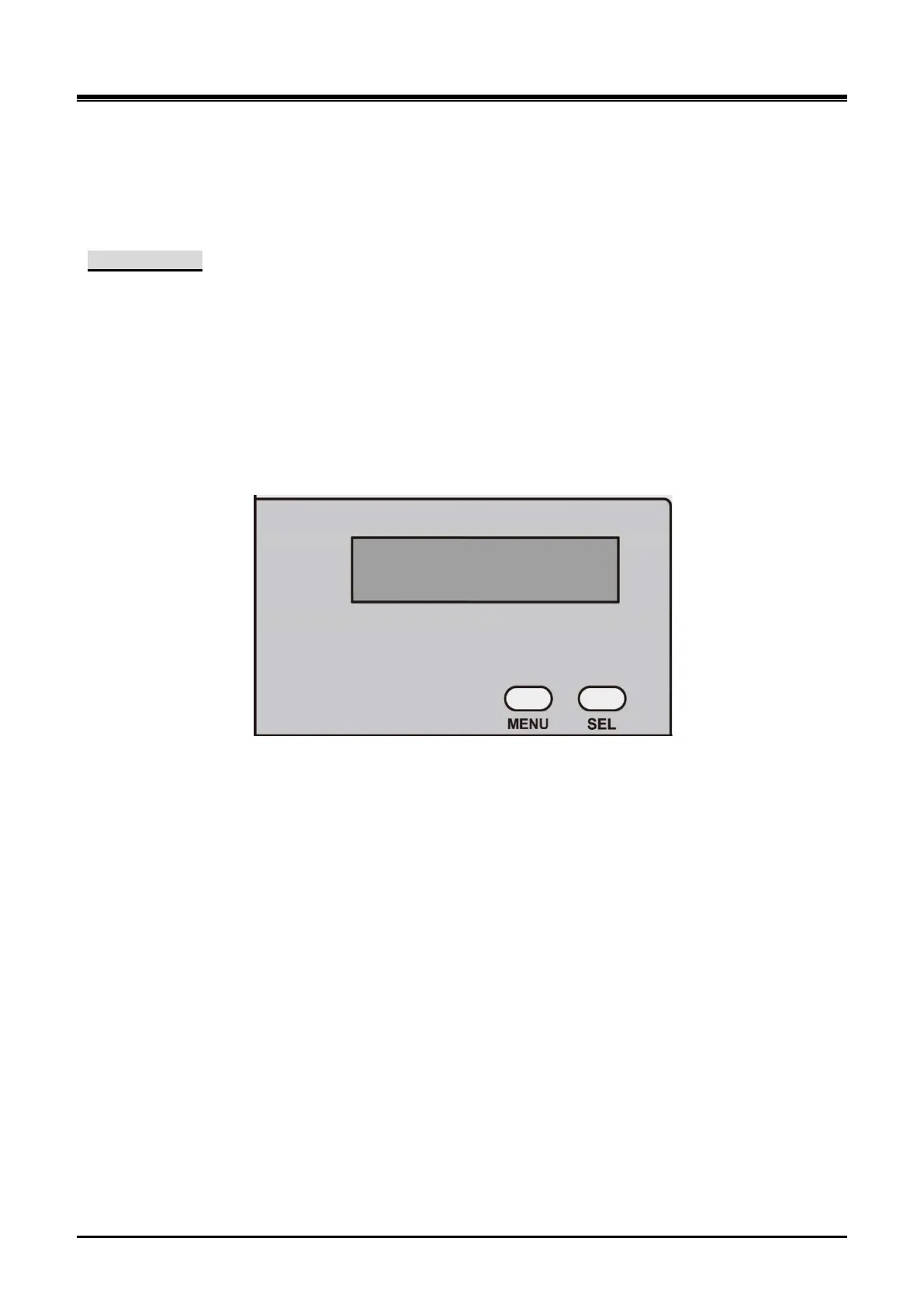
2.2.3.1.2 UCM-LCDU (LCD Unit)
The UCM-LCDU (LCD Unit) is installed on the UCM-MGC3.
It is connected to the UCM-LANU through the cable and displays the characters received from the UCM-LANU.
The various system status can be shown with manipulation of MENU and SELECT buttons on the front panel.
Interface specification
Specifications
2 buttons (Menu and Select)
16 characters x 2 lines LCD
Electrical specification
Supply Power Input: +5V, DGND, FGND
Mechanical specification
Option Module dimension (W x L): 120 mm x 60 mm
Option Module weight: 120g
Figure 2-14 UCM-LCDU Front View



 To Next Page