iPECS UCM
Installation Manual Issue 1.1
29
3.3.1.2 Installing Single and Multiple cabinet-Floor mount & Rack mount
The UCM-MGC3 can be installed by floor standing or rack mounting type depending on the environment. Do
not attempt to floor mount more than three cabinets. The cabinet is damaged if the cabinets fall down.
Remove the front cover of the cabinet prior to installation to avoid damaging the covers and to allow access to
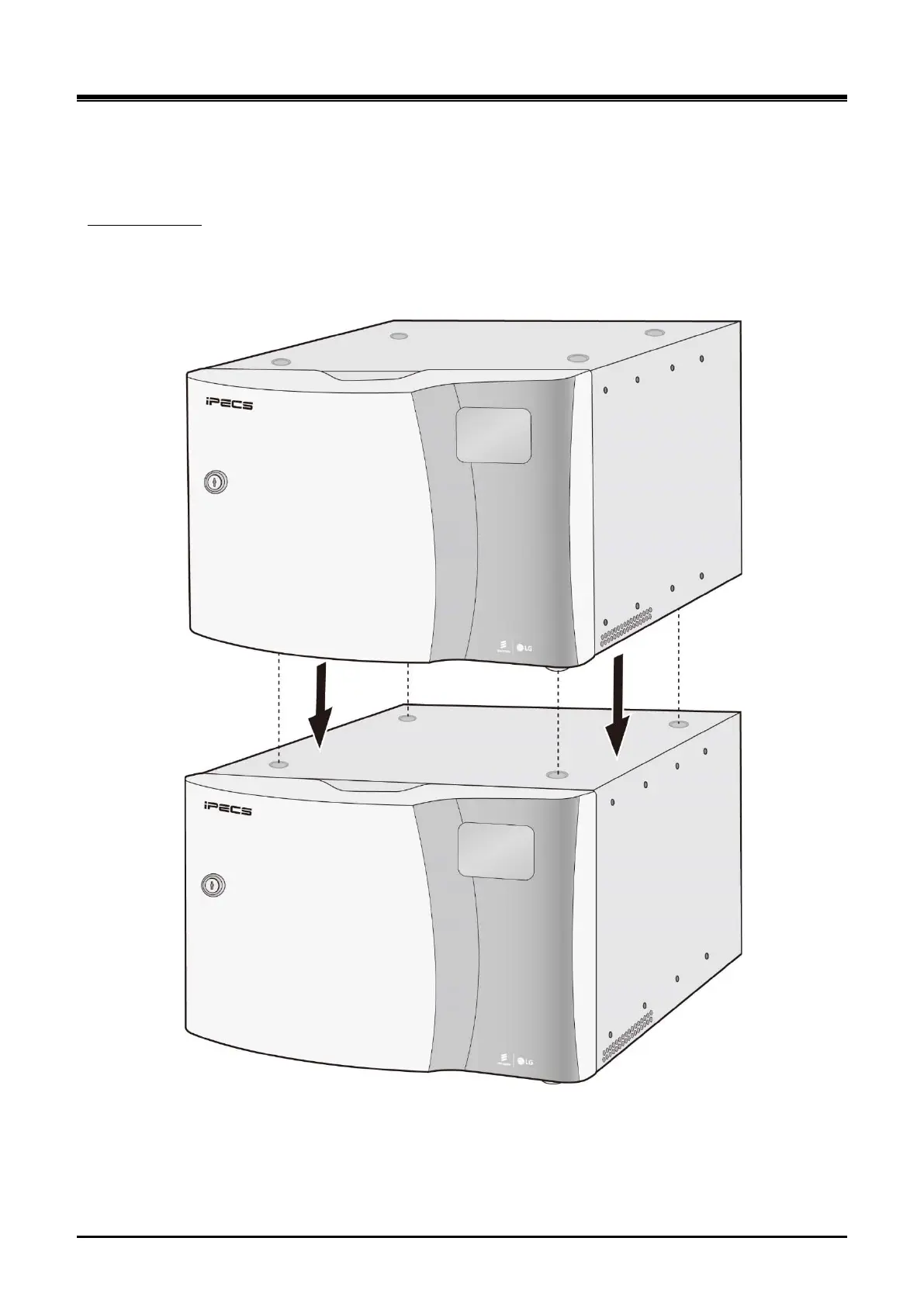
the interior. Place the upper cabinet on top of the lower cabinet ensuring that the upper cabinet locating bumps
are snug in the lower cabinet locating dimples securely. After floor mounting, close the front covers.
Floor mounting
Figure 3-3 UCM-MGC3 2 layers Floor mount



 To Next Page