iPECS UCM
Installation Manual Issue 1.1
60
3.5.4 UCM-MATM Installation
The UCM MATM can be installed in either UCM-MGC3 or UCM-1URMC. When installed in the UCM-MGC3, it
can be installed in any slot. Hot swap is supported to enable inserting/removing the Gateway Module while
power is applied to the cabinets. To interface different types of Trunk, optional Gateway Modules are used with
MATM.
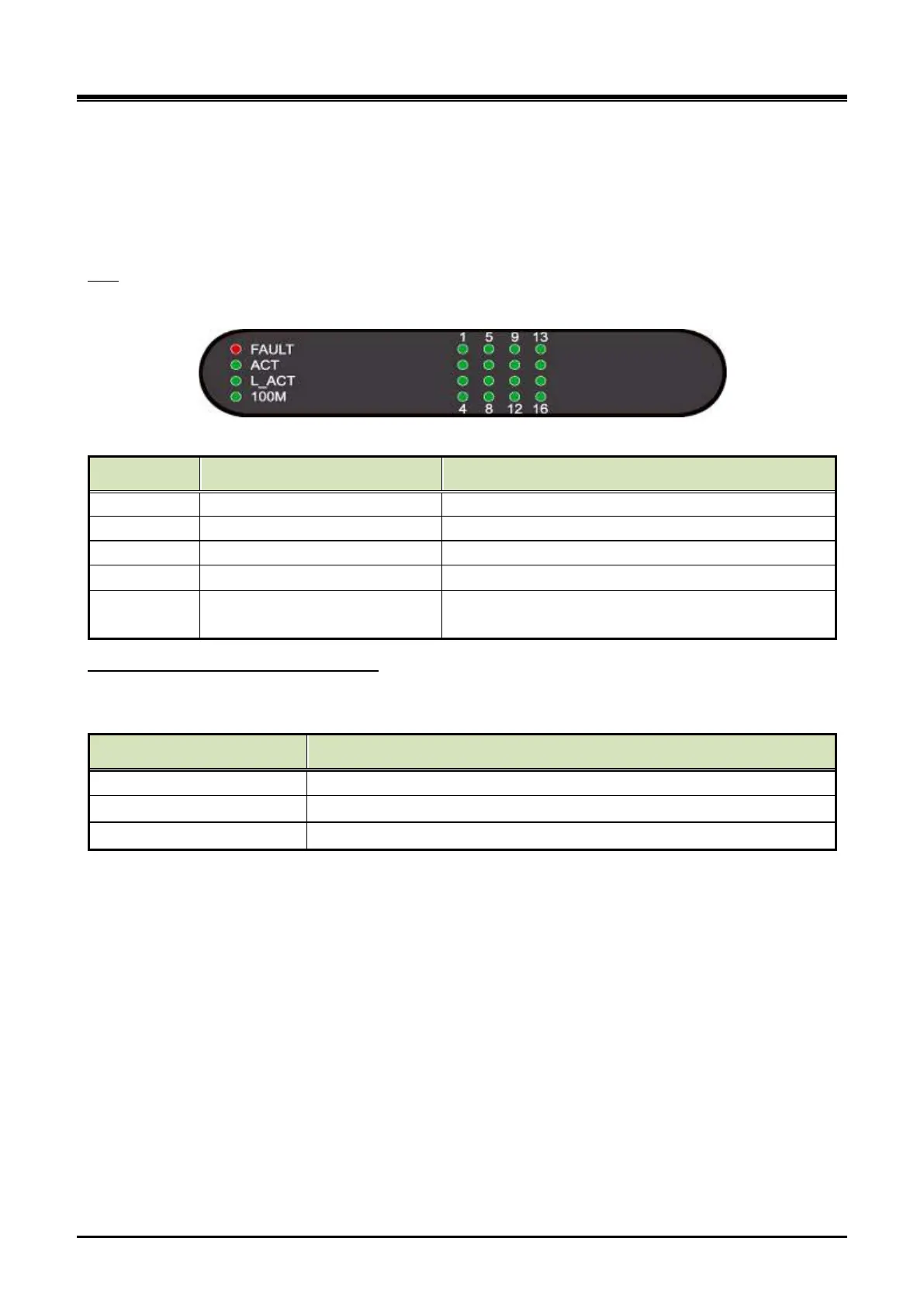
The MATM has 20 LED for status and diagnostic information as in Table 3-11 MATM Status LED.
LED
Table 3-11 MATM Status LED
LED Name LED Function LED Description
Off–Normal, On – Fault (or reset)
ACT Gateway Module status Blink at active
L_ ACT Ethernet traffic (External port) Off – No traffic, Blink - Traffic
100M Ethernet speed (External port) Off - 10 Mbps, On - 100 Mbps
Port (1~ 16) Port status
ON= seized, OFF= idle,
Others: Blink twice at call serve r access
Each option Module provides 4 ports (Except 4-wire E&M providing 2 ports) and 3 option Modules can be
mounted on MATM. The MATM can use different types of option Modules mixed with each other.
Analog trunk types and option Modules
Trunk Type Option Module
CO COIU (Central Office Interface Unit)
LD LDIU (Loop Dial Interface Unit)
E&M EMIU (E&M Interface Unit)



 To Next Page