iPECS UCM
Installation Manual Issue 1.1
73
3.6 Cable Installation
The connectors that are connected to trunk, SLT, LAN, power and RS-232 are in general located on the rear
panel of the cabinet.
3.6.1 Trunk/Extension Champ Connector Cable Connection
Analog/digital trunks or SLTs are connected using the champ connector available on the rear panel of the
cabinet.
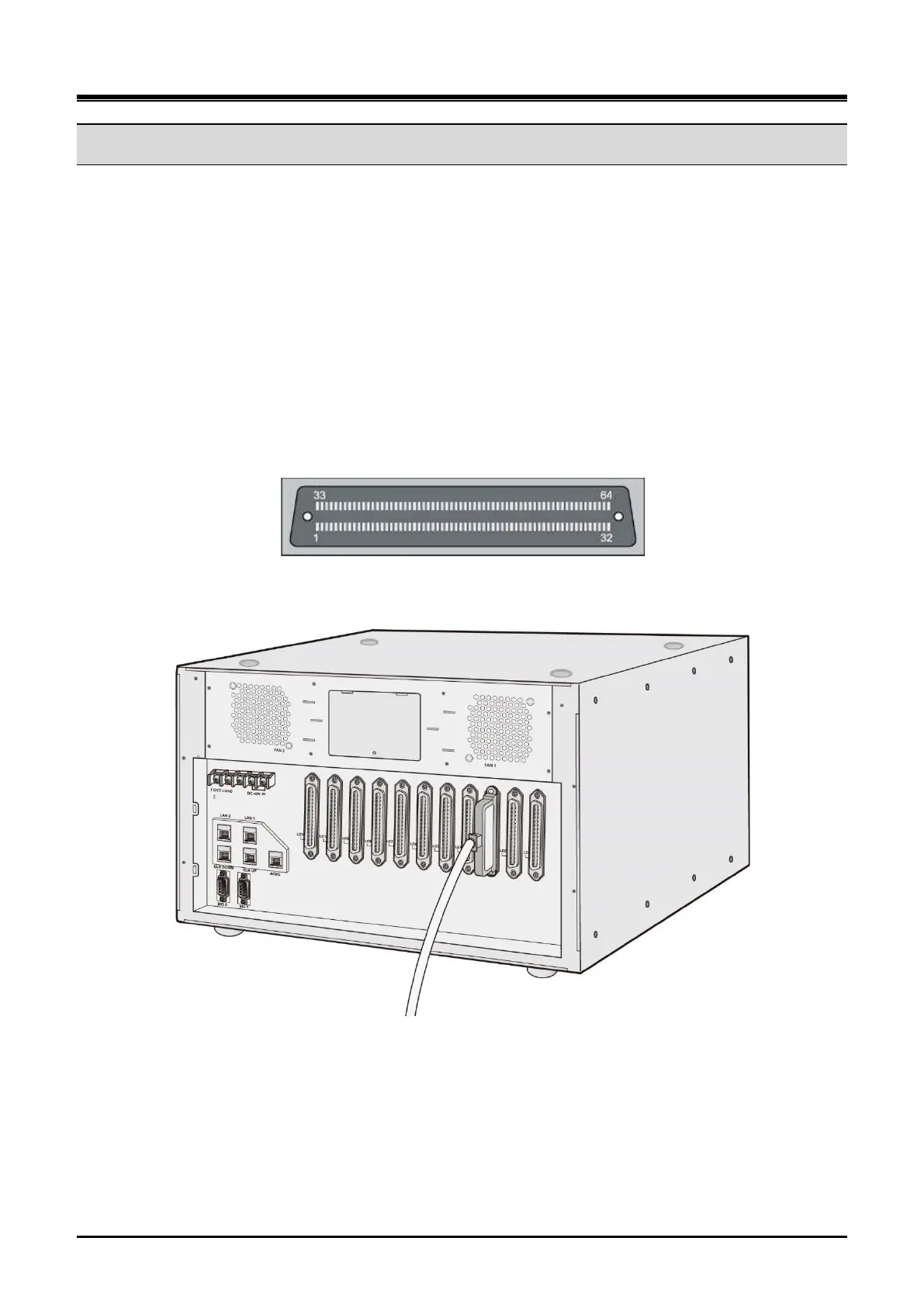
The champ connector pin layout is shown in Figure 3-36. On the rear panel of the cabinet, there are
receptacles to which the plug-in type connectors are connected.
Figure 3-37 shows the connection diagram for the vertical champ connector used where there is no space to
turn a cable to the right like the 19” rack
Figure 3-37 Rear Panel Champ Connector Pin layout
Figure 3-38 Vertical Type Champ Connectors



 To Next Page