iPECS UCM
Installation Manual Issue 1.1
38
3.3.1.5 UCM-PSUD installation for UCM-MGC3
The UCM-PSUD is the power supply unit of the UCM-MGC3.
It distributes +5V to UCM-MGC3 by receiving DC -48V power from the rectifier.
3.3.1.5.1 PSUD Installation
PSUD (DC/DC Power Supply Unit) is installed in the UCM-MGC3 in a redundancy configuration and
distributes DC +5V output by receiving DC -48V from the UCM-MGC3 terminal block.
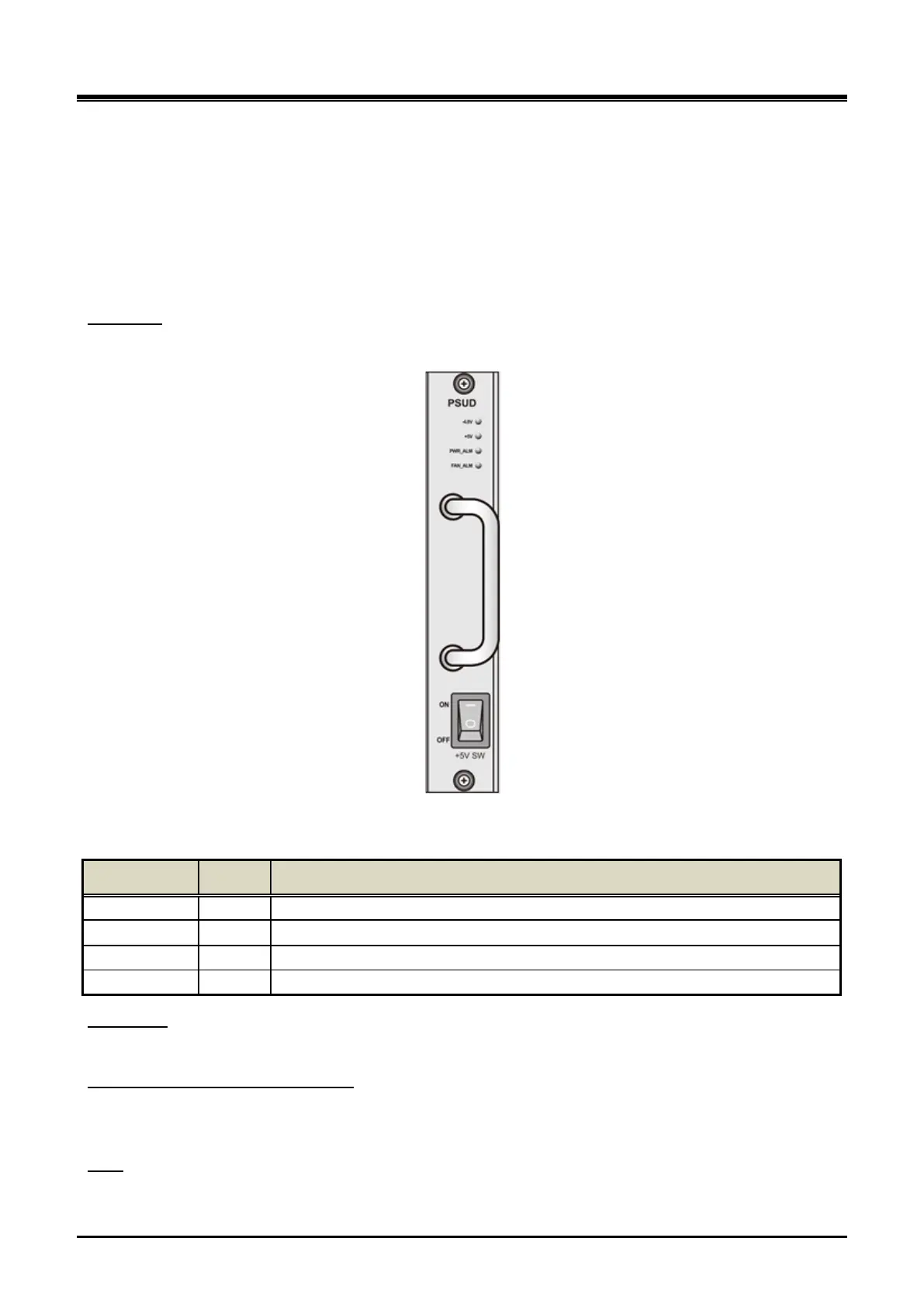
PSUD provides 4 statuses LED listed in the Table 3-2 below:
Front LED
Figure 3-13 UCM-PSUD
Table 3-2 UCM-PSUD LED Statuses
LED Name Color Description
-48V Green On: DC -48V input normal, Off: Failure
+5V Green On: DC +5V output normal, Off: Failure (Below 3.7V~4.1V)
PWR_ALM Red On: DC +5V output is low voltage, Off: Normal output
FAN_ALM Red On: Fan operation is fault, Off: Normal operation
This switch is located on the PSUD front and is used to switch on/off the +5V output.
+5V switch
The DC input power on/off switch of PSUD is located above the terminal block on the UCM-MGC3 rear panel.
DC-48V is fed from the terminal block.
DC power switch and terminal block
PSUD includes a fuse of T6.3A / L250V.
Fu se



 To Next Page