ASTRA
• Operation Manual • Rev. 0124C page 19
Chapter 3. Setup Mode
Example: PLU “1”
ENTER
➜
1
END
➜
END
12
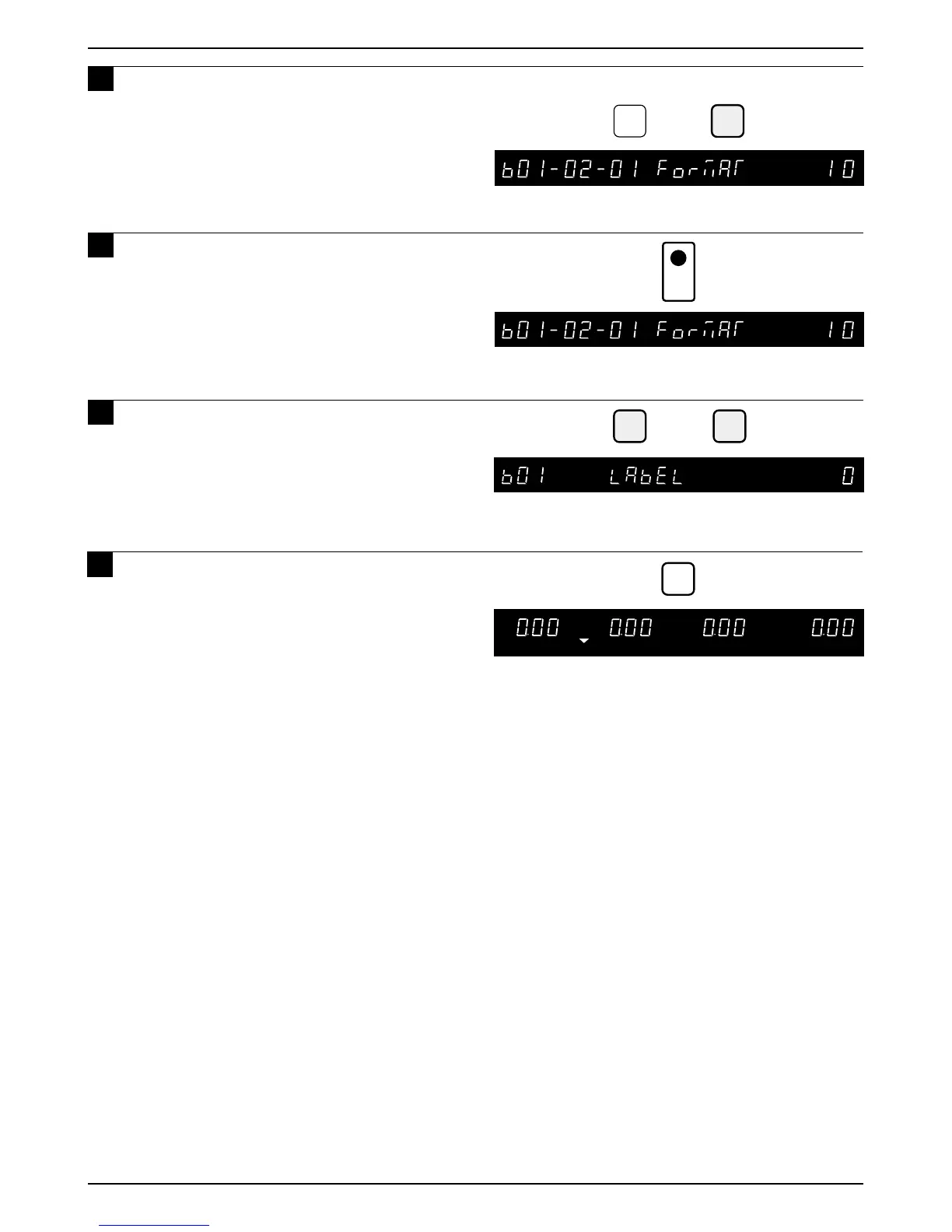
Key in the required PLU number and
press the ENTER key.
13
Press the PRINT key to confirm the
label format.
14
Press the END key twice to return to
the LABEL menu (b01).
• Return to step b01-02-02 to make
additional changes to the label format.
ZERO
MODE
Press the MODE key to return to
Normal Operation mode after all
SETUP mode procedures are
completed.
15
PRINT



 To Next Page